
Summary
Editor's rating
Value for money: where this doorbell makes the most sense
Design: simple, plastic, and not trying to impress anyone
Battery life: decent, but depends heavily on your settings
Build quality and reliability over time
Video quality, motion detection and app behaviour in real life
What you actually get with the ieGeek Bell J9 Plus
Pros
- No mandatory subscription, with free basic cloud storage and SD card support
- Good 5MP image quality and wide 166° field of view for the price
- Easy physical installation and included indoor chime
Cons
- App has quirks (settings not always applied immediately, relies on cloud even on local Wi‑Fi)
- Only supports 2.4 GHz Wi‑Fi, which can make setup trickier on modern routers

Specifications
View full product page →| Brand | ieGeek |
A budget doorbell that doesn’t lock you into subscriptions
I’ve been using the ieGeek Bell J9 Plus doorbell camera for a little while now because I was fed up with models that basically force you into a monthly subscription just to see recorded clips. I wanted something simple: a camera at the door, motion alerts, and recordings saved somewhere that I control, ideally on an SD card. This one seemed to tick those boxes on paper: 5MP video, no mandatory subscription, works with Alexa, and batteries instead of wiring. So I gave it a go on my front door.
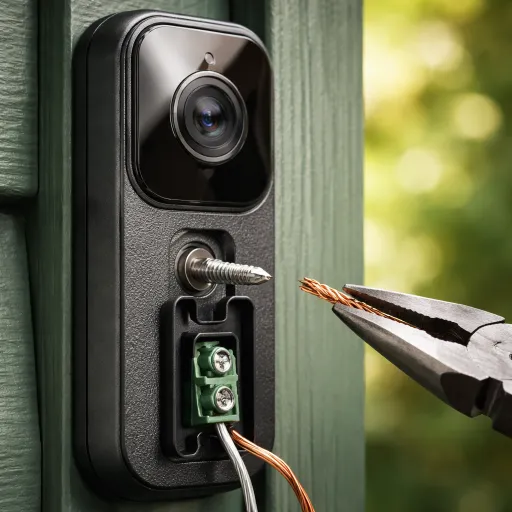
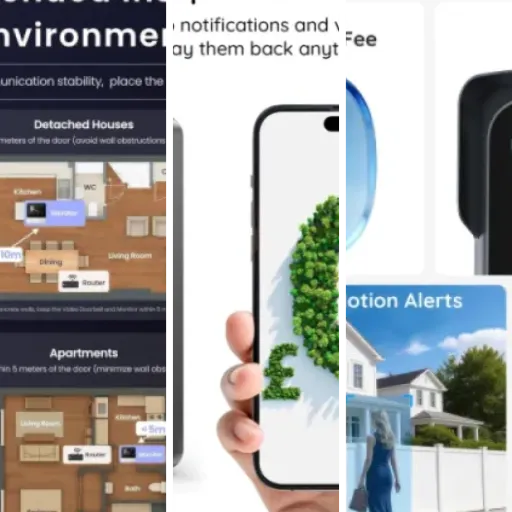
Installation for me was pretty quick, but not completely smooth. The physical part is easy: mount the bracket, clip the doorbell in, plug in the chime indoors. That took about 10–15 minutes with a drill. The slightly annoying part was the Wi‑Fi: like many people, I have a router that combines 2.4 GHz and 5 GHz under one name, and this doorbell only likes 2.4 GHz. I had to dig into my router settings and temporarily split the networks, which is not hard if you know what you’re doing, but someone less techy might hate that step.
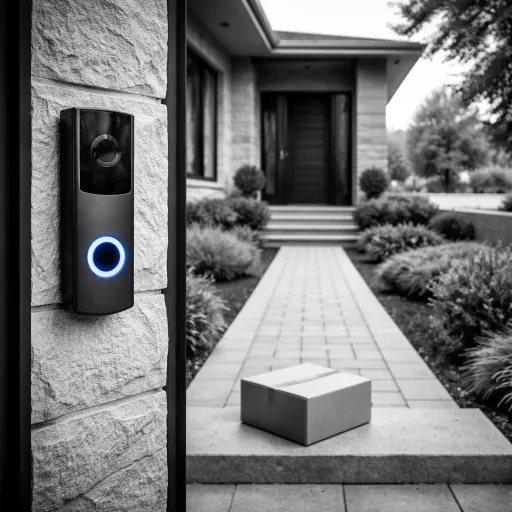
Once it was up and running, I used it the same way I used my previous Ring doorbell: motion alerts on the phone, quick checks when parcels arrive, and answering the door when I’m not home. My first impression: the image is clearly better than the basic 1080p doorbells I’ve used before, especially in daylight. Night view is decent too, not mind-blowing but clear enough to see faces and parcels. The app is okay, not the most polished I’ve tried, but usable once you get used to it.
Overall, my mindset with this thing is pretty simple: I wanted something that gets the job done without another monthly bill. It mostly delivers on that. It’s not perfect, the app has a few quirks and the whole 2.4 GHz restriction is a bit outdated, but for the price, it’s a pretty solid doorbell camera if you’re willing to tinker a bit during setup.
Value for money: where this doorbell makes the most sense
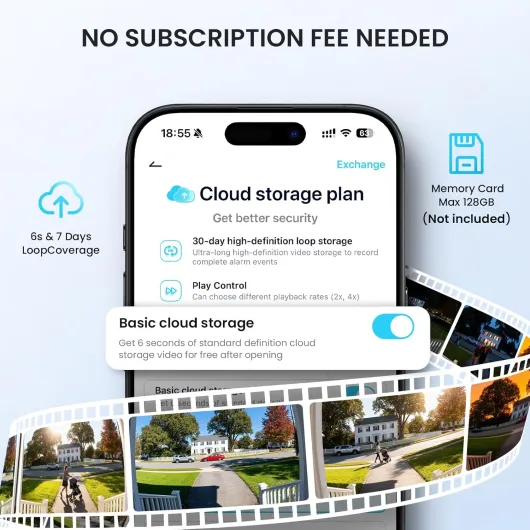
For me, the biggest selling point of this doorbell is the lack of mandatory subscription. You get free basic cloud storage plus the option to add a microSD card up to around 128–158 GB. Compared to Ring or other big brands that basically limit you without a paid plan, this one feels much more budget-friendly in the long run. If you’re tired of paying a few pounds or euros every month just to see your own recordings, this alone makes the ieGeek Bell J9 Plus quite attractive.
In terms of what you actually get for the price: solid 5MP video, usable night vision, a wide 166° angle, battery operation, an indoor chime included, and basic smart features like motion alerts, two-way audio, and some fun extras like the voice changer. The downsides are mainly on the software side (quirky app, settings that sometimes don’t apply immediately, reliance on ieGeek’s servers even on local Wi‑Fi) and the whole 2.4 GHz only Wi‑Fi limitation. If you’re not comfortable logging into your router and splitting Wi‑Fi bands, the initial setup might be annoying.
Compared to higher-end options like Ring or Nest: those usually have slicker apps, more reliable notifications, and better integration with broader smart-home systems, but they lock the best features behind subscriptions. With ieGeek, you accept a slightly rougher app experience, but you save money every month and keep more control over storage. Personally, for a budget-conscious setup or for a rental where you don’t want to invest in a whole ecosystem, this is a pretty fair trade-off.
So value-wise, I’d say: it’s good value for money if you care more about avoiding subscriptions and getting decent core performance than about having the smoothest app and fanciest features. If you’re very picky about software quality and want everything to be perfectly polished, you might be happier paying more for a bigger brand. But if you just want a camera at your door that records to SD and free cloud and gets the job done, this one hits a nice balance between price and features.
Design: simple, plastic, and not trying to impress anyone
The design is pretty straightforward: a rectangular black unit with the camera at the top and the doorbell button at the bottom. It’s not ugly, but it’s not stylish either. It just looks like a regular budget video doorbell. If you’re expecting something that blends into a fancy front door, this isn’t it. On the other hand, it doesn’t scream “expensive gadget” either, which I actually like from a security point of view. It looks functional and that’s about it.
Size-wise (around 15 x 6 x 4 cm), it’s compact enough that it fit nicely on my door frame without blocking anything. The viewing angle is 166°, and in practice that means you see a wide slice of your porch, including people standing slightly to the side. I mounted it roughly at shoulder height as suggested in one of the user reviews, and that does give a good view of faces and parcels on the floor. If you mount it too high, you’ll mostly see foreheads and the ground, so height does matter.
The indoor chime is very basic in design: a small white box you plug into a wall socket. It doesn’t take much space and it’s not something you really notice once it’s in. You can adjust volume and tones in the app, and volume is decent enough to hear it in a typical house. I can hear it clearly from the next room; if you live in a big house or have very thick walls, you might want to place it more centrally.
One thing I appreciated is that they include adhesive strips in the box for mounting. I still went with screws because I prefer something more solid outdoors, but if you’re renting or don’t want to drill, the adhesive option is handy. Just keep in mind: if your exterior wall is rough or gets very wet, I wouldn’t fully trust adhesive over the long term. Overall, design and ergonomics are pretty plain but practical. Nothing fancy, but it does what it needs to do without drawing too much attention.
Battery life: decent, but depends heavily on your settings
The doorbell runs on a 5600 mAh battery, and the brand claims around two months of life with roughly 20 triggers per day. In real use, it’s not that simple. During the first week, while I was playing with settings, checking the live view often, and tweaking motion zones, the battery dropped faster than I expected. That’s normal though: constant streaming and configuration hits the battery pretty hard. Once I settled on settings and stopped messing with it every hour, the drain slowed down.
With motion detection on medium sensitivity, humanoid detection enabled, and around 10–15 alerts per day (plus a handful of live views), I’m seeing something closer to 4–6 weeks per charge rather than a solid two months. So yes, their claim is possible in a more conservative scenario, but in a busy street or with high sensitivity, don’t expect miracles. The good thing is that the app shows the battery level, so you can keep an eye on it before it dies completely.
Recharging is straightforward but a bit of a hassle in terms of logistics: you have to remove the doorbell from its mount and plug it in via USB (cable not always included depending on the bundle). That means your front door is temporarily without a doorbell unless you have a backup. For me, it was a once-a-month annoyance, which I can live with, but if you want something you never touch, a wired doorbell or one with a replaceable battery would be better.
If you want to stretch battery life, you pretty much have to tune down motion sensitivity, reduce the clip length, and avoid constantly using live view. If you treat it like a CCTV camera and check it every 5 minutes, the battery will drain quickly. So overall: battery life is acceptable, not outstanding. It’s fine for a wireless doorbell, but don’t expect to forget about charging it for half a year. Plan on taking it down every month or so if your door is in a busy area.
Build quality and reliability over time
The unit is plastic and rated as waterproof, and so far it has handled typical outdoor conditions without complaining. Mine has gone through several rainy days and a few cold nights, and I haven’t seen any condensation inside the lens or random reboots. The buttons still click fine, and the housing hasn’t faded or cracked. It doesn’t feel like a tank, but it also doesn’t feel fragile or flimsy when you clip it into the mount. For the price, the build quality is pretty solid.
The mount itself is simple: a basic bracket that you screw to the wall or frame, and the doorbell slides onto it. There’s a small security screw to stop someone from easily pulling it off, but let’s be honest, if someone really wants to steal it, they probably can. That’s true for most battery doorbells though. The adhesive strips are more questionable for long-term durability outdoors; I’d only use those indoors or on a very smooth, sheltered surface. For a front door that gets rain and temperature swings, I’d always go with screws.
On the software side, durability is more about whether the app and firmware feel stable. Here, it’s a bit mixed. The camera itself has been stable, not randomly disconnecting or rebooting. But the app has some small but persistent bugs, like settings not applying until you perform another action, or sometimes schedules not sticking on the first try. None of this makes the doorbell unusable, but it does feel like the software could use a bit more polishing. The good part is that the brand seems to respond to feedback, though fixes are not instant.
I haven’t had it long enough to talk about multi-year durability, but based on the construction and other user feedback, I’d expect it to hold up fine as long as you don’t physically abuse it. It’s not premium hardware, but it’s not cheap junk either. If you’re in a very harsh environment (extreme cold or heat), I’d keep an eye on it, but for a typical UK/EU climate, it should be okay. Overall, I’d rate durability as good for the price, with the main concern being software quirks rather than the physical device falling apart.
Video quality, motion detection and app behaviour in real life
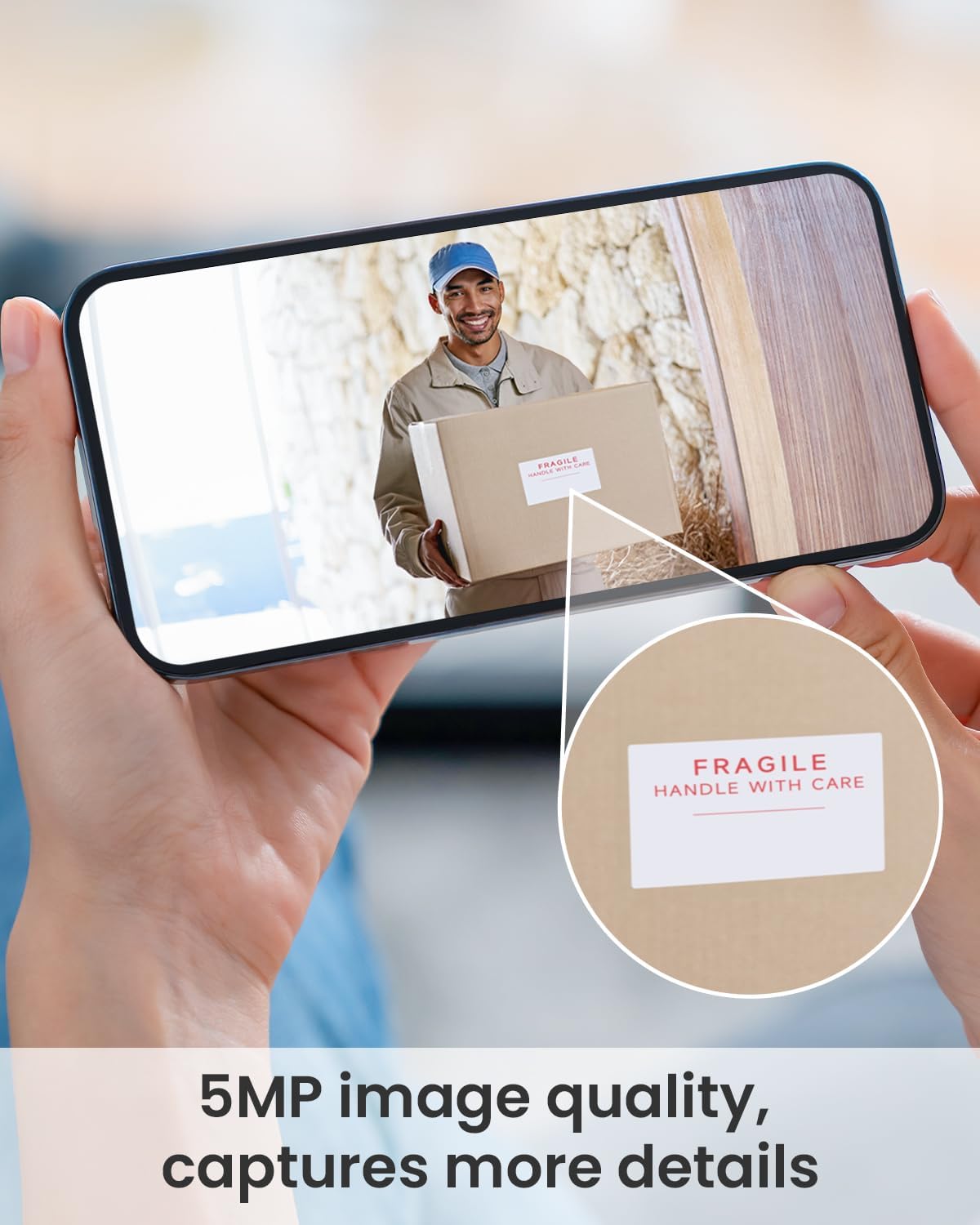
On the video side, the 5MP resolution is genuinely a step up from older 1080p doorbells I’ve used. During the day, faces and text (like parcel labels or license plates close to the door) are fairly clear. You won’t be zooming in 10x and reading tiny details, but for basic identification it’s more than enough. At night, it switches to a black-and-white mode. It’s not cinema quality, but you can still recognise people and see what they’re doing. For a unit in this price range, I was honestly satisfied with the image, both live and in recorded clips.
Motion detection is where things get more nuanced. It uses PIR motion detection up to around 20 ft, and you can tweak sensitivity in the app and set humanoid detection to reduce false alerts. In practice, you need to play with the settings for a few days. At first, I had too many alerts from cars and people walking on the sidewalk. After adjusting sensitivity and defining the monitoring area, it got better, but it still occasionally triggers on things I don’t care about. It’s not terrible, just not as “smart” as some higher-end brands that have more advanced AI filtering.
The app itself works, but it has quirks. A few examples: when you change motion detection from On to Off, sometimes the device doesn’t apply it immediately until you open a live view or do some other action. That’s a bit annoying when you’re trying to quickly disable alerts. Also, for some reason, you need an active internet connection (to their servers) even if you’re on the same Wi‑Fi network as the doorbell. That means if your ISP goes down, you can’t access the device locally over Wi‑Fi, which feels unnecessary and slightly frustrating.
Live view delay is acceptable: usually 1–2 seconds behind real time on my connection, which is standard for this kind of product. Audio is okay; there’s a bit of lag and compression, but you can have a normal conversation with a delivery driver without shouting. Overall, performance is good enough for day-to-day use, but if you’re picky about super-fast notifications or perfectly reliable app settings, you might find the small bugs a bit irritating over time.
What you actually get with the ieGeek Bell J9 Plus
Out of the box, you get the doorbell camera, an indoor chime, mounting accessories (screws, anchors, and some adhesive strips), and a basic manual. There’s no SD card included, so if you want local storage you’ll need to buy one yourself, up to 128–158 GB depending on what you trust. The doorbell itself is a battery-powered unit with a 5600 mAh battery inside, which they claim can last around two months with about 20 triggers per day. That claim is not totally off, but it depends a lot on how sensitive you set the motion detection.
The app you use is ieGeek Cam, and everything is handled through that: motion zones, notifications, recording options, and the fun extras like the voice changer and preset voice messages. One big point: you do get free basic cloud storage for motion clips, which is rare in this price range. It’s not huge storage, and it’s not as flexible as something like Ring’s paid plans, but it’s enough to check what happened during the day without paying a subscription. For anyone tired of subscriptions, this is honestly one of the main selling points.
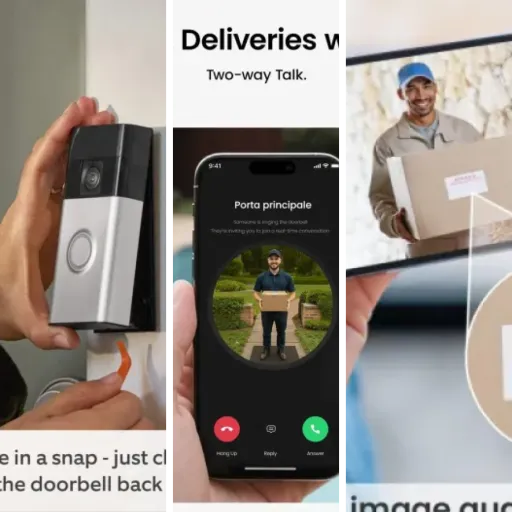
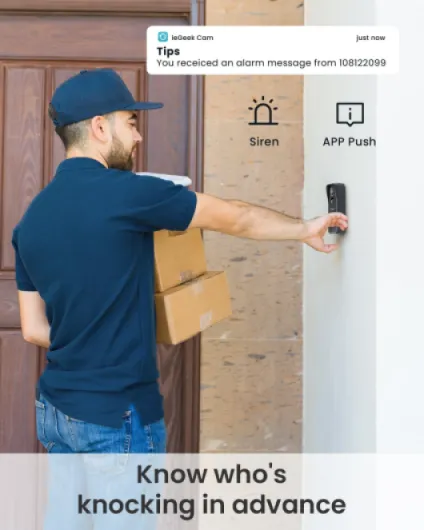
Function-wise, it does what a normal video doorbell should do: when someone presses the button, the indoor chime rings and your phone gets a notification. When motion is detected (if you enable it), it records a clip and sends an alert. You can open live view, talk to the person, and even trigger a built-in alarm sound from the app if you want to scare someone off. The voice changer is more of a gimmick for me, but it works: you can switch to a deeper voice or a clown-style voice for a bit of fun or to sound more intimidating.
In terms of position in the market, I’d say this sits in the budget to mid-range segment. It’s clearly cheaper than a Ring or Nest setup once you factor in subscriptions, but it doesn’t feel like a toy either. It’s more for people who want security basics and are okay with a slightly clunky app, rather than people chasing every smart-home feature under the sun. If you already have ieGeek cameras, it’s also nice that it uses the same app, so you don’t have to juggle multiple apps for different brands.
Pros
- No mandatory subscription, with free basic cloud storage and SD card support
- Good 5MP image quality and wide 166° field of view for the price
- Easy physical installation and included indoor chime
Cons
- App has quirks (settings not always applied immediately, relies on cloud even on local Wi‑Fi)
- Only supports 2.4 GHz Wi‑Fi, which can make setup trickier on modern routers
Conclusion
Editor's rating
The ieGeek Bell J9 Plus is a practical, budget-friendly video doorbell that does the basics well without dragging you into a subscription. The 5MP image is clear enough to recognise faces and see what’s going on, the night vision is perfectly usable, and the wide 166° angle covers a good chunk of your porch. The included indoor chime is a plus, and the option to use both free cloud storage and a microSD card is exactly what a lot of people want: simple, cheap, and under your control.
It’s not perfect. The app works but has quirks: some settings don’t always apply instantly, and the devices always need an internet connection to talk through ieGeek’s servers, even when you’re on the same Wi‑Fi. The 2.4 GHz Wi‑Fi limitation also means you might have to mess with your router settings during setup. Battery life is fine but not magical; expect roughly a month or so in a busy area unless you dial back the motion settings.
I’d recommend this doorbell to people who want solid basic security at the front door, don’t want another monthly bill, and are okay dealing with a slightly clunky app and a bit of network setup. If you’re very tech-averse, or if you care a lot about a super polished app experience and tight integration with a big smart-home ecosystem, you might be better off with Ring, Nest, or similar (and accept the subscription cost). But if your priority is saving money over time while still getting a doorbell camera that gets the job done, the ieGeek Bell J9 Plus is a pretty sensible choice.