
Summary
Editor's rating
Value for money: is it worth the price versus other smart locks?
Design: compact, not flashy, but clearly techy
Battery life and power backup: the part that decides if you get stuck outside
Durability and build: will it survive daily abuse?
Performance: face, fingerprint and app in real life
What you actually get in the box and what it does
Pros
- Multiple reliable unlock methods (face, fingerprint, PIN, app, voice) so you’re rarely stuck
- Drill-free installation on existing Euro cylinder, good for renters and avoiding locksmiths
- Strong battery setup with backup and emergency power, plus stable calibration and door sensing
Cons
- Price is on the high side compared to simpler smart locks without facial recognition
- Facial recognition can be a bit picky about distance/angle and can feel slow when you’re in a hurry

Specifications
View full product page →| Brand | SwitchBot |
A smart lock that finally feels usable day to day
I’ve been using the SwitchBot Lock Ultra with the Keypad Vision on my main door for a few weeks now, replacing an older Nuki-style smart lock. I mainly wanted three things: no drilling, reliable auto-unlock when I get home with bags in my hands, and something my partner and guests could use without calling me every time. Overall, this combo actually holds up pretty well, even if there are a few quirks.
The first thing that stood out is how many ways you can unlock this thing: face, fingerprint, PIN code, app, Apple Watch, voice assistants, plus you can still just grab the knob and turn it. In practice, I mostly use facial recognition and sometimes fingerprint; the app and voice control are more like backups. Compared to my previous lock that only did Bluetooth + app and a basic keypad, this is a lot more flexible and less stressful if one method fails.
What surprised me most is how “normal” it feels day to day. The door just opens when I walk up to it about 80–90% of the time with face unlock. When it doesn’t, I tap a fingerprint or punch a code and that’s it. It’s not perfect, but it’s good enough that I’ve stopped carrying my keys around the house or to take the trash out, which is exactly the kind of lazy convenience I was looking for.
It’s not all roses though. The keypad is a bit larger than I expected, the facial recognition can be fussy with hats or if you stand too close, and the app has a lot of settings that feel a bit overwhelming at first. But in terms of pure comfort and not getting locked out, it’s a big step up from my previous setup. If you’re curious about smart locks but afraid of getting stuck outside, this one is pretty reassuring.
Value for money: is it worth the price versus other smart locks?
Let’s be honest: this combo is not cheap. You’re paying for the lock, the fancy keypad with 3D facial recognition and fingerprint, plus the Matter hub. If you just want basic app control to open your door from your phone, there are cheaper options out there that will do the job, even from SwitchBot’s own range or from brands like Nuki or Aqara. So the real question is whether you’ll actually use all the extra features you’re paying for.
In my case, the value comes from three things: no drilling, lots of unlock options that make it easy for everyone in the house, and the smart home integration that works across Alexa/Google and Matter. Being able to keep my existing Euro cylinder and just stick this on saved me the hassle of calling a locksmith. Facial recognition and fingerprint mean I almost never pull out my keys or my phone anymore. For me, that level of comfort on the main door is worth paying more compared to a basic keypad lock.
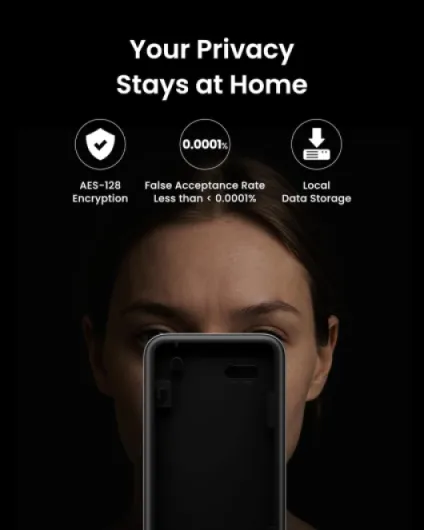
Compared to my previous smart lock, which had frequent calibration issues and sometimes misread the door sensor, the Ultra is more stable. I’m not constantly recalibrating or wondering if the door is actually locked. That alone feels like an upgrade that justifies part of the price. Add in the local facial recognition (no cloud storage of your face) and triple power backup, and you can see where the money goes: more security, more redundancy, and more convenience.
On the downside, if your current smart lock is already working fine and you don’t care about facial recognition, this might feel like overkill. Also, if you’re not into smart home ecosystems and automations, you’re paying for features (Matter, hub, scenes) that you may never touch. I’d call the value good but not crazy: it makes sense if you want a high‑end, flexible setup on your main door, less so if you just want to open the door from your phone once in a while.
Design: compact, not flashy, but clearly techy
Design-wise, the Lock Ultra is nicer than I expected from pictures. It’s an all‑metal body in black, and it’s definitely slimmer than a lot of smart locks I’ve seen. On my white door it still looks like a gadget, but at least it doesn’t stick out like a big plastic brick. The knob is bigger than usual, which sounds weird, but in practice it’s easier to grab and turn manually than some older models I tried. Guests who don’t care about the smart features can still just turn it like a normal lock without complaining.
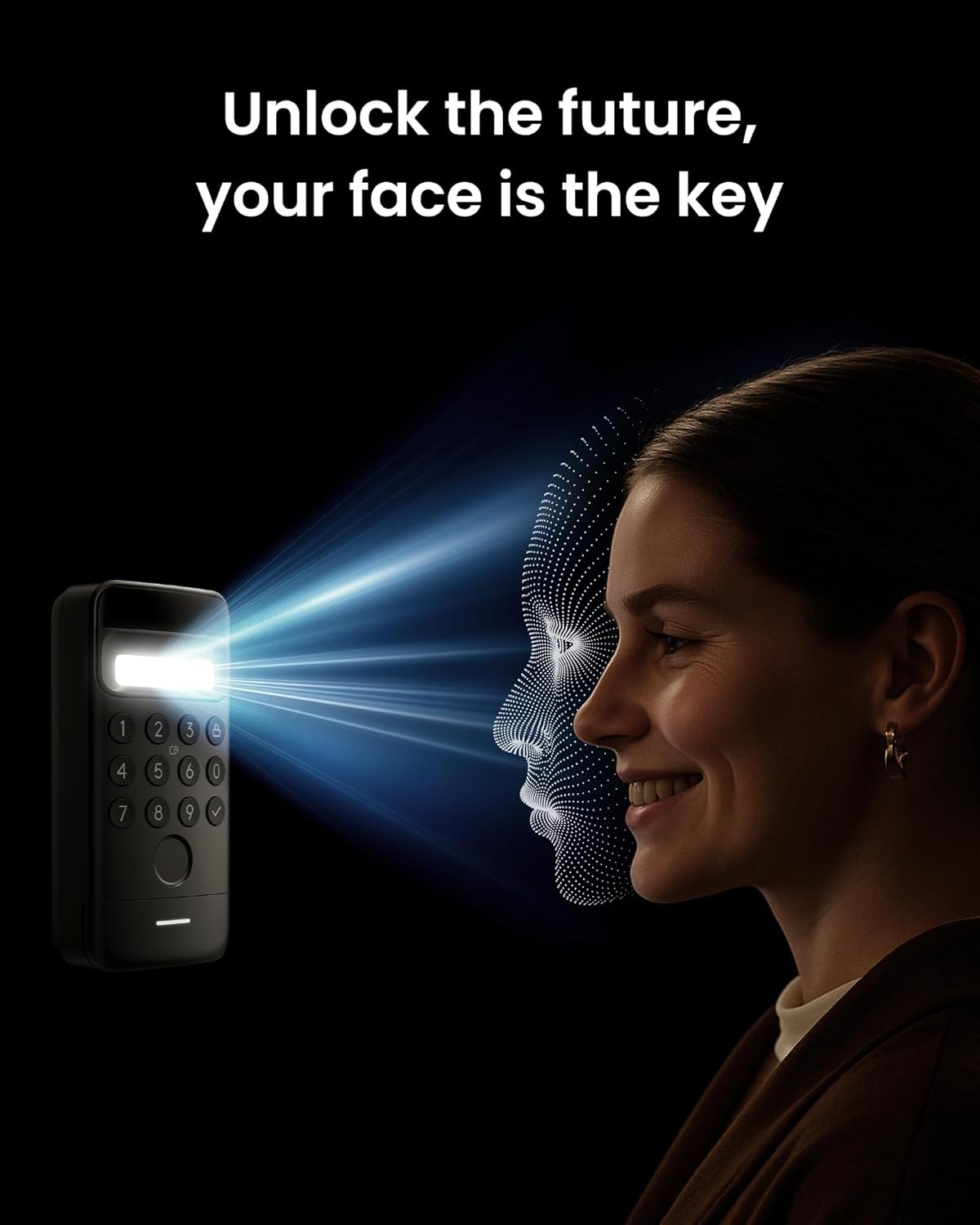
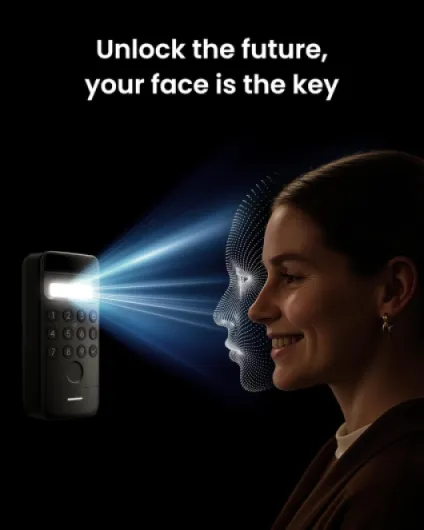
The Keypad Vision is the more visible part. It’s larger than a basic keypad because it has the camera and 3D sensor on top. It definitely says “smart device” to anyone approaching the door. The buttons are clear, the fingerprint reader is easy to find, and the camera area is obvious once you know it’s there. I like that the feedback (LEDs and voice prompts) make it clear what’s happening, even for people who have never seen it before. That said, if you’re trying to keep your entrance looking very low-key, this is going to stand out a bit.
One detail I appreciated: the packaging includes different stickers with wood grain finishes for the lock, so you can try to match your door a little better. It’s not perfect camo, but it helps the inside part blend in. Installation is also helped by the design: the magnetic quick-release mount and base ring make it easier to adjust the lock’s position without constantly peeling and re-sticking tape. That saved me a bit of frustration during setup.
On the downside, because everything is black and somewhat glossy, dust and fingerprints show up quickly on the keypad area. Also, in direct sunlight the camera bulge and sensor area are very visible, which some people might not like in terms of aesthetics or attracting attention. Personally, I’d call the design practical and modern, but not exactly stylish. It gets the job done and doesn’t look cheap, which is enough for me on a front door.
Battery life and power backup: the part that decides if you get stuck outside
Battery was one of my main worries, because getting locked out due to a dead battery is the nightmare scenario with any smart lock. SwitchBot claims up to 9 months on the main battery for the Lock Ultra, plus a backup battery and even an emergency supercapacitor. Obviously I haven’t hit 9 months yet, but after a few weeks of pretty heavy use (multiple unlocks per day, face + fingerprint), the app still shows plenty of charge and the estimated remaining time looks reasonable.
The nice part is the triple power protection setup. There’s the main battery pack that you can remove and charge, and a backup battery that automatically takes over while you’re charging the main one. So you don’t have to leave the door “dumb” while it’s charging. On top of that, there’s an emergency microcurrent option using the supercapacitor, which gives you just enough juice to open the lock if both batteries are totally flat. I haven’t had to use that yet, but it’s reassuring knowing it’s there.
The keypad also runs on batteries, and so far I haven’t noticed any issues with power drain, even with face recognition and voice prompts. The app gives you battery levels for both lock and keypad, and you can get alerts when they’re low. Compared to my old lock that would suddenly drop from 30% to dead in winter, this feels more predictable. They also mention it works down to –40°C; I can’t test that, but in cold weather around freezing it still behaved normally.
On the downside, replacing and managing multiple batteries (lock main, lock backup, keypad) is a bit of a chore if you hate dealing with that kind of stuff. It’s not complicated, just another thing to remember. Also, it uses lithium cells, so if you’re trying to minimize that for environmental reasons, it’s something to keep in mind. But from a pure “will I get locked out” perspective, this is probably one of the safer options I’ve tried, and that’s what matters for a front door.
Durability and build: will it survive daily abuse?
In terms of build quality, the Lock Ultra feels sturdy. The all‑metal body gives a solid impression, and the gearing when you turn it manually is smooth, without that crunchy plastic feeling some cheaper locks have. I’ve been a bit rough with it on purpose, turning it quickly and yanking the door, and it hasn’t shown any signs of loosening or wobbling on the mount. The adhesive mount plus base ring combo actually holds well as long as you clean the surface properly before installation.
The Keypad Vision is more exposed, obviously. It’s outside, so it deals with rain, temperature changes, and people poking it all the time. So far, it’s holding up fine: the buttons still respond well, the fingerprint sensor hasn’t scratched, and the camera area is easy to wipe clean. The housing feels like decent quality plastic, not thin or creaky. I’ve had a couple of heavy rain days, and I didn’t see any condensation or weird behavior, which is a good sign.
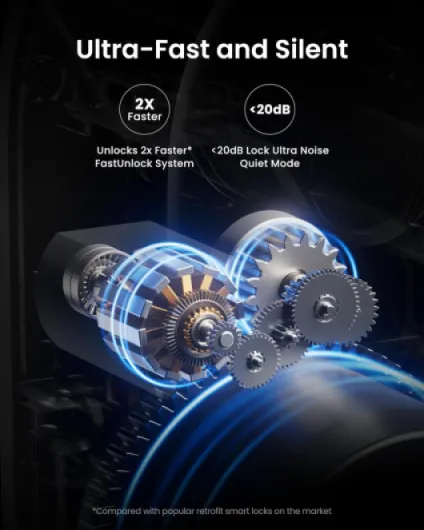
The manufacturer claims it can handle extreme cold down to –40°C, which is more than I can throw at it where I live, but I did have a few nights near freezing and didn’t notice any slowdown or battery freak-outs. The motor still locks and unlocks at the same speed. Manual operation also remains smooth, which is important if the electronics ever misbehave. The larger knob is easier for older relatives to grip, which is a small but practical detail.
My only concern long-term is the adhesive mounting if you’re constantly slamming the door or if the door surface isn’t perfectly flat. They do sell an optional accessory kit for non-standard locks, which might be worth it if your door is weird. For a standard Euro cylinder and a reasonably flat inner surface, I’d say durability feels pretty solid for everyday family use. Time will tell, but nothing so far has made me doubt it.
Performance: face, fingerprint and app in real life
This is the part that really matters: does it actually open the door reliably? Overall, yes, but with a few conditions. The facial recognition works well when you’re in the right range and angle. SwitchBot says 0.6 to 0.9 meters and a certain height range, and that’s more or less accurate. In practice, I’ve learned to stop about an arm’s length from the keypad, look at it, and within a second or two it unlocks. In decent lighting it works about 9 times out of 10 for me. At night with only a weak porch light, it still works most of the time, but it sometimes tells me to move closer or further away.
Fingerprint performance is solid. My thumb gets recognized quickly and I rarely have to try twice unless my hands are really wet or dirty. It’s much faster than pulling out my phone, opening the app, and waiting for Bluetooth like with my older lock. For guests, I usually give them a PIN code. Codes work every time as long as they don’t fat-finger the numbers. The audible feedback helps them understand if they did it right. The only downside is the voice prompts can get a bit repetitive if you have lots of people coming and going.
On the smart home side, the lock connects reliably through the Hub Mini. I’ve used Alexa and Google Assistant to lock/unlock, and it responds in a few seconds. Remote unlocking over 4G has also been stable so far. I’ve opened the door for a friend while at the office, and the app status (locked/unlocked, door open/closed) matched reality each time, which wasn’t always the case with my previous setup.
The only performance annoyances I’ve had are: sometimes the facial recognition is picky if I’m wearing a hat and mask together, and there is a tiny delay between recognition and actual unlocking that feels longer when you’re in a rush. Also, the chime and voice prompts are a bit much out of the box, but you can tweak or disable most of that in the app. For everyday use, I’d say it’s reliable enough that I trust it on my main door, which I couldn’t say about some cheaper smart locks I tried before.
What you actually get in the box and what it does
In the box you get three main pieces: the Lock Ultra that sticks onto the inside of your door and turns your existing Euro cylinder, the Keypad Vision that sits outside with the camera/3D face recognition + fingerprint + PIN, and the Hub Mini Matter that plugs into a socket to give you WiFi, remote access and integration with Alexa/Google/HomeKit (via Matter). It’s basically a full ecosystem in one kit, not just a random Bluetooth lock.
The lock itself is battery powered and goes over your existing key or thumb turn, so you don’t have to change the cylinder if it’s compatible. It uses adhesive and a mounting ring, so no drilling in the door, which is nice if you’re renting. The keypad connects wirelessly to the lock, and the hub connects everything to your home network. Setup is done through the SwitchBot app: you pair the lock, then the keypad, then the hub. It took me around 30–40 minutes taking my time and double-checking calibration.
Function-wise, here’s what I actually use regularly:
- Facial recognition unlock: walk up, it sees you, unlocks.
- Fingerprint unlock: backup when the face is being picky.
- PIN codes: for guests and cleaner.
- Auto-lock: door locks itself after a delay or when closed.
- Remote control via app: open for deliveries or guests when I’m not home.
Overall, the combo feels like a complete package: you don’t need to buy extra hubs later or weird accessories just to get remote unlock. On the downside, because it’s a kit, the price climbs fast compared to entry-level locks or a single keypad product. If you just want app + Bluetooth, this is probably overkill. But if you like the idea of face + fingerprint + smart home integration all in one, it’s pretty well thought out.
Pros
- Multiple reliable unlock methods (face, fingerprint, PIN, app, voice) so you’re rarely stuck
- Drill-free installation on existing Euro cylinder, good for renters and avoiding locksmiths
- Strong battery setup with backup and emergency power, plus stable calibration and door sensing
Cons
- Price is on the high side compared to simpler smart locks without facial recognition
- Facial recognition can be a bit picky about distance/angle and can feel slow when you’re in a hurry
Conclusion
Editor's rating
After living with the SwitchBot Lock Ultra + Keypad Vision combo, I’d sum it up like this: it finally makes a smart lock feel normal and not like a tech demo. The door actually opens when I walk up most of the time, I have multiple backups (face, fingerprint, PIN, app, key), and I’m not constantly worried about batteries or calibration. It’s not perfect, but for daily use on a main entrance, it’s one of the more practical setups I’ve tried.
Who is this for? It suits people who want lots of ways to unlock the door and care about comfort: families, shared flats, anyone with regular guests or cleaners, and people already using Alexa/Google/HomeKit. If you’re renting and can’t drill, the adhesive install is a big plus. The local facial recognition and triple power backup are also reassuring if you’re a bit paranoid about privacy and getting locked out.
Who should probably skip it? If you’re on a tight budget, don’t care about facial recognition, or just want a simple Bluetooth lock you control from your phone now and then, this is probably more than you need. Also, if you hate tinkering with apps and settings, the initial setup and all the options might feel like overkill. Overall, I’d give it a solid 4/5: very good for everyday use, with a price and a bit of complexity that keep it from being an automatic choice for everyone.