
Summary
Editor's rating
Is it good value for money or should you look elsewhere?
Big monitors, industrial look outside, acceptable overall
Build quality, outdoor resistance and long-term feel
Video, audio, app and unlock performance in daily use
What you actually get in the box and what it really does
Does it actually protect and manage the entrance properly?
Pros
- Good 1080P video quality with wide 148° angle and decent night vision
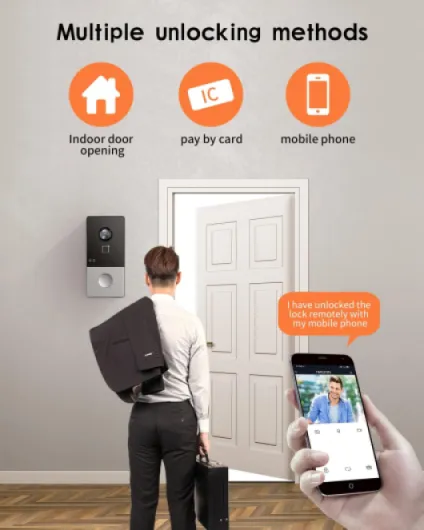
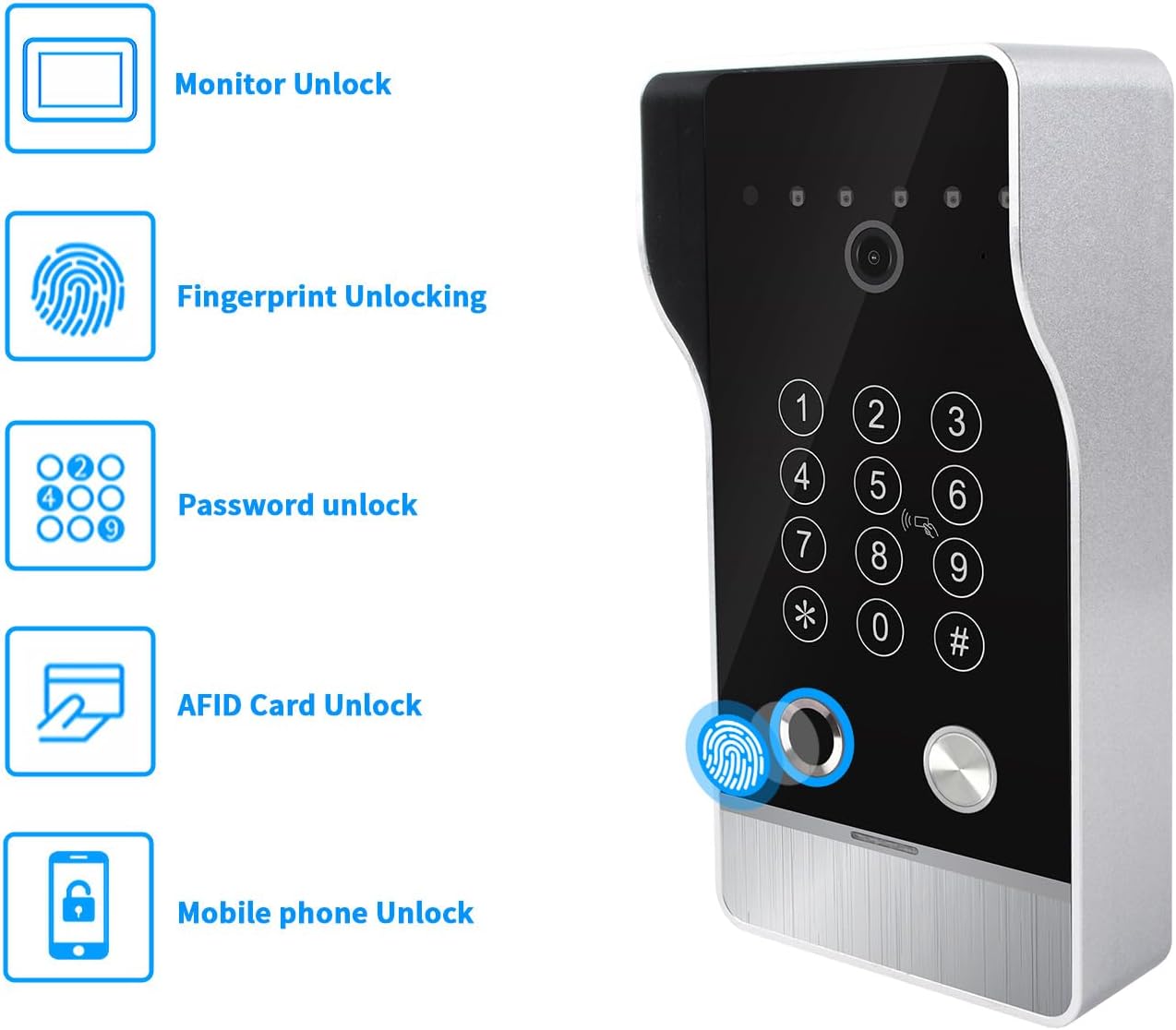
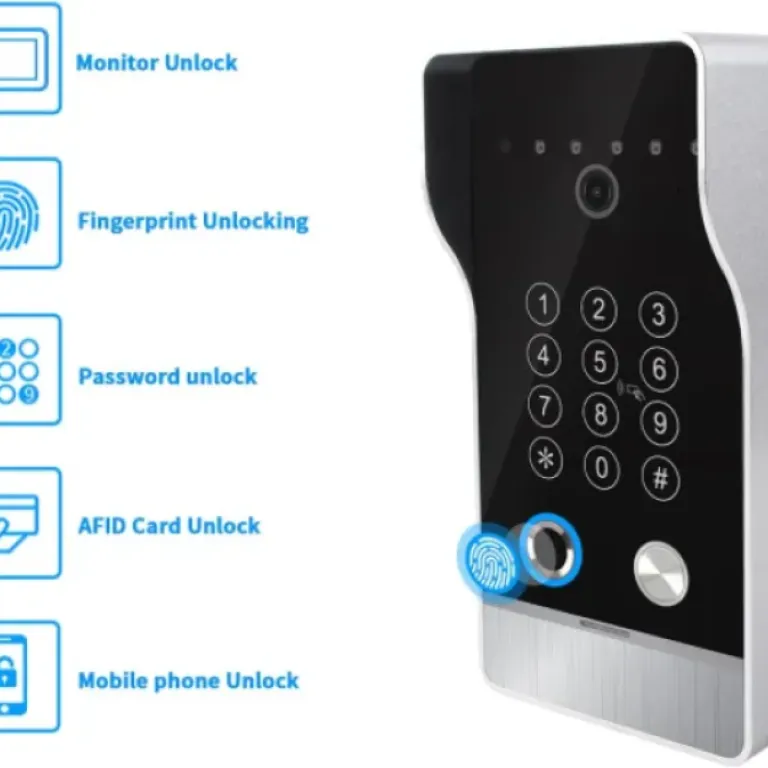
- Multiple unlocking options (fingerprint, RFID, code, app, monitor) that actually work
- Wired connection between doorbell and monitors gives stable performance and no missed rings
Cons
- Installation is not trivial: needs 4‑core cable, drilling, and some configuration time
- App and on-screen menus feel a bit clunky and not very intuitive
- Extension cable and 12V lock are not included, which adds to total cost and hassle

Specifications
View full product page →| Brand | ANJIELO SMART |
A fully loaded doorbell that needs a bit of DIY courage
I installed this ANJIELO SMART 1080P Video Door Phone in a small apartment building with two flats, and I’ll be honest: it’s not a plug-and-play gadget. It’s a proper wired intercom system with WiFi on top, not a simple battery doorbell you stick to the wall. If you’re expecting something like a Ring where you scan a QR code and you’re done in 10 minutes, this is not that. You’ll be dealing with 4‑core cables, power supplies, and wall drilling.
That said, once I got it running, I started to see the point. You get a 10‑inch monitor in each apartment, a 1080P camera outside, and several ways to unlock the door: fingerprint, code, RFID cards, app, and from the monitor. It’s clearly aimed at small buildings or a big house with a gate, not just a simple front door. The system feels more like something you’d see in a condo entrance than in a studio flat.
I tested it for about two weeks: daily use of the monitors, fingerprints, and RFID cards, plus some motion detection tests and night vision checks. I also compared it with a cheap WiFi doorbell I already had at home. In short, this one is more serious and more stable once wired, but it asks more effort to install and tune. If you don’t like cables, you’ll swear a bit.
So this review is from that angle: not a professional installer, just a normal person who can handle a drill and a screwdriver. I’ll go through what worked well, what annoyed me, and whether I think it’s worth the money compared to simpler WiFi doorbells. Spoiler: it’s pretty solid once installed, but you need to know what you’re getting into.
Is it good value for money or should you look elsewhere?
Price-wise, this ANJIELO SMART kit usually sits well below the big brands that offer similar wired intercom systems with multiple monitors and fingerprint access. For the money, you get: two 10‑inch monitors, one 1080P outdoor unit with fingerprint and keypad, 32 GB SD card, Tuya app integration, and 5 unlocking methods. On paper, that’s a lot. If you tried to build the same setup with a well-known Western brand, you’d likely pay quite a bit more, especially once you add a second indoor monitor.
However, you have to factor in installation costs and time. If you do the wiring yourself, the value is pretty good, but you still need to buy the 4‑core cable and possibly a 12V electronic lock if you don’t have one yet. If you call an electrician, the labour can easily cost as much as the product, depending on your walls and distance. So for someone who just wants a simple doorbell for a rental flat, this is overkill and not really good value compared to a basic WiFi doorbell.
Where the value makes sense is for:
- a small apartment building with 2–3 flats that needs a shared entrance system
- a house with a front gate a few tens of meters from the door
- people who want local recording and multiple ways to unlock without paying monthly cloud fees
Overall, I’d say the value is good if you actually use all the features (two monitors, fingerprint, RFID, recording, app). If you’re only going to use it as a simple doorbell with video, then you’re paying for stuff you don’t really need, and a cheaper, simpler WiFi model will make more sense. So it’s not bad value, but it’s a bit niche: good deal for the right use case, meh for the wrong one.
Big monitors, industrial look outside, acceptable overall
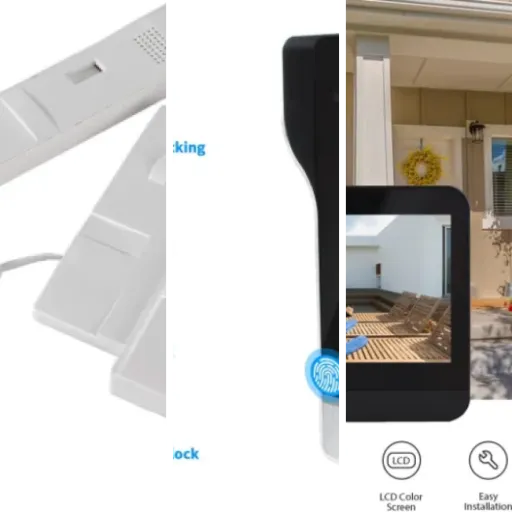
The indoor monitors are basically big black tablets with a glossy front. The 10‑inch screen is nice for this kind of product: you clearly see faces, even from a couple of meters away. The bezel is a bit thick and the design is more functional than pretty, but once it’s on the wall you stop noticing. The casing is acrylic/ABS, so it’s light and doesn’t feel luxurious, but it doesn’t feel super cheap either. The touch screen responds correctly, not as fast as a smartphone, but fine for tapping menus and answering calls.
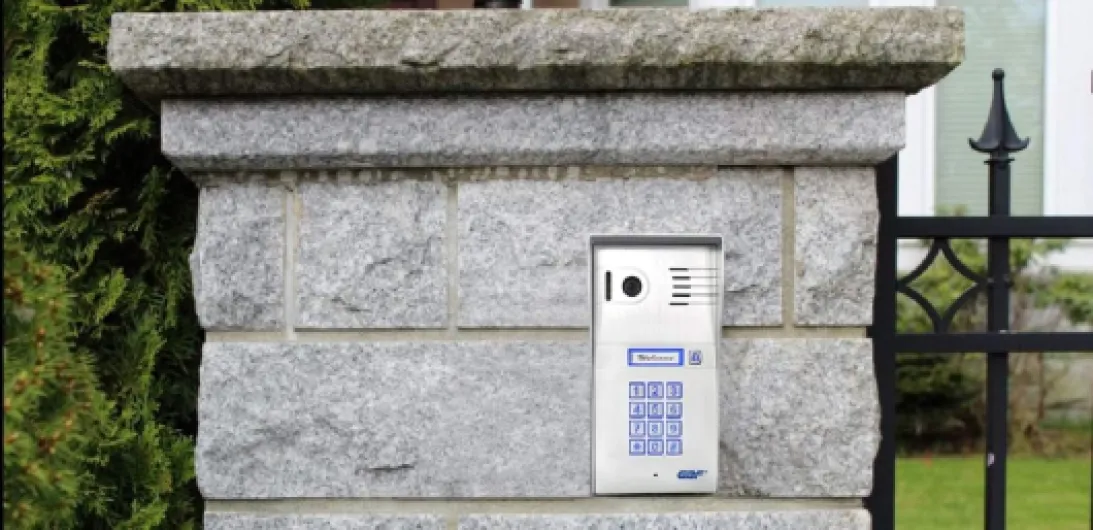
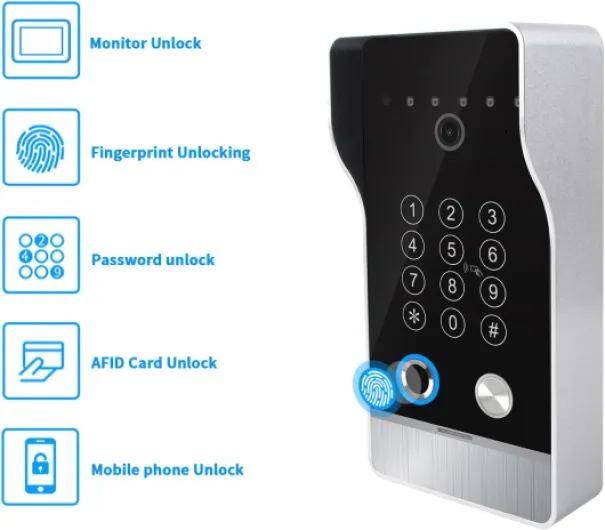
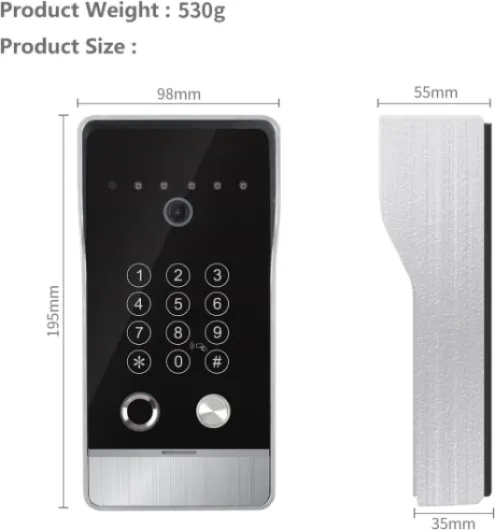
The outdoor unit is more on the industrial side. Silver/black, with the camera at the top, the button, and the fingerprint reader and keypad. With the supplied rain cover, it looks like something from a small office building. Personally I don’t mind, but if you’re looking for a stylish doorbell that blends into a fancy front door, this is not it. It’s clearly made to be practical: big button, clear camera, visible LEDs. It’s also not tiny, so you need enough space next to the door or gate.
One thing I did like is that the camera angle is quite wide (148°), so you actually see not just the person but also some of the surroundings. That helps to see if there are packages on the ground or if someone is standing off to the side. The infrared LEDs are hidden enough that it doesn’t look like a Christmas tree at night. The vandal resistance claim I can’t fully test, but the unit feels rigid enough and not flimsy.
In short, the design is more practical than pretty. The monitors are big and easy to use, the outside unit looks a bit like a small apartment building intercom. For the price range, I’d say the look is decent but nothing more. If you care more about function than style, you’ll be fine with it.
Build quality, outdoor resistance and long-term feel
I obviously couldn’t test this for years, but in two weeks of use with some intentional abuse, the system gives off a reasonably robust impression. The outdoor unit is surface-mounted with a metal-like front and the supplied rain cover. I hit it a few times with my hand and tried pressing the buttons hard; nothing creaked or moved. The unit is rated for -40°C to +50°C, which on paper is more than enough for most climates. I had a few days of heavy rain and wind, and there was no water ingress or fogging in the camera window.
The indoor monitors are lighter and feel more plastic, but once mounted on the wall they don’t move, and the screen doesn’t flex when you tap on it. The touch panel is still responsive after a lot of menu navigation and repeated test calls. The buttons on the side (if you use them) click fine. I didn’t see any hot spots or overheating even after leaving the screen on for a longer time while testing the camera and recordings.
Where I’m a bit more cautious is the fingerprint reader. It works, but that’s usually the piece that ages the fastest on these systems, especially outdoors with sun, rain, and dirt. After two weeks, no visible wear, but the sensor window does attract fingerprints and dust. I’d expect to clean it regularly. The RFID cards are basic plastic tags; they’ll probably last, but you might want to get a few spares if used in a multi-apartment context.
In terms of wiring, since the system uses standard 4‑core cable and 12V locks, it’s easy to repair or extend later. You’re not locked into proprietary connectors. That’s a plus for long-term durability because even if the original cable gets damaged, you can replace it with common cable. Overall, the durability feels pretty solid for the price range, but I wouldn’t call it bulletproof. For a normal home or small building, it should hold up fine as long as you install it properly and don’t cheap out on the cable and lock.
Video, audio, app and unlock performance in daily use
On the video side, the 1080P camera is genuinely decent. Faces are clear, you can recognise people easily, and the wide angle gives you a good overview of the entrance. In daylight, the image is crisp with natural colours, not washed out. At night, the infrared LEDs kick in and everything turns black and white, but you still see faces and movements clearly within a few meters. It’s not cinema quality, but for a doorbell it’s clearly above the cheaper 720p stuff I’ve used before.
The audio performance is okay. Indoors, the speakers are strong; you can adjust the volume in the settings, and the highest level is loud enough for most homes. Outside, the microphone picks up voices well, but if the street is noisy, the person at the door might have to speak up. There is a tiny echo sometimes when talking via the app instead of the monitor, but it’s still understandable. The chime tones are a bit cheesy, but you can choose from several; I just picked one that wasn’t too annoying and left it.
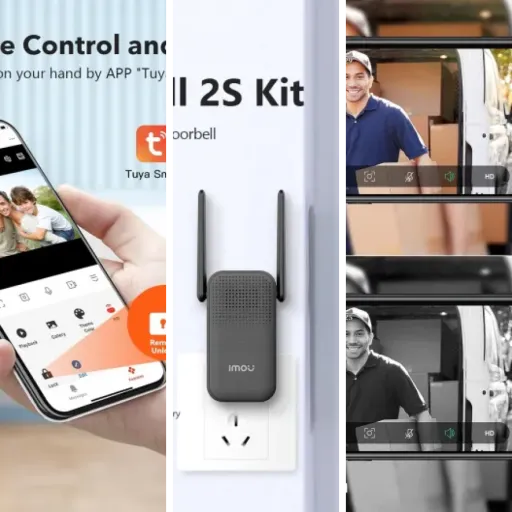
The Tuya app For the unlocking performance, I’d rank them like this: RFID cards = most reliable, fingerprint = good but not perfect with wet/dirty fingers, code = always works as long as you remember it, app unlock = works but depends on your network speed, monitor unlock = instant when you’re home. If you have several people using the entrance daily, the mix of options is actually quite handy. Overall, the performance is solid, but don’t expect the smooth polished feel of the big Western brands; it’s more functional than refined.
What you actually get in the box and what it really does
In the box, you get one outdoor doorbell unit with the camera and fingerprint reader, plus two 10‑inch indoor monitors. There’s also a 32 GB microSD card already in the doorbell for recordings, a power adapter for the monitors, some connectors, mounting plates, screws, and a rain cover for the outdoor unit. What you don’t get is the long 4‑core cable that actually links the doorbell to the monitors, which is a bit annoying. You’ll have to buy RVV4, Cat5, or Cat6 cable separately depending on your setup.
The basic idea: the outdoor unit connects via 4 wires to the main monitor. That main monitor connects to WiFi (only 2.4 GHz), and from there you can use the Tuya app on your phone to see who’s at the door and unlock. The second monitor connects to the first one, and both ring when someone presses the button. You can also talk between the two indoor monitors with audio only, which is handy in a bigger house. The camera is 1080P with a 148° wide angle, infrared LEDs for night vision, and motion detection.
On paper, it does a lot: 5 ways to unlock (code, fingerprint, RFID card, app, and from the monitor), automatic recording when someone rings or motion is detected, and support for 12V electronic locks. In practice, most of that works, but you have to spend time in the menus and the Tuya app to configure everything. The menus on the monitor are not the most intuitive I’ve seen, they feel a bit like old Android skin from ten years ago.
Compared to a basic WiFi doorbell, this system is more like a mini access control system. It makes sense for a gate or shared building entrance, less so for a tiny flat where a simple battery doorbell would do. If you actually plan to manage multiple users (fingerprints, cards, codes) and want local recording on SD card and wired reliability, then it starts to look like decent value despite the extra work.
Does it actually protect and manage the entrance properly?
From a basic security and convenience point of view, the system does the job. When someone rings, both monitors light up quickly and you get a clear 1080P image. The sound is loud enough even in a noisy hallway, and the two‑way audio is clear on both sides. There’s a tiny delay, but nothing that stops you having a normal conversation. Compared to my old cheap WiFi doorbell, this one is more stable: no random disconnections, no missed rings, probably thanks to the wired connection between doorbell and monitors.
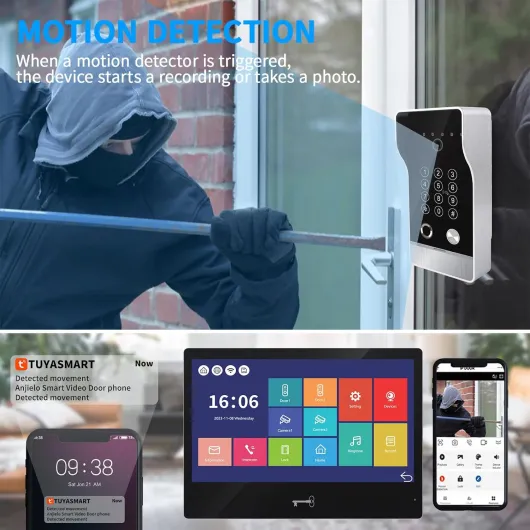
The motion detection is useful but needs tuning. Out of the box it was a bit sensitive, triggering for every passing car and sometimes for shadows. In the menu you can adjust the sensitivity, but the interface is not super clear. After some trial and error, I got it to a point where it mainly triggered for people actually approaching the door. The fact that it records to the included 32 GB microSD card is handy: you don’t depend on cloud subscriptions, and you can review clips directly on the monitor or via the app.
The unlocking methods mostly work well. The fingerprint reader is surprisingly decent: once you register a finger properly, it recognises it in about a second. It failed sometimes with wet fingers, which is pretty standard. The RFID cards are simple and reliable; I ended up using those the most for daily entrance. The code keypad is fine, keys are clearly visible. Unlocking from the monitor is straightforward: you see the visitor, press unlock, and the lock gets power (assuming you wired a 12V electronic lock correctly). That part feels quite professional.
The app side (Tuya) is where it’s a bit less smooth. Notifications worked, but sometimes with a slight delay of a few seconds. On WiFi at home, it was okay; on mobile data, sometimes the image took a bit to load. It’s still usable, but don’t expect instant response every single time. Overall, for effectiveness, I’d say the system is reliable once set up, but you need patience at the start to configure motion zones and all the user access (fingerprints, cards, codes).
Pros
- Good 1080P video quality with wide 148° angle and decent night vision
- Multiple unlocking options (fingerprint, RFID, code, app, monitor) that actually work
- Wired connection between doorbell and monitors gives stable performance and no missed rings
Cons
- Installation is not trivial: needs 4‑core cable, drilling, and some configuration time
- App and on-screen menus feel a bit clunky and not very intuitive
- Extension cable and 12V lock are not included, which adds to total cost and hassle
Conclusion
Editor's rating
After a couple of weeks using this ANJIELO SMART 1080P Video Door Phone, my feeling is pretty clear: it’s a feature-packed, wired intercom system that works well once you’ve gone through the pain of installation and setup. The video quality is good, the audio is clear, and the multiple unlocking methods (fingerprint, RFID, code, app, monitor) are genuinely useful if you have several people using the entrance. The wired connection between doorbell and monitors makes it more stable than the usual cheap WiFi-only doorbells.
On the downside, it’s not for everyone. You need to be comfortable running cables or paying someone to do it, and the menus and Tuya setup are not super intuitive. The design is more industrial than stylish, the app can be a bit slow at times, and you have to buy your own cable and probably a lock. If you live in a small flat and just want to see who rings, this is overkill and not the best value for you.
I’d recommend it to people with a small apartment building, a house with a gate, or anyone who wants a more serious access control system without going fully professional. If you’re okay with a bit of DIY and want something stable with local recording and wired reliability, it’s a solid choice. If you want a simple, pretty, cloud-based doorbell you can stick on the wall in 10 minutes, look at something else.