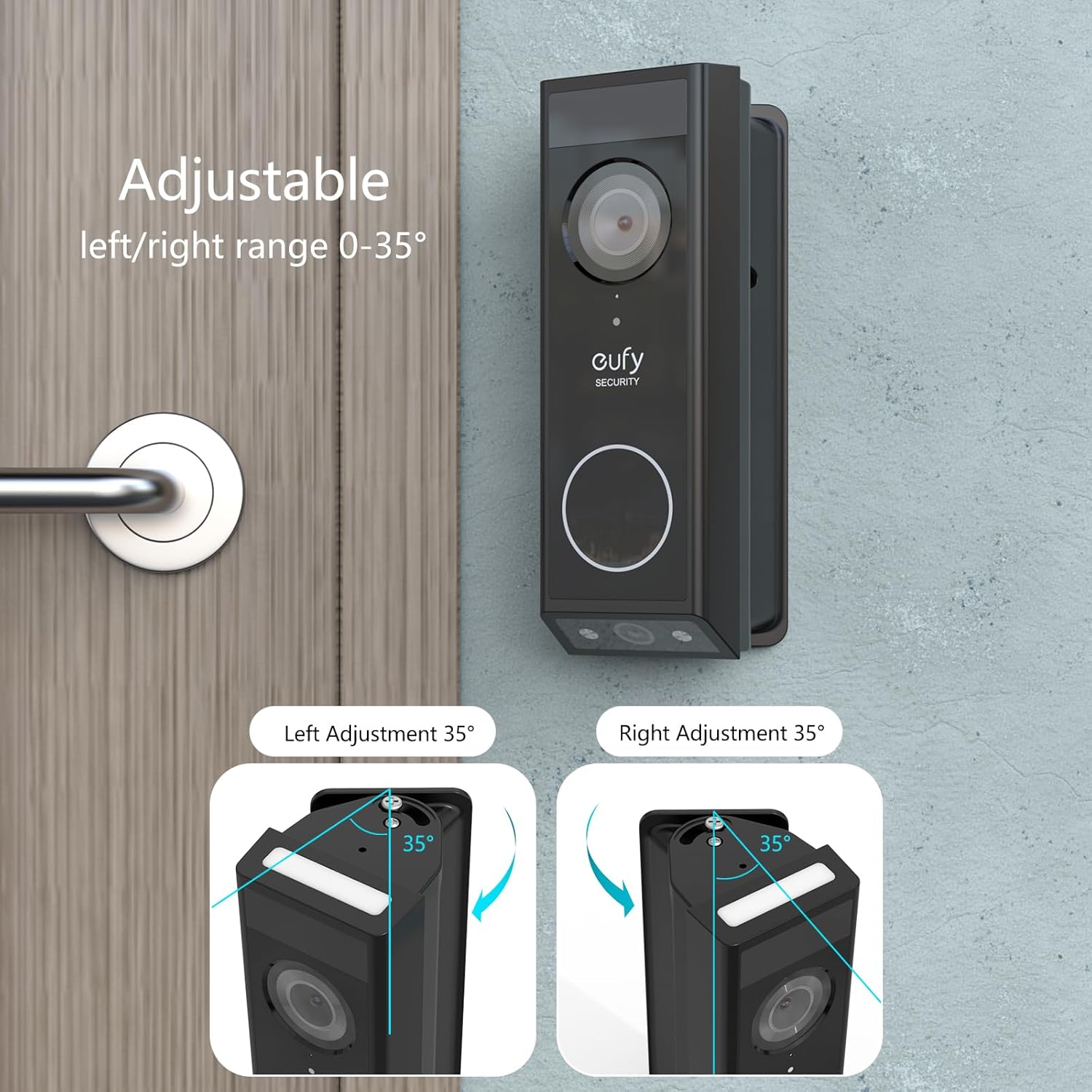
Corner and wedge kits: fixing bad angles and tricky door frames
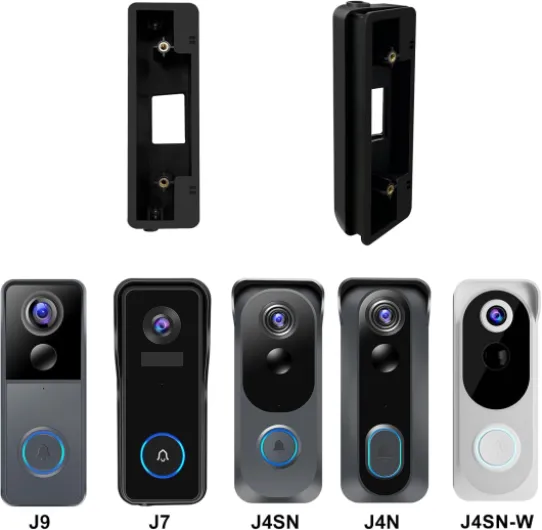
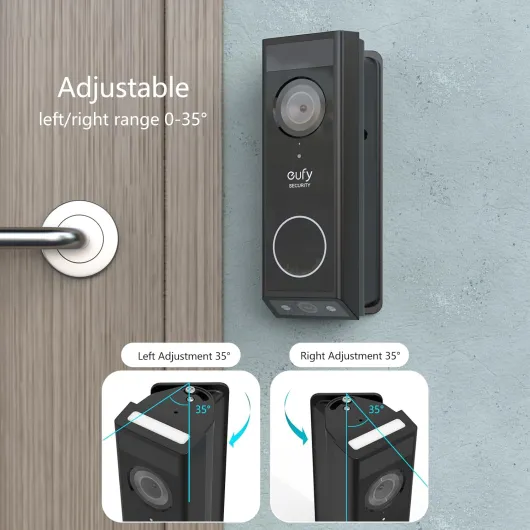
Corner and wedge kits are the quiet heroes behind the best smart doorbell mounting brackets. When your door is set back in a recess, mounted on a narrow frame, or surrounded by thick vinyl siding, a standard flat mount often points the video doorbell at the wrong scene. A wedge or corner bracket tilts the doorbell camera toward the approach path, so the doorbell video shows faces instead of just the street or a wall.
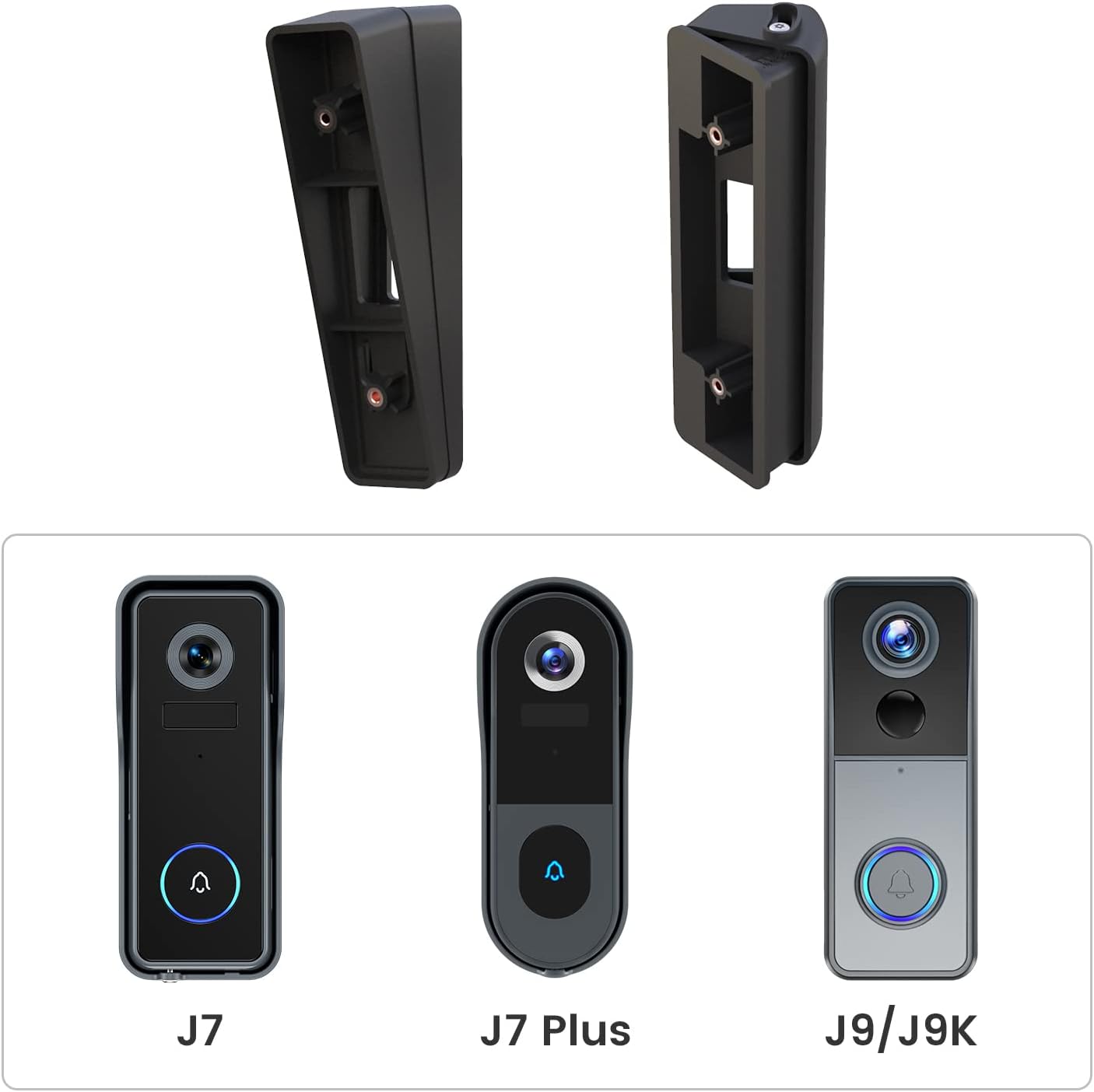
For many homes, a 15 degree angle mount wedge kit is enough to correct a poor viewing angle and unlock the full smart security potential of a Ring style video doorbell or similar doorbell model. On a side wall installation, a corner kit can rotate the smart doorbell toward the door, improving motion detection and reducing false alerts from passing cars. If you need a fixed solution, a fixed 15 degree wedge mount offers a simple, heavy duty bracket that keeps the camera locked at the right angle.
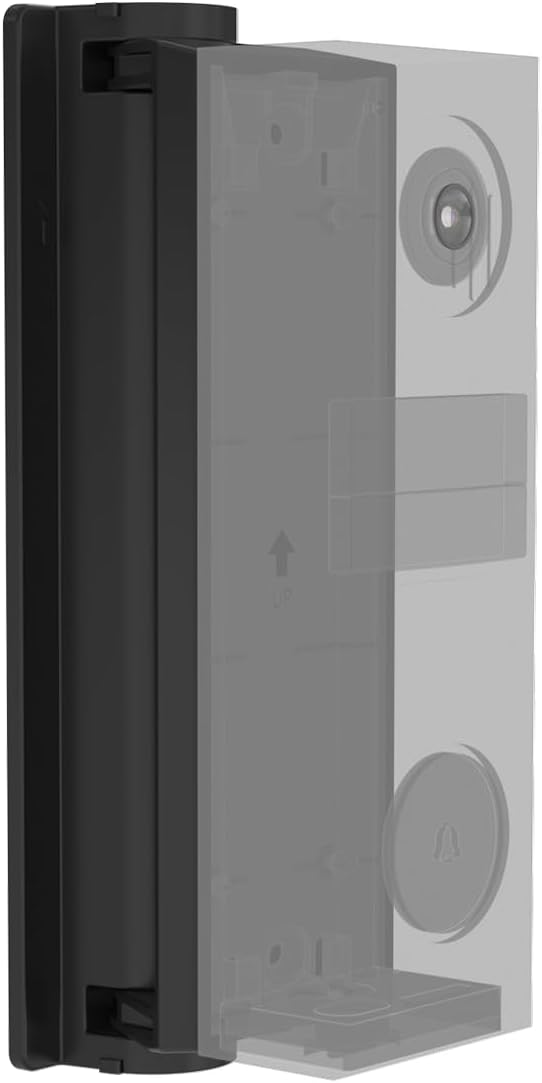
Corner and wedge kits also help when you must mount a battery powered unit on uneven brick or textured vinyl siding. By using a dedicated doorbell bracket with a shaped backplate, you create a flat surface for the mount and protect the doorbell battery from vibration. Whether you install a wired doorbell pro or a compact battery doorbell, choosing the correct wedge kit ensures the video doorbell captures visitors from head to toe and keeps night vision performance consistent.
Adjustable angle brackets: fine tuning your field of view
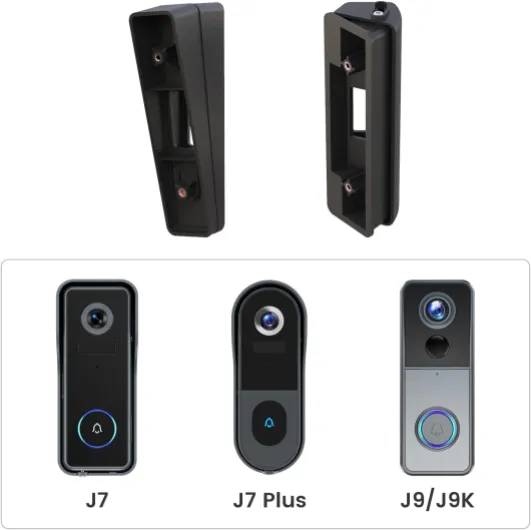
Adjustable angle brackets give you more control than fixed wedges and often define the best smart doorbell mounting brackets for complex entrances. Instead of locking your video doorbell at a single angle, these mounts let you select a range, such as 25 to 50 degrees, to match your specific door and pathway. That flexibility matters when the door opens onto a busy pavement, a shared corridor, or a driveway with frequent vehicle motion.
With an adjustable mount, you can test different positions over a month of daily use and refine the camera framing until the doorbell video shows visitors clearly while filtering out background traffic. An adjustable angle mounting plate and wedge kit is particularly useful for wireless video models, where the battery powered design allows easy repositioning without rewiring. This kind of bracket supports both Ring style devices and other smart doorbell model families, giving you a single product that adapts as you upgrade.
Adjustable brackets also help you balance privacy and smart security when your camera faces neighbouring properties. By slightly reducing the tilt, you can keep the doorbell camera focused on your own door and delivery area, while still capturing clear footage of visitors. Whether you use a battery powered unit or a wired doorbell pro, the right adjustable mount protects your smart doorbell hardware and keeps the doorbell bracket under less mechanical stress.
Matching brackets to wired, battery powered, and pro doorbell models
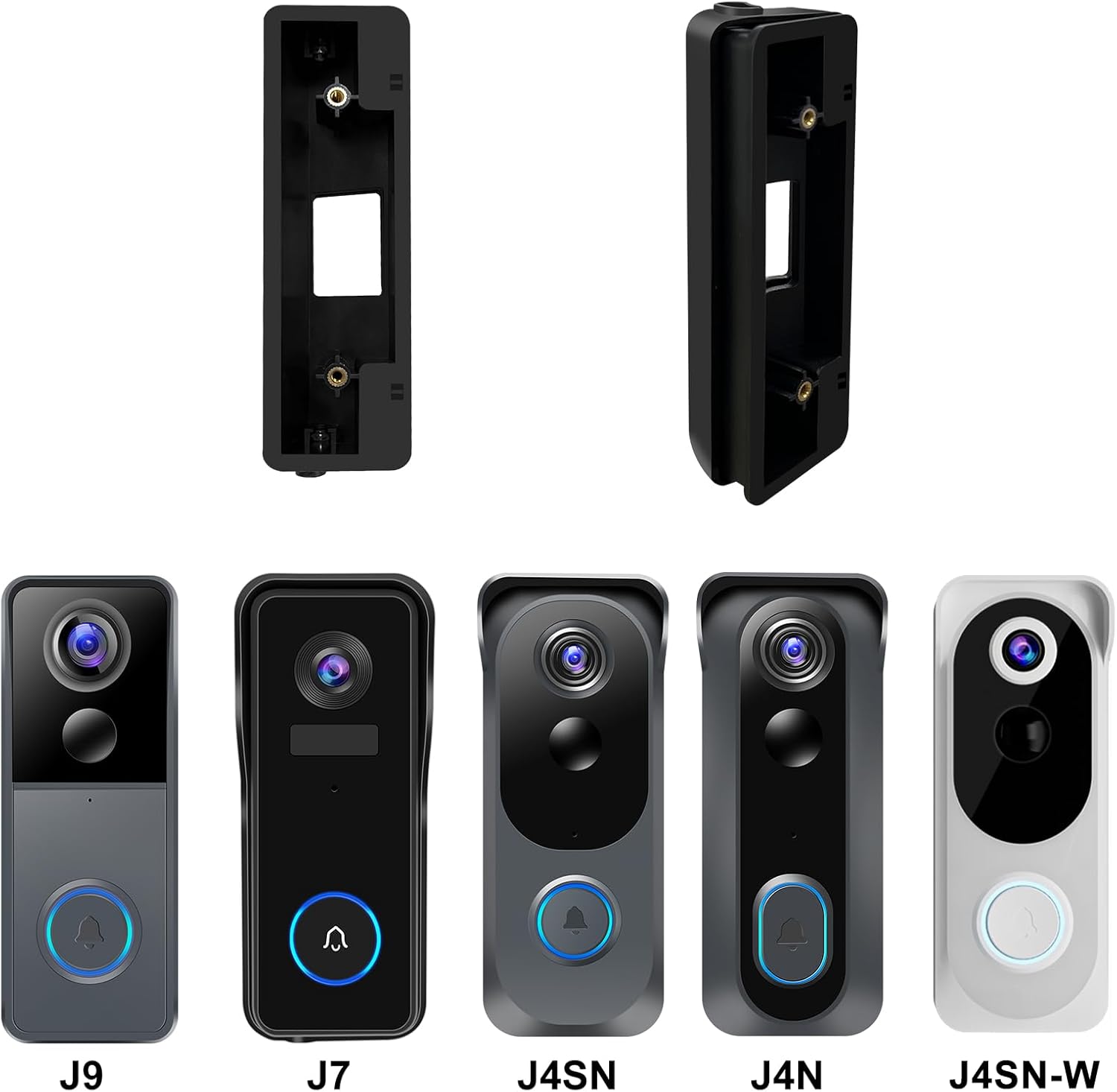
Not every bracket suits every smart doorbell, so matching the mount to the technology is essential. Wired doorbell units tend to be slimmer and lighter, but their cables limit where you can place the doorbell mount and how far you can angle the camera. Battery powered models such as a Ring Battery Doorbell Plus or Ring Video Doorbell (2nd Gen) are bulkier, so they need a heavy duty bracket that supports the extra weight and protects the doorbell battery compartment.
Pro level devices like Ring Video Doorbell Pro 2, Google Nest Doorbell (wired), or Arlo Essential Wired Video Doorbell often include higher resolution video, wider fields of view, and more sensitive motion detection, which makes precise mounting even more important. A misaligned pro doorbell camera can generate constant false alerts, wasting your time and draining the battery or increasing network traffic. When you select a bracket, check the product description carefully for explicit compatibility with your doorbell model, including any special requirements for night vision, side mounted sensors, or quick release battery packs.
Retailers list many universal mounting kits, but the best smart doorbell mounting brackets usually specify exact doorbell model names and show how the mount fits around the camera lens and motion sensor. Look for kits that include both a flat plate and optional wedge pieces, so you can adapt the mounting to different door frames or vinyl siding surfaces. Over the long term, a correctly matched doorbell bracket reduces strain on the housing, keeps the doorbell button accessible, and maintains stable video quality in all seasons.
Quick compatibility guide
| Doorbell type |
Typical bracket style |
Key considerations |
| Wired doorbell |
Slim flat plate, light wedge |
Leave space for wiring, avoid over bending cables |
| Battery powered doorbell |
Heavy duty plate, corner or wedge kit |
Support extra weight, protect removable battery pack |
| Pro or high resolution model |
Precision angle mount, multi piece kit |
Fine tune field of view, keep sensors unobstructed |
Example model offsets and bracket notes
| Popular video doorbell |
Approx. vertical field of view |
Typical wedge / corner adjustment |
| Ring Video Doorbell Pro 2 |
~150° vertical |
Often paired with 5–15° wedges to avoid pointing too far at the ground |
| Ring Battery Doorbell Plus |
~150° vertical |
Benefits from 10–20° corner kits on side wall installations |
| Google Nest Doorbell (battery) |
~145° vertical |
Commonly used with 15° wedges to centre faces in the frame |
Installation on brick, vinyl siding, and awkward door frames
Real world doors rarely match the clean surfaces shown in marketing photos, which is why installation details matter as much as the smart features. On brick or concrete, you need wall plugs and screws rated for masonry, combined with a heavy duty mount that spreads the load of the doorbell camera and bracket. For vinyl siding, a specialised doorbell mount or siding clip avoids drilling large holes and helps the video doorbell sit flat without crushing the panels.
When you install on a narrow wooden frame, consider a slimline bracket that keeps the doorbell button reachable while leaving enough space for the door to open fully. In some cases, a corner or wedge kit is the only way to angle the camera so the doorbell video captures visitors before they stand too close to the lens. If your entrance is exposed to strong wind or frequent delivery traffic, choose a product with a metal mounting plate and stainless steel screws to protect both the doorbell battery and the wired connections.
Battery powered units are easier to reposition, but they still need a secure doorbell bracket to prevent vibration that can blur recorded footage. For homes with frequent courier delivery, pairing a robust mount with a high capacity quick release battery for a doorbell camera keeps your system running without gaps. Over time, a careful installation on brick, wood, or vinyl siding preserves both the smart security hardware and the finish of your door.
Smart doorbell installation checklist
- Confirm bracket compatibility with your exact doorbell model.
- Test camera angles by holding the unit in place before drilling.
- Choose fixings suited to brick, wood, or vinyl siding.
- Mark and drill pilot holes carefully to avoid cracking surfaces.
- Seal any exterior holes to keep out moisture and insects.
- Check Wi‑Fi signal strength at the chosen mounting position.
- Verify motion detection and night vision after final tightening.
Evaluating features, value, and long term reliability
Choosing the best smart doorbell mounting brackets means looking beyond price and checking how each feature supports daily use. A good bracket should align the camera for clear video, protect the doorbell battery or wiring, and resist corrosion from rain and pollution. Look for mounts that include weather resistant gaskets, tamper resistant screws, and clear markings that help you select the right angle for your door.
When you compare products in online marketplaces or specialist stores, pay attention to how reviewers describe the fit with specific doorbell model families and whether the mounting hardware feels solid after several months of use. Comments about loose plates, cracked plastic, or misaligned buttons usually signal that the bracket is not truly heavy duty, even if the marketing claims suggest otherwise. A reliable product should keep the video doorbell stable enough that the motion detection, night vision, and wireless video streaming all work without constant adjustment.
Value also depends on what is included in the box, such as extra screws, wall plugs, and optional wedge pieces for different door types. Some kits bundle both a flat doorbell mount and angled brackets, which lets you reuse the same hardware if you upgrade from a basic doorbell camera to a more advanced Ring video or doorbell pro unit. Over the lifespan of your smart security system, a well chosen bracket reduces maintenance, protects your door, and keeps every delivery or visitor clearly recorded on video.
Practical buying tips
- Best pick for vinyl siding: choose a bracket with a wide backplate and siding spacers, so the doorbell sits level without warping the panels.
- Best budget wedge kit: a simple fixed angle plastic wedge is usually enough if your door is only slightly recessed and you do not need frequent adjustments.
Privacy, regulations, and responsible use of smart doorbell cameras
Mounting a smart doorbell is not only a technical decision, it is also a question of privacy and responsible monitoring. The angle you select with a wedge or corner bracket determines whether your doorbell camera records only your own door and pathway or also captures neighbouring properties and public spaces. In many countries, regulators and courts expect homeowners to limit doorbell video to what is reasonably necessary for home security and to avoid constant recording of shared areas.
Before you drill holes or attach a heavy duty mount, stand where your visitors usually approach and imagine the camera field of view created by different brackets. A small change in tilt can keep the night vision and motion detection focused on your own steps while reducing how much of the street appears in the frame. If your wired doorbell or battery powered unit supports privacy zones, combine those software tools with careful physical mounting to respect neighbours while still protecting your door.
Responsible use also includes clear communication with people who share the entrance, such as tenants in a multi unit building or regular delivery drivers. Explain that the smart doorbell device records video when motion is detected, and adjust the bracket if repeated feedback suggests the camera feels intrusive. By treating the best smart doorbell mounting brackets as tools for both security and respect, you create a safer entrance that balances technology, law, and everyday human comfort.
Key figures on smart doorbells, brackets, and home security
- Industry reports from major market analysts indicate that global shipments of smart home security cameras and video doorbells now reach tens of millions of units per year, confirming rapid adoption of smart security at the front door.
- Consumer surveys in markets such as the United Kingdom and the United States suggest that a significant share of smart doorbell owners adjust or replace their original mounting bracket within the first year, mainly to improve camera angles and motion detection performance.
- Independent lab style tests published by home security reviewers have found that correctly angled wedge mounts can substantially increase the proportion of motion events that include a clear view of a visitor’s face compared with flat wall mounting.
- Insurance and crime prevention guidance from several European markets notes that homes with visible smart security devices, including video doorbells, often experience lower burglary rates than comparable homes without such equipment, although exact percentages vary by study and region.
- Field measurements reported for popular battery powered doorbell models show that stable mounting, reduced false motion alerts, and accurate camera framing can extend effective battery life by days or even weeks between charges, depending on local activity levels and Wi‑Fi conditions.