

Understanding the role of a z-wave hub in smart doorbell systems
How a Z-Wave Hub Connects Your Smart Doorbell to Your Home
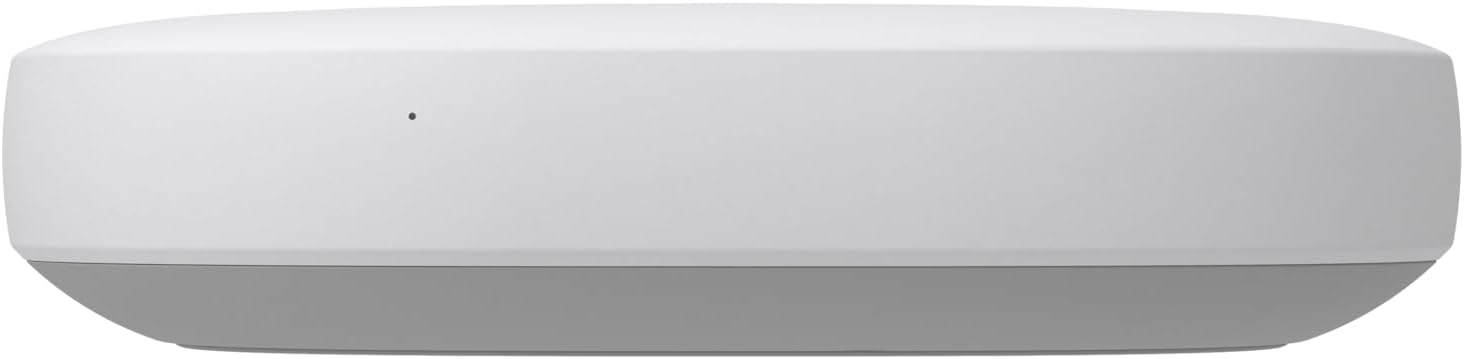
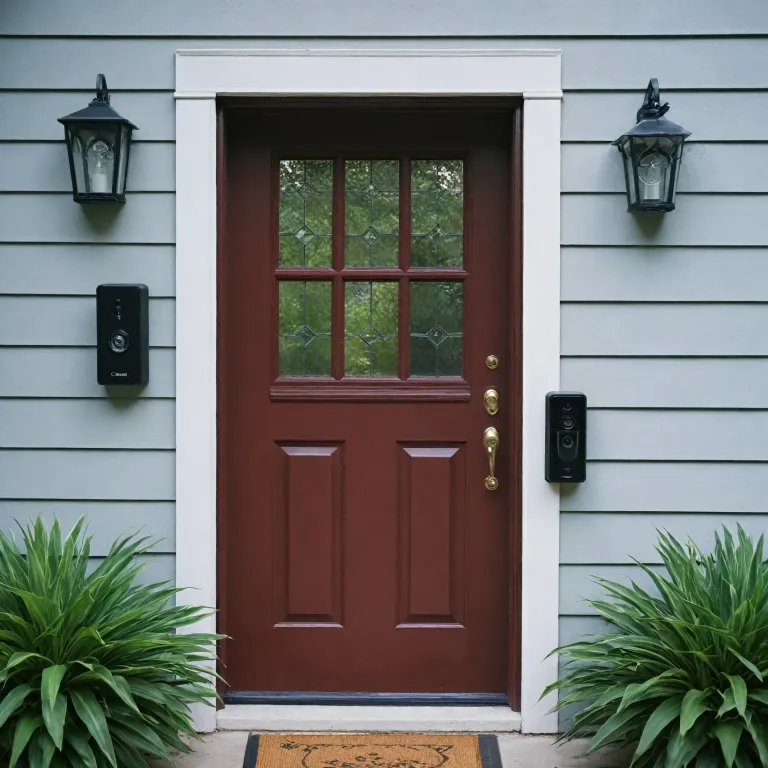
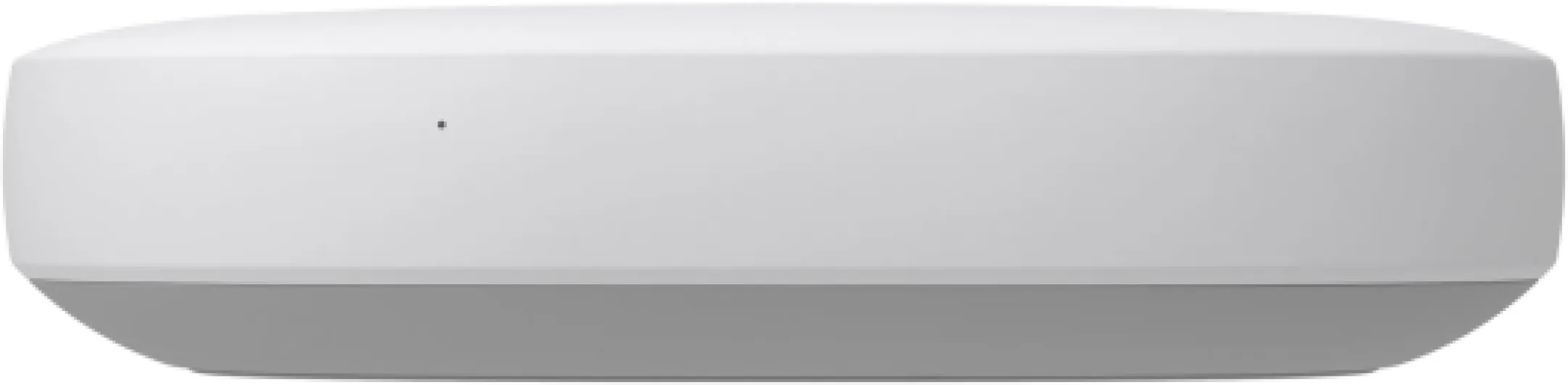
When you add a smart doorbell to your home, you want more than just a camera at your front door. A Z-Wave hub acts as the central controller, connecting your smart doorbell with other smart devices in your home. This hub, sometimes called a box or controller, uses Z-Wave technology to create a reliable network that lets your doorbell communicate with lights, locks, sensors, and more.
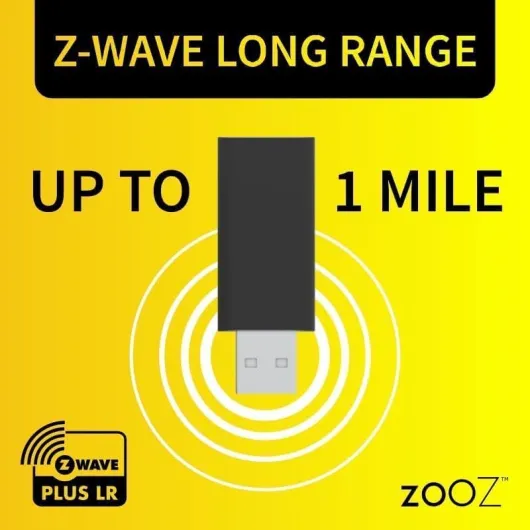
Unlike Wi-Fi-only products, Z-Wave hubs offer local control and long range, making them ideal for smart home setups where stability and security matter. With a Z-Wave hub, you can control smart devices through a single app, whether you use SmartThings, Homey Pro, or other popular options. Many hubs also support Zigbee and work with voice assistants like Alexa and Google Assistant, giving you flexibility in how you manage your smart home.
- Device compatibility: Z-Wave hubs support a wide range of brands and products, so you can mix and match devices from different manufacturers.
- Network reliability: Z-Wave creates a mesh network, which means each device helps extend the signal, reducing dead spots and improving performance.
- Local control: Many Z-Wave hubs offer local processing, so your devices keep working even if your internet goes down.
- Integration: Connect your smart doorbell with other smart devices for routines like turning on porch lights when someone rings the bell.
For small business owners or anyone looking to expand their smart home, a Z-Wave hub is often required to unlock advanced features and seamless control. With so many options available, from Homey to SmartThings and beyond, you can find a hub that fits your needs and supports your favorite smart devices.
If you’re interested in how wireless smart doorbells compare and what challenges they bring, check out this in-depth look at wireless Ring doorbells.

Key benefits of using a z-wave hub with your smart doorbell
Seamless Integration with Multiple Smart Devices
A z-wave hub acts as a central controller, allowing your smart doorbell to communicate with a wide range of compatible devices. This means you can connect your doorbell with smart lights, locks, sensors, and even voice assistants like Alexa or Google Assistant. The hub supports various brands and product lines, making it easier to build a cohesive smart home network. For those who want to expand their system, options like Homey Pro or SmartThings offer support for both z-wave and zigbee devices, giving you flexibility in your device choices.Enhanced Control and Automation
With a z-wave hub, you gain advanced control over your smart doorbell and other connected devices. Using the hub’s app, you can set up automation rules. For example, when someone rings the doorbell, your porch light can turn on automatically, or you can receive instant notifications on your phone. The hub offers local control, which means your automations can work even if your internet connection is down. This is especially valuable for small business owners or anyone who values reliability in their smart home setup.Improved Range and Network Stability
Z-wave technology is known for its long range and mesh networking capabilities. Each z-wave device acts as a repeater, strengthening the network and ensuring reliable communication throughout your home or office. This is particularly useful if your smart doorbell is installed far from your main hub or router. Wave hubs like Homey or SmartThings box hub can help extend the reach of your network, supporting a larger number of wave devices and reducing dead zones.Broad Compatibility and Future-Proofing
A z-wave hub offers compatibility with a wide range of smart devices from different brands. Whether you are using a wave controller, a wave smart box, or a hub required for advanced features, you have the flexibility to add new devices as your needs grow. Many hubs also support both z-wave and zigbee, making it easier to integrate future products without replacing your existing setup. For tips on selecting the right components, check out this guide on choosing the right door bell button for your smart home.Compatibility considerations when choosing a z-wave hub
What to Look for in a Z-Wave Hub for Your Smart Doorbell
When choosing a z-wave hub for your smart doorbell, compatibility is a top concern. Not every hub supports every smart doorbell or device, so it’s important to check which brands and models are supported before making a purchase. Some hubs, like SmartThings and Homey Pro, offer broad compatibility with both z-wave and zigbee devices, while others may focus on a specific protocol or ecosystem.
- Device support: Make sure your chosen hub supports the specific smart doorbell you want to use, as well as any other smart devices in your home. Look for hubs that offer compatibility with a wide range of brands and products.
- Integration with voice assistants: If you want to control smart devices using Alexa or Google Assistant, check that the hub offers integration with these platforms. Many popular options, such as SmartThings and Homey, provide this feature.
- Network protocols: Some hubs support both z-wave and zigbee, which can be helpful if you have a mix of devices. Others are dedicated z-wave hubs, focusing on long range and reliable local control.
- App and local control: Consider whether the hub offers a user-friendly app for setup and daily use. Local control is also important for privacy and reliability, especially for small business or home users who want to avoid cloud dependency.
- Expandability: If you plan to add more smart devices in the future, choose a hub that can scale with your needs. Some hubs, like Homey Pro, are designed to handle large networks of wave devices and other protocols.
It’s also worth noting that some smart doorbells require a hub for full functionality, while others can operate independently. Always check if a hub is required for the features you want, such as advanced automations or integration with other smart home products.
For those interested in exploring how open-source solutions and custom firmware can further enhance compatibility and control, ESPHome devices and smart doorbells offer a unique perspective on expanding your smart home network.
| Hub | Protocols Supported | Voice Assistant Integration | App/Local Control |
|---|---|---|---|
| SmartThings | Z-Wave, Zigbee, Wi-Fi | Alexa, Google Assistant | Yes/Yes |
| Homey Pro | Z-Wave, Zigbee, Wi-Fi, others | Alexa, Google Assistant | Yes/Yes |
| Vera Plus | Z-Wave, Zigbee | Alexa | Yes/Yes |
Choosing the right z-wave hub is about more than just picking a box. It’s about ensuring your smart doorbell and other devices work together seamlessly, giving you reliable control and the best possible smart home experience.
Setting up your smart doorbell with a z-wave hub
Preparing Your Devices and Hub
Before you start, make sure your smart doorbell and z-wave hub are compatible. Many popular hubs like SmartThings, Homey Pro, and other wave hubs support a wide range of brands and devices, but always check the product documentation. Some hubs also offer support for both z-wave and zigbee networks, giving you more options for connecting smart devices across your home.
Connecting the Smart Doorbell to the Hub
- Place your z-wave hub in a central location for optimal long range coverage. This helps your wave devices communicate reliably, especially in larger homes or small business settings.
- Power up your hub and connect it to your home network, usually via ethernet or Wi-Fi. Follow the manufacturer's app instructions for initial setup.
- Put your smart doorbell into pairing mode. This process varies by brand, so refer to the device manual. Some doorbells require pressing a button or using the app to start pairing.
- Using the hub’s app (such as the SmartThings app or Homey app), add a new device. Select the type of device and follow the prompts to connect your doorbell to the wave hub.
Integrating with Voice Assistants and Other Smart Devices
Once your doorbell is connected to the hub, you can control smart features through voice assistants like Alexa or Google Assistant. Many wave controllers offer local control, so you can manage your devices even if your internet connection drops. For more advanced automations, link your hub with other compatible smart devices, such as lights or locks, to create a seamless smart home experience.
Testing and Customizing Your Setup
- Test the connection by pressing the doorbell and checking if notifications appear on your app or smart hub dashboard.
- Explore automation options in your hub’s app. For example, set your porch light to turn on when someone rings the doorbell, or receive alerts on your phone or smart speaker.
- Review the hub’s settings to ensure your network is secure and your devices are updated with the latest firmware for best performance and support.
With the right wave smart hub and compatible devices, you can unlock powerful control and automation for your smart doorbell system, making your home safer and more convenient.
Popular z-wave hubs for smart doorbells
Leading Z-Wave Hubs for Smart Doorbells
When you want to connect your smart doorbell with other smart devices, choosing the right Z-Wave hub is crucial. The hub acts as the central controller, letting you manage your doorbell and other devices through a single app or voice assistant like Alexa or Google Assistant. Here’s a look at some of the most popular Z-Wave hub options that offer reliable support and broad compatibility for smart doorbells and other smart home products.
| Product | Main Features | Device Compatibility | Control Options |
|---|---|---|---|
| SmartThings Hub |
|
Smart doorbells, sensors, lights, locks, and more | App, Alexa, Google Assistant, local control |
| Homey Pro |
|
Thousands of smart devices, including doorbells | App, voice (Alexa, Google), local control |
| Hubitat Elevation |
|
Smart doorbells, sensors, lights, and more | App, dashboard, Alexa, Google Assistant |
| Vera Plus |
|
Wide range of smart devices, including doorbells | App, web, Alexa, Google Assistant |
What to Look for in a Z-Wave Hub
- Device and Brand Compatibility: Make sure the hub supports your smart doorbell and other smart devices. Some hubs offer better support for certain brands or product lines.
- Control Options: Consider if you want app control, voice control with Alexa or Google, or local control for privacy and reliability.
- Network Range: If you have a large home or need to connect devices over long distances, look for a hub with strong Z-Wave long range support.
- Integration with Other Protocols: Many hubs also support Zigbee, Wi-Fi, or Bluetooth, which can be useful if you have a mix of smart devices.
Each Z-Wave hub offers its own strengths, whether it’s broad compatibility, advanced automation, or robust local control. Your choice will depend on your specific needs, the devices you want to connect, and how you plan to control your smart home network.
Troubleshooting common issues with z-wave hubs and smart doorbells
Common Problems and How to Solve Them
Smart doorbells and Z-Wave hubs can sometimes run into issues, especially when integrating multiple devices or brands. Here are some frequent problems and practical solutions:- Device Not Detected by the Hub
Make sure your smart doorbell is compatible with your Z-Wave hub. Some hubs, like SmartThings or Homey Pro, support a wide range of Z-Wave devices, but not all products are universally compatible. Check if your device requires a specific Z-Wave series or firmware update. Also, ensure your hub is set to include new devices and that the doorbell is in pairing mode. - Connection Drops or Unstable Network
Z-Wave relies on a mesh network, so the placement of your hub and other Z-Wave devices matters. If your doorbell is far from the hub, consider adding a Z-Wave repeater or another compatible device between them to strengthen the signal. Some hubs offer long-range Z-Wave support, which can help in larger homes or small business settings. - Delayed Notifications or No Alerts
Check your hub’s app settings to confirm notifications are enabled for your smart doorbell. If you use voice assistants like Alexa or Google Assistant, verify that the integration is active and permissions are granted. Local control options can reduce delays, so look for hubs that offer this feature. - Compatibility with Other Smart Devices
Mixing Z-Wave, Zigbee, and Wi-Fi devices can be tricky. Some hubs, like Homey or certain box hubs, support multiple protocols (Z-Wave, Zigbee, Wi-Fi), making it easier to control smart devices from different brands. Always confirm your hub offers support for the specific device types you plan to use. - Firmware and App Issues
Regularly update your hub and smart doorbell firmware. Outdated software can cause compatibility and security problems. If the app crashes or fails to control your device, try reinstalling it or contacting the hub’s support team for troubleshooting steps.
When to Seek Additional Support
If you’ve tried these steps and still face issues, check the product documentation or the support forums for your specific hub, such as SmartThings or Homey Pro. Many brands offer detailed guides and active communities that can help resolve unique problems. For persistent issues, contacting the manufacturer’s customer support is often the best option.Tips for a Reliable Z-Wave Smart Doorbell Setup
- Choose a hub that supports the latest Z-Wave series for better range and device compatibility.
- Place your hub in a central location to maximize network coverage.
- Use compatible Z-Wave repeaters or additional devices to strengthen your mesh network, especially in larger homes or small business environments.
- Regularly check for firmware updates for both your hub and smart doorbell.
- Consider hubs that offer both Z-Wave and Zigbee support if you plan to expand your smart home system with different device types.