
Summary
Editor's rating
Value: cheaper in the long run, with some trade-offs
Design: simple, discreet, and mostly thought-through
Battery life: between the marketing promise and reality
Durability and reliability: weather, build, and server issues
Performance: video, detection, and app behaviour in real life
What you actually get with the S220 kit
Pros
- No monthly subscription needed thanks to included 32 GB local storage in the chime
- Good 2K video quality with clear daytime image and usable night vision
- Flexible power options (battery or hardwire) and simple self-install with wedge and bracket
Cons
- Still depends on Eufy servers for account/app access despite “local storage” marketing
- Real-world battery life is shorter than the advertised 180 days for most households
- App can be slow or unreliable at times, with occasional login or connection issues

Specifications
View full product page →| Brand | eufy Security |
A doorbell for people who are tired of subscriptions
I picked up the Eufy Security Video Doorbell Wireless S220 (S210) because I was fed up with paying monthly fees for cloud storage. I’ve used Ring before, and the subscription slowly annoyed me more than the actual price of the doorbell. So this Eufy model caught my eye: battery-powered, chime included, local storage with a 32 GB card, and supposedly no need to touch the cloud at all. On paper, it sounded like the simple, one-and-done solution I wanted.
After setting it up and using it for a while, I’d say it’s a pretty solid but not perfect doorbell. It gets the basics right: decent 2K image, proper motion detection when you tune the settings, and you don’t get hit with recurring costs. But it’s not as plug-and-play as the marketing makes it sound, especially around the app, the account creation, and the dependency on Eufy’s servers even though they scream “local storage” everywhere.
In day-to-day use, it did what I needed most of the time: I saw who was at the door, I got alerts for deliveries, and I could talk to people through the speaker. When it works, it feels like a good middle ground between cheaper generic cameras and the more polished (but more expensive and subscription-heavy) Ring ecosystem. But there are also some quirks that can be annoying if you’re not patient with tech.
So if you’re looking at this and thinking, “I just want a doorbell that records locally and doesn’t keep billing me,” this review is for you. I’ll walk through how it actually performs, the battery situation, setup headaches, and whether I’d pick it again over a Ring or similar options.
Value: cheaper in the long run, with some trade-offs
On value, the big selling point of this Eufy doorbell is no monthly fees. You pay once for the unit, and that’s it. The 32 GB microSD card is included, so you don’t have to add extra costs right away. Compared to Ring or Nest, which basically force you into subscriptions if you want to keep recordings or unlock full features, Eufy’s approach can save you a decent amount over a couple of years, especially if you’re the type to actually keep these devices long term.
In terms of what you get for the price: 2K video, human detection, activity zones, a chime that stores footage, and battery or wired options. That’s a good feature set for the money. The image quality is good enough, the motion detection is usable once tuned, and the two-way audio is fine. The app isn’t the slickest, but when it works, it covers the basics. So from a pure hardware and feature perspective, you’re getting fair value.
The hidden “cost” is the friction: the account creation, the occasional server issues, and the fact that despite all the local storage talk, you’re still tied to Eufy’s ecosystem. If their servers are down or the company ever decides to change how their app works, you don’t have many options. Also, there are reports of charging problems after a year in some units, which might mean replacements or dealing with support. To be fair, one reviewer mentioned that AnkerDirect replaced their faulty doorbell and then everything worked properly, so the warranty and support can be decent when you get through to them.
Overall, I’d say the value is good if you care about avoiding subscriptions and you’re okay with some technical quirks. If you want something totally smooth, polished, and backed by a huge ecosystem, a Ring with a subscription might feel more straightforward even if it’s more expensive over time. But if your priority is to pay once and store footage at home, this Eufy hits a nice balance between price and features, with the caveat that the app and servers are the weak spots.
Design: simple, discreet, and mostly thought-through
Design-wise, the S220 is pretty straightforward. It’s a rectangular black doorbell with the camera at the top and the button at the bottom, with a light ring around the button. It doesn’t scream for attention like some bigger units, and on my doorframe it looked fine, not cheap but not premium either. It’s plastic, but it doesn’t feel flimsy in the hand. The size is reasonable: about 14 cm tall, a bit over 5 cm wide, and not too thick, so it fits on most doorframes without looking like a brick.
The kit includes a 15-degree wedge, which is actually useful. My door is slightly recessed, and without the wedge the camera mostly saw the opposite wall. With the wedge, I could angle it towards the path and actually catch people walking up. That small piece of plastic makes a big difference in how usable the camera is. Mounting is done with a screw-in bracket. Once the bracket is on the wall or frame, the doorbell slides in and clicks. You use the included pin to detach it, which is a bit fiddly but also means casual thieves can’t just yank it off easily.
The chime is a small white box with “ears” (vents) on top. It’s not pretty, but once plugged into a socket in the hallway, I stopped noticing it. It does take up one full socket and can block a second one if your wall plate is cramped. The microSD card is hidden in the chime, not accessible from the outside, which is good for security but annoying if your chime is plugged into a hard-to-reach outlet.
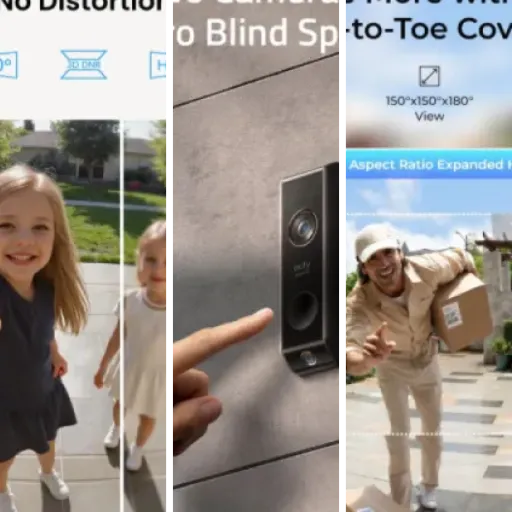
From a usability angle, the button is large enough and lights up, so visitors understand where to press. At night, the ring light helps people find it. I didn’t see any weird reflections or glare on the lens from the housing, and the 4:3 aspect ratio means you see more of the person’s body, which is handy for seeing packages on the ground. Overall, the design is practical and low-key. It’s not something you’ll admire, but it gets the job done and doesn’t look out of place on a typical front door.
Battery life: between the marketing promise and reality
Eufy advertises up to 180 days of battery life from one charge, which sounds great on the box. In real life, it depends heavily on how busy your front door is and what settings you use. In my case, with a moderate amount of traffic (a few motions per day, some doorbell presses, and notifications active), I’d say a more realistic number is around 2–3 months per charge, not six. If you live on a quiet cul-de-sac with very few visitors and have conservative detection settings, you might stretch it more, but I wouldn’t bank on the full 180 days.
Charging is done via micro-USB on the back of the doorbell. You have to pop it off the bracket with the pin, take it inside, and plug it in. That’s a bit of a hassle but standard for battery doorbells. One Amazon reviewer mentioned struggling to charge and only getting to 80% after two days, then later not being able to charge at all. I didn’t have that extreme issue, but it’s worth mentioning that this model seems a bit picky with chargers and cables. With a decent USB charger (phone charger), I could go from low battery to full in a few hours, not days.
The annoyance is more about the process than the actual time: you’re left without a doorbell while it charges, unless you have a wired backup or you do it at night and hope no one comes by. If you can wire it to existing doorbell power, that’s honestly the better long-term move. It then acts more like a wired doorbell with a battery as backup, and you can kind of forget about charging altogether.
Overall, I’d say battery life is okay but not miraculous. It’s better than some cheap cameras I’ve tried, but the “half a year” claim is optimistic unless your front door is basically inactive. If you’re fine climbing a step stool every couple of months to pull it down and charge it, then it’s manageable. If that sounds annoying, either wire it in or consider whether a fully wired system might suit you better.
Durability and reliability: weather, build, and server issues
In terms of physical durability, the S220 feels good enough for outdoor use. It’s rated IP65, which means it can handle rain and dust. I’ve had it through several heavy showers and cold nights and didn’t see any water ingress, fogging, or obvious problems with the housing. The plastic doesn’t feel premium, but it also doesn’t feel like it will crack easily. The button kept working fine, and the light ring stayed bright. So purely from a weather perspective, I’m not worried about it surviving a normal UK climate.
The mounting bracket holds the unit firmly. I tugged on it a few times to see if it wobbled or felt loose, and it stayed in place. The detaching pin system is a bit fiddly, but once you get used to it, it’s okay. It’s also a basic theft deterrent: someone would need tools and a bit of time to remove it, which is usually enough to discourage casual theft.
Where durability gets more complicated is software reliability. Several users mention Eufy’s servers going down or emails not coming through during setup. There’s a long rant in the reviews from someone who couldn’t even verify their email, and who discovered that when Eufy’s servers are down, the app becomes basically useless: no notifications, no access to recordings, nothing. That’s obviously not what you expect when you read “local storage” everywhere. I didn’t hit a full outage that long, but I did see the odd “Bad Gateway” and slow login during busy times, which lines up with those complaints.
So, physically, the product seems durable enough and weatherproof. But if we talk about long-term reliability as a security system, you are at the mercy of Eufy’s cloud for account access, even though the footage itself is on your microSD card. If you want something that keeps working fully even when the vendor’s servers are down, that’s a weak point here. I’d rate the hardware durability as good, but the overall system reliability as only average because of the server dependency and some user reports of charging failures after a year.
Performance: video, detection, and app behaviour in real life
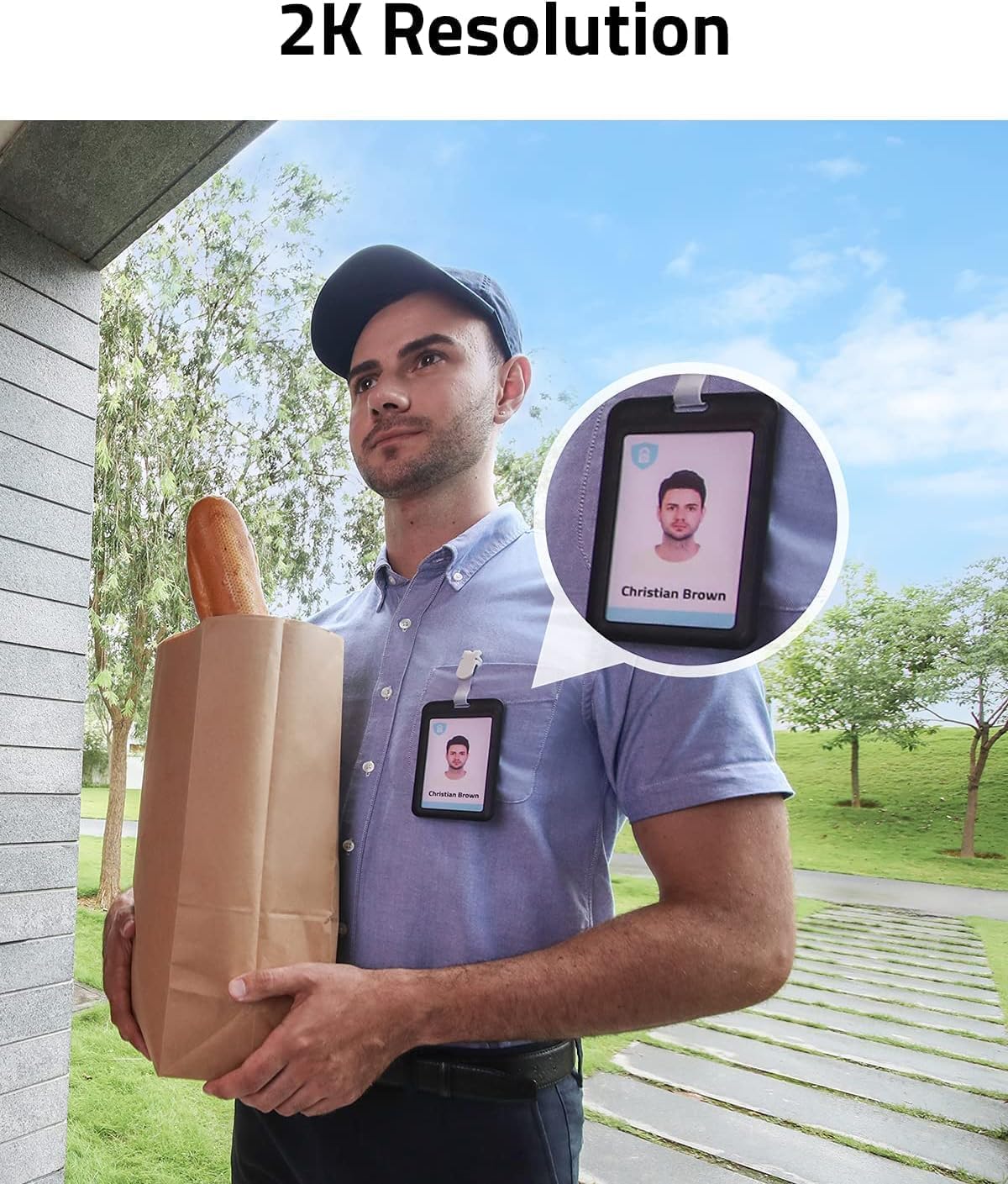
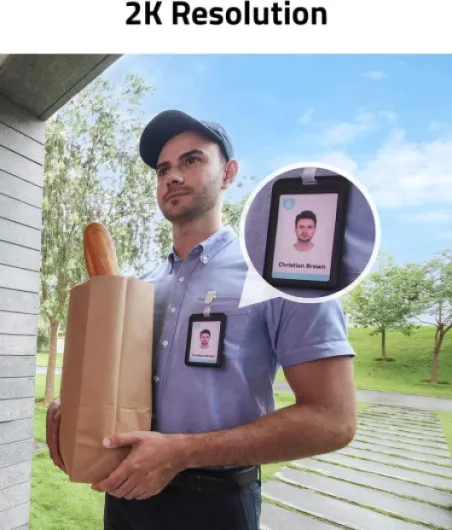
On performance, I’d split it into three parts: video quality, motion/human detection, and app responsiveness. Starting with video, the 2K resolution is genuinely decent. Faces are clear enough to recognise, even when people stand a bit back. During the day, colours are fine and details like text on parcels are usually readable if they’re not too far. At night, it switches to infrared. The night vision is acceptable up to the stated ~16 feet; beyond that it fades quickly. It’s not cinema-level, but for checking who’s at the door or reviewing a delivery, it’s more than enough.
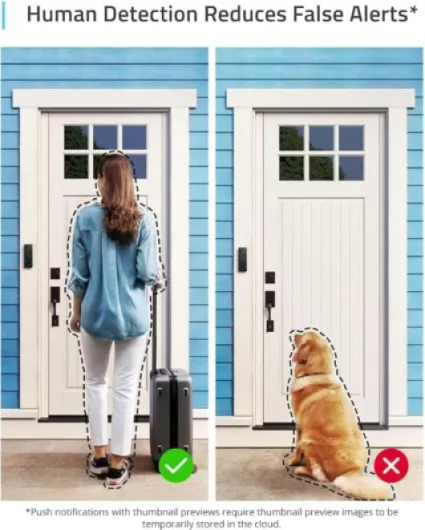
Motion and human detection take some tuning. Out of the box, it caught everything: cars, neighbours, sometimes even tree shadows. After playing with the activity zones and switching to human-only detection, it calmed down. Once configured, it mostly alerted me when someone actually came towards the door, not when a cat crossed the driveway. There were still the odd false alerts, but nothing crazy. The delay between motion and notification on my phone was usually a couple of seconds, which is fine. When someone pressed the doorbell, the notification was pretty quick.
The app is where things can be hit or miss. Most of the time, tapping the notification opened the live view within a few seconds, and I could talk to the person with only a small audio delay. On good days, it felt more responsive than my old Ring, especially in two-way audio, which had less lag. But there were times when the app just spun with a “connecting” logo and took ages to show the live feed. According to some users, this often lines up with Eufy server hiccups, not your home Wi‑Fi. I had one evening where login failed with network errors for a while, even though my internet was fine.
So in daily use, when everything runs smoothly, the performance is good: clear image, alerts that are fast enough, and two-way audio that is usable for quick chats with couriers. But you have to accept the occasional app slowdown or login issue. If you want bulletproof reliability with zero dependence on a vendor’s servers, this might annoy you. If you’re okay with the odd hiccup, the performance is solid for the price.
What you actually get with the S220 kit
Out of the box, the Eufy S220 kit is fairly complete. You get the video doorbell itself, the Wi‑Fi chime (this is the small box that plugs into a socket and also holds the microSD card), a 32 GB microSD card pre-installed, mounting bracket, wedge plate, screws, a tiny detaching pin to remove the doorbell from the bracket, and a quick start guide. No need to buy a separate chime or storage, which is a plus compared to some rivals that nickel-and-dime you on accessories.
The doorbell is battery-powered by default but can also be wired if you already have doorbell wiring. In my case, I went fully wireless and just used the battery. The chime connects to your 2.4 GHz Wi‑Fi and the doorbell talks to the chime, so the chime is basically the hub. One important thing: all the “local storage” is on the chime, not in the doorbell itself. So where you plug that chime in, and how stable that socket’s Wi‑Fi is, really matters.
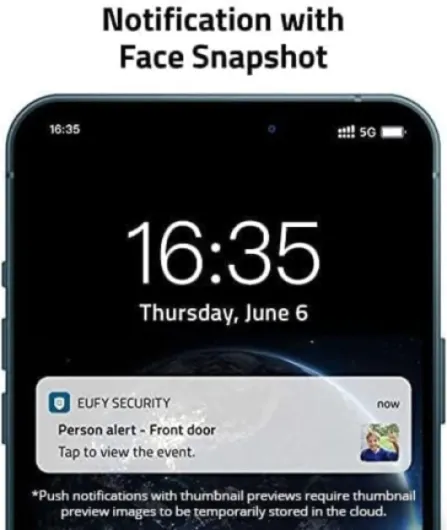
On the app side, you need to download the Eufy Security app (the one with the E logo). You can’t use this without creating an account, and you have to verify your email. This is where some people run into trouble when Eufy’s servers act up. Even though recordings are stored locally, the app still checks in with Eufy’s servers to log you in and manage the system. If their servers are down or slow, your “local” system feels much less local than the marketing suggests.
Overall, the package is complete enough that you can get started without extra purchases. But be aware that while there’s no subscription fee, you are still tied to Eufy’s app and servers. If you wanted something totally independent from any cloud or account, this is not that. It’s more like: recordings live at your home, but control still goes through Eufy’s system.
Pros
- No monthly subscription needed thanks to included 32 GB local storage in the chime
- Good 2K video quality with clear daytime image and usable night vision
- Flexible power options (battery or hardwire) and simple self-install with wedge and bracket
Cons
- Still depends on Eufy servers for account/app access despite “local storage” marketing
- Real-world battery life is shorter than the advertised 180 days for most households
- App can be slow or unreliable at times, with occasional login or connection issues
Conclusion
Editor's rating
Overall, the Eufy Video Doorbell Wireless S220 is a solid choice if you’re mainly trying to dodge monthly fees and still want decent video quality and motion detection. The 2K image is clear, the included 32 GB card and chime mean you’re ready to go out of the box, and the battery + wired options give you some flexibility. Once dialled in, human detection and activity zones cut down on useless alerts, and for everyday stuff like seeing who’s at the door or checking on deliveries, it gets the job done.
On the flip side, it’s not as “local and independent” as the marketing suggests. You still need a Eufy account, and when their servers or email systems act up, you feel it: slow logins, trouble registering, or even temporary access issues. Battery life is decent but doesn’t hit the six-month dream unless your front door is very quiet. And if you’re unlucky, you might hit hardware quirks like the charging problems some users report after a year, though support seems willing to replace bad units.
I’d recommend this to people who: hate subscriptions, are okay tinkering a bit with settings, and don’t mind the occasional app hiccup. It’s also good if you want a simple, self-installed doorbell with decent video and no cables. I’d say skip it if you absolutely need rock-solid uptime, if you’re allergic to any kind of cloud dependency, or if you prefer a very polished app experience with big-brand support, in which case Ring or Nest (with subscriptions) are safer bets. For the price, though, the S220 is good value with a few caveats you should be aware of before buying.