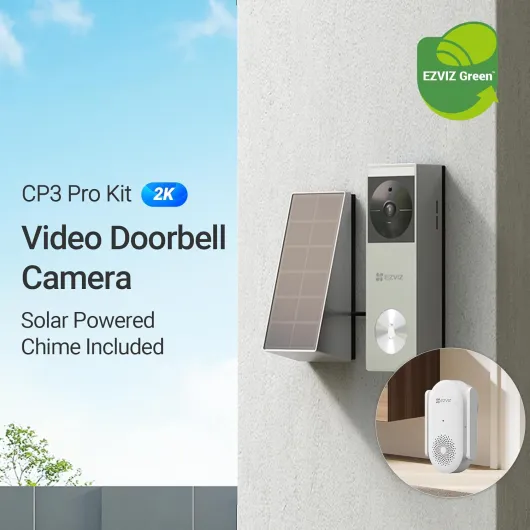
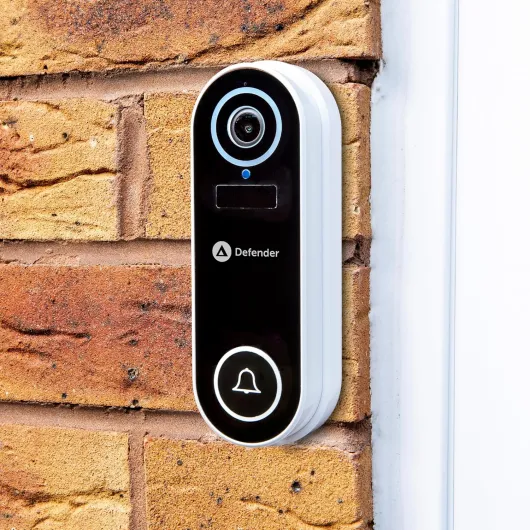
Top smart doorbell ecosystems and how they handle storage
Three ecosystems dominate the smart doorbell market today. Ring, Google Nest with the Nest Doorbell line, and brands like Tapo and Reolink Video each offer different approaches to video storage and security. Understanding how these ecosystems treat your footage is essential before you commit to any doorbell cameras or long-term subscriptions.
Ring popularised the modern video doorbell, but most Ring Battery and Ring Doorbell Pro models lean heavily on cloud storage and a paid subscription. For example, the Ring Video Doorbell (2nd Gen) and Ring Battery Doorbell Plus record motion events to the cloud with a Ring Protect plan, while local storage is only available when you pair certain cameras with a Ring Alarm Pro base station. Some Ring doorbell camera versions now support limited local storage through that base station, yet the experience still centres on cloud video storage and the Ring app. If you want the best smart doorbells with local storage as a primary feature, you should carefully check each Ring specification page rather than assuming local options exist.
Google’s Nest Doorbell range integrates deeply with Google Assistant and the Google Home app. The Nest Doorbell (wired, 2nd gen) and Nest Doorbell (battery) rely on on-device processing for smart alerts but still focus on cloud recording through a Nest Aware subscription. In independent testing by reviewers such as Wirecutter and RTINGS, these models typically deliver clear 1080p video and reliable person detection, yet they are not always the doorbell best suited for users who insist on fully local storage with no cloud involvement.
By contrast, brands such as Tapo and Reolink Video often prioritise local storage through a microSD card slot or a network video recorder. A Tapo video doorbell like the Tapo D230S1 can save clips directly to a card inside the doorbell, while a Tapo hub or recorder can mirror that video storage for backup. Reolink Video doorbell cameras such as the Reolink Video Doorbell PoE and Reolink Video Doorbell WiFi frequently support both local recording to microSD (up to 256 GB on many models) and optional cloud storage, giving you a hybrid model that works even when your internet connection is unstable.
Before you buy, read long-term testing reports such as independent hands-on reviews of the best smart doorbells, which often highlight how each camera behaves after months of real use. Detailed comparisons from outlets like Consumer Reports, PCMag, and major tech sites can reveal whether a battery doorbell drains too quickly, whether night vision remains clear, and how reliable the local storage really is. For a deeper perspective on long-term performance, you can consult an in‑depth guide to the best smart doorbells based on six months of hands-on testing, which explains how different ecosystems handle storage, firmware updates, and reliability over time.
Local storage versus cloud storage for smart doorbells
Choosing between local storage and cloud storage is not just a technical preference. It shapes how your smart doorbell handles privacy, resilience, and long-term cost. The best smart doorbells with local storage usually combine both approaches, using a microSD card or base station while still offering optional cloud backup for critical events.
Local storage means your doorbell camera writes video clips to a microSD card, a hub, or a home recorder. If someone presses the doorbell or triggers motion, the video doorbell saves footage even when your internet connection is down, which is vital for security during network failures. This approach also reduces dependence on a monthly subscription, since you control the video storage capacity by choosing the size of the card or recorder and the recording mode.
Cloud storage sends each video clip from your smart doorbell to remote servers operated by the manufacturer. This method protects you if a thief steals the doorbell camera, because the video remains available in your account even when the physical device disappears. However, it usually requires a subscription, and some users dislike the idea of every doorbell video being stored on servers they cannot audit or easily move between providers.
Hybrid systems offer the best of both worlds for many households. A battery doorbell or wired doorbell can record to local storage on a microSD card while also uploading key events to cloud storage for redundancy. When you evaluate the best smart doorbells with local storage, look for models that keep recording locally during outages yet still support secure cloud backup for incidents such as package theft or attempted break‑ins.
Security also depends on how the doorbell communicates with your network and other devices. Wireless protocols, Bluetooth frequency choices, and Wi‑Fi standards all influence how reliably your video doorbells stream footage to Amazon Alexa or Google Assistant displays. For a deeper technical view of how wireless design affects smart doorbell security and performance, you can read a specialised analysis of how Bluetooth frequency shapes smart doorbell security and performance, which explains why some doorbell cameras resist interference and jamming better than others.
Key features that define the best smart doorbells with local storage
Several concrete features separate average smart doorbells from the best smart doorbells with local storage. Resolution, field of view, night vision quality, and storage flexibility all matter more than flashy marketing terms. When you compare doorbell cameras, focus on how each feature improves real‑world security rather than just ticking boxes on a spec sheet.
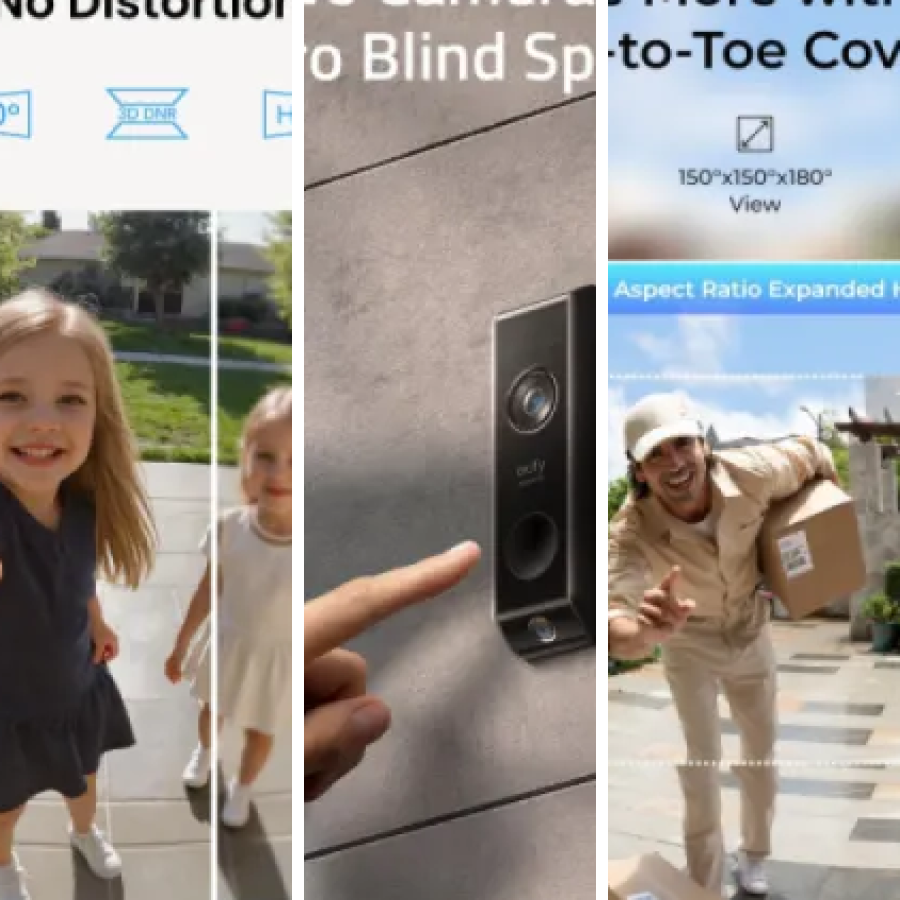
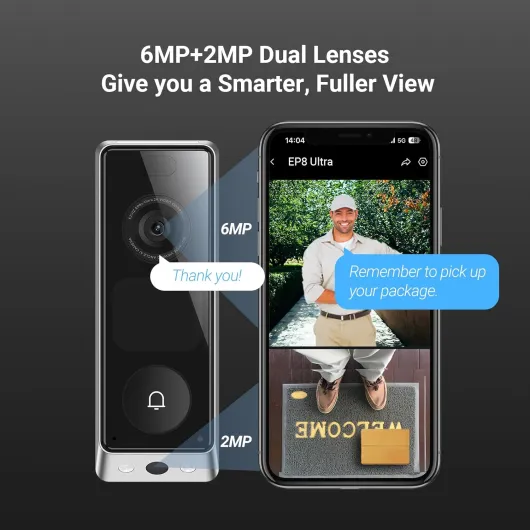
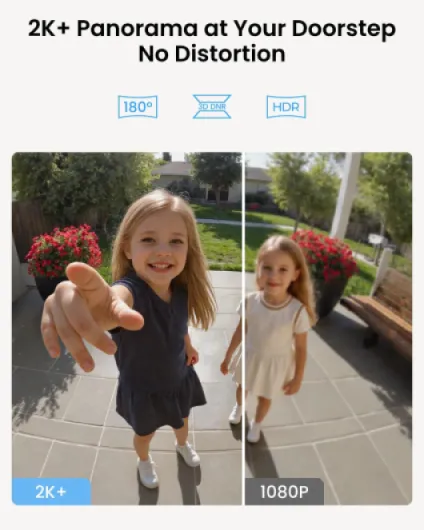
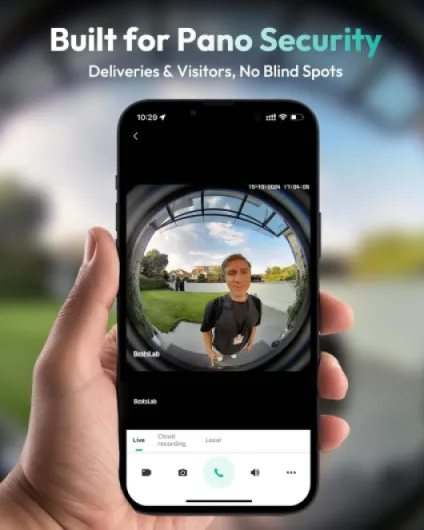
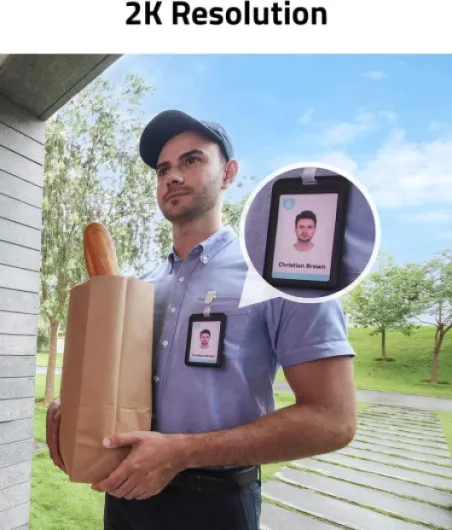
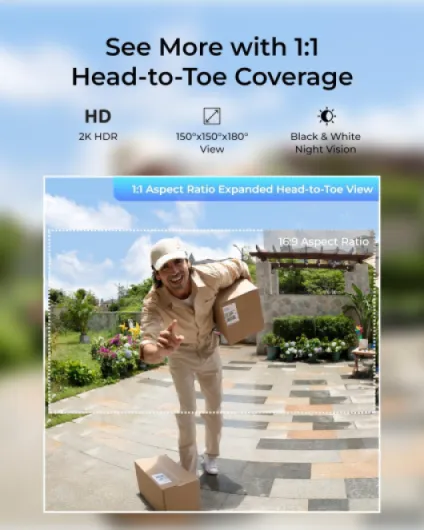
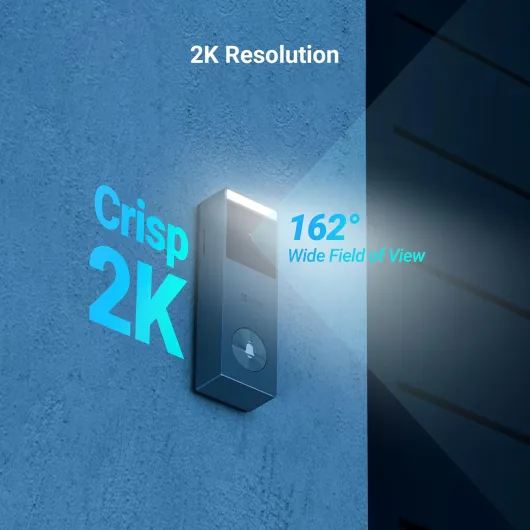
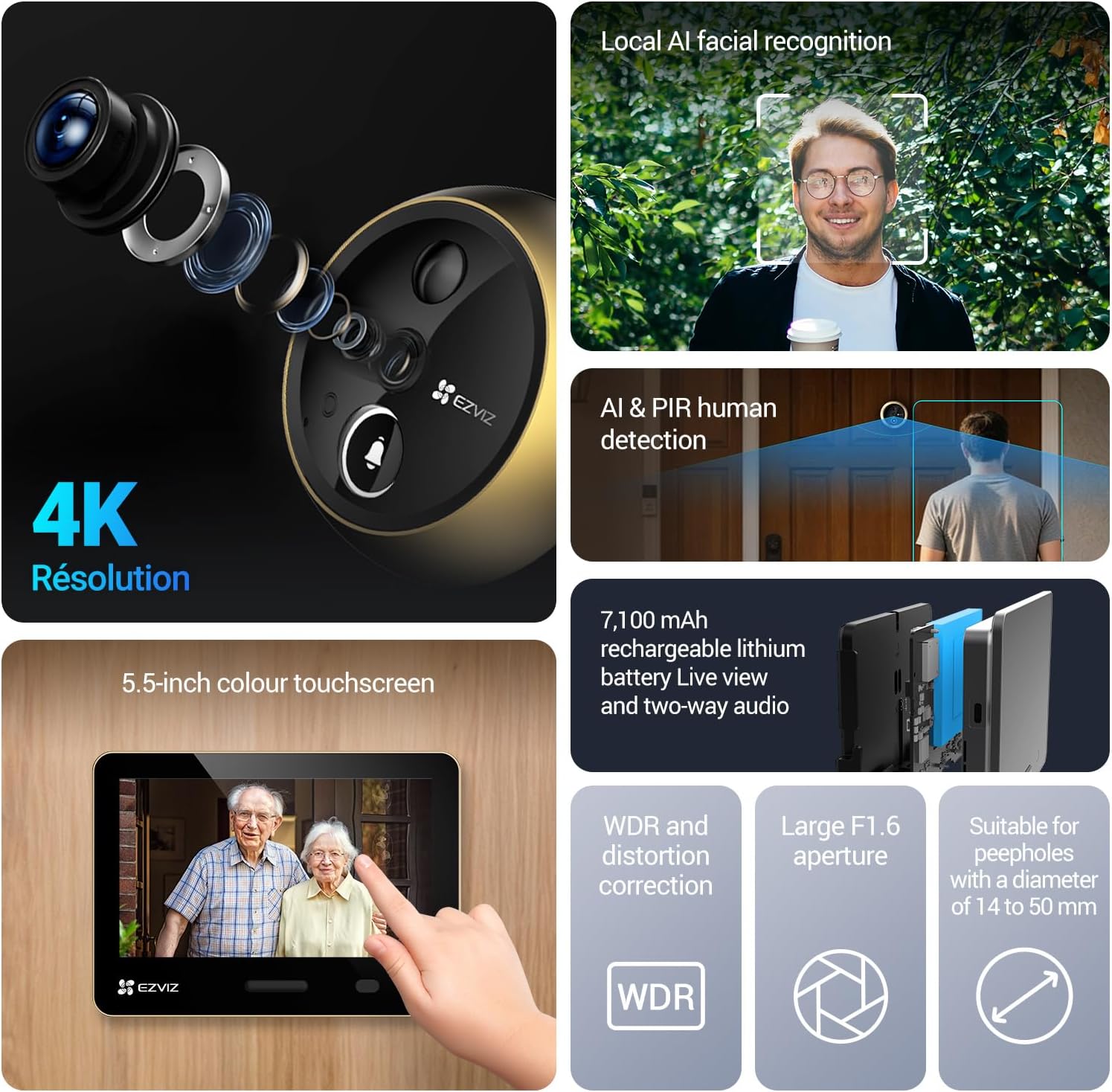
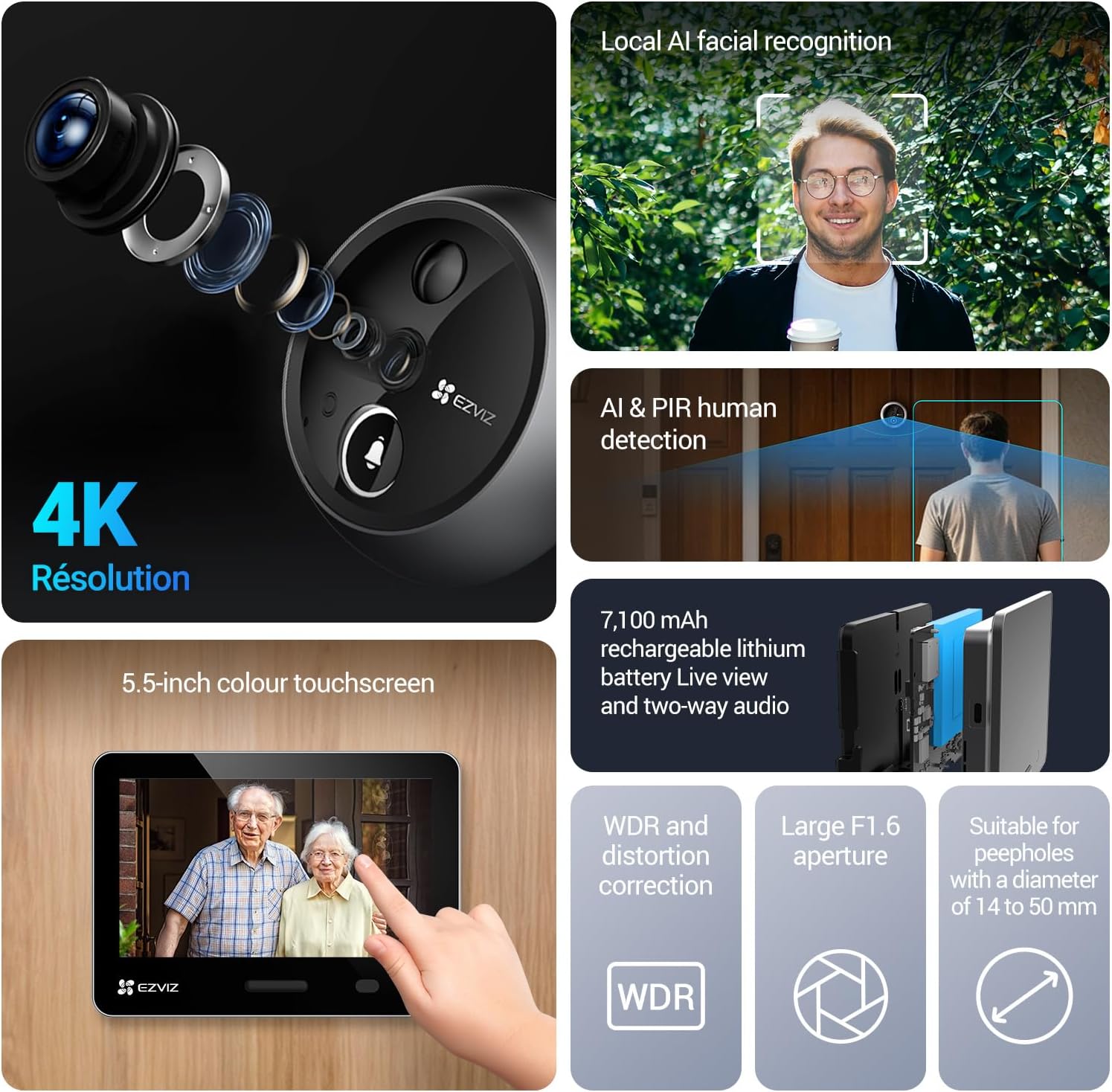
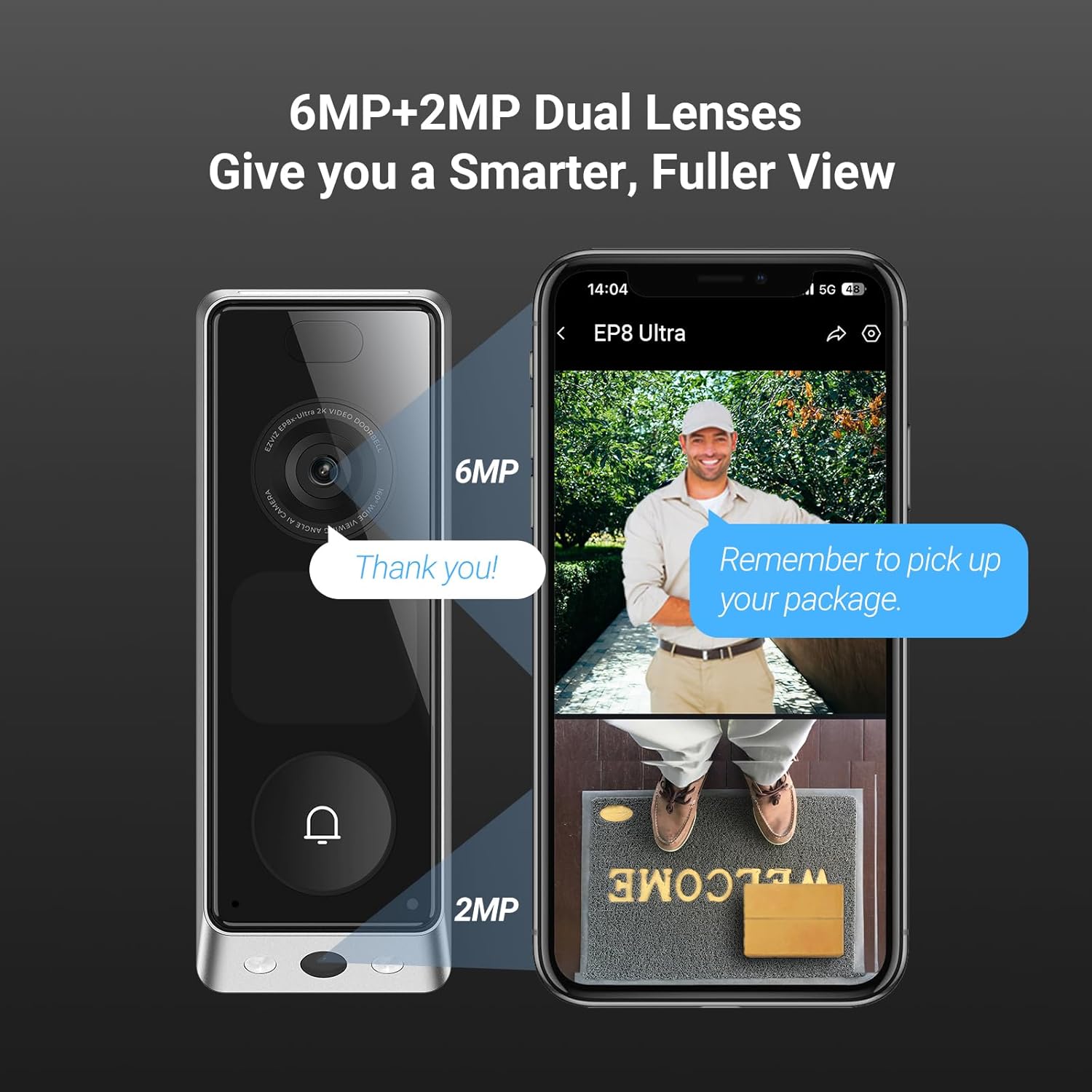
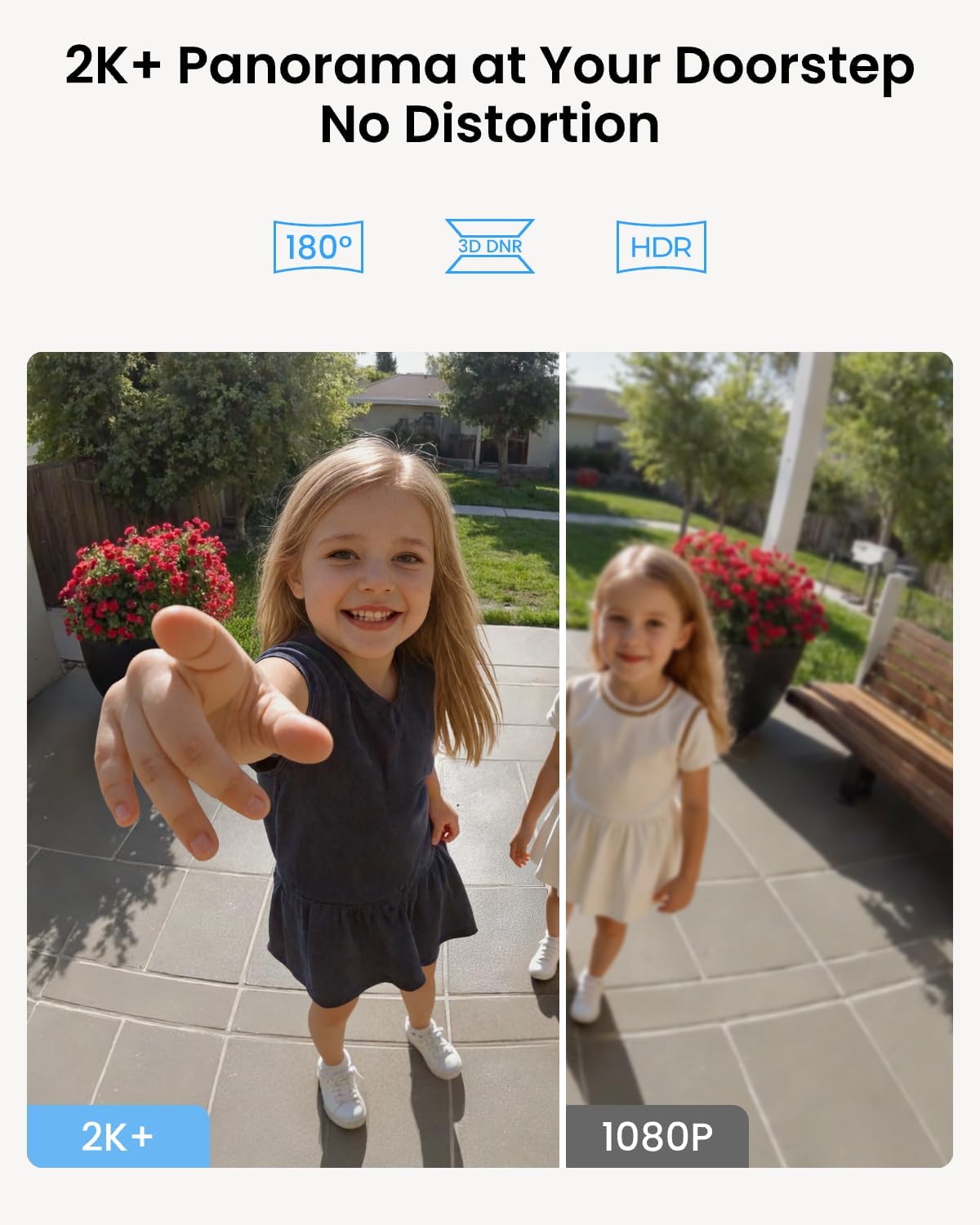
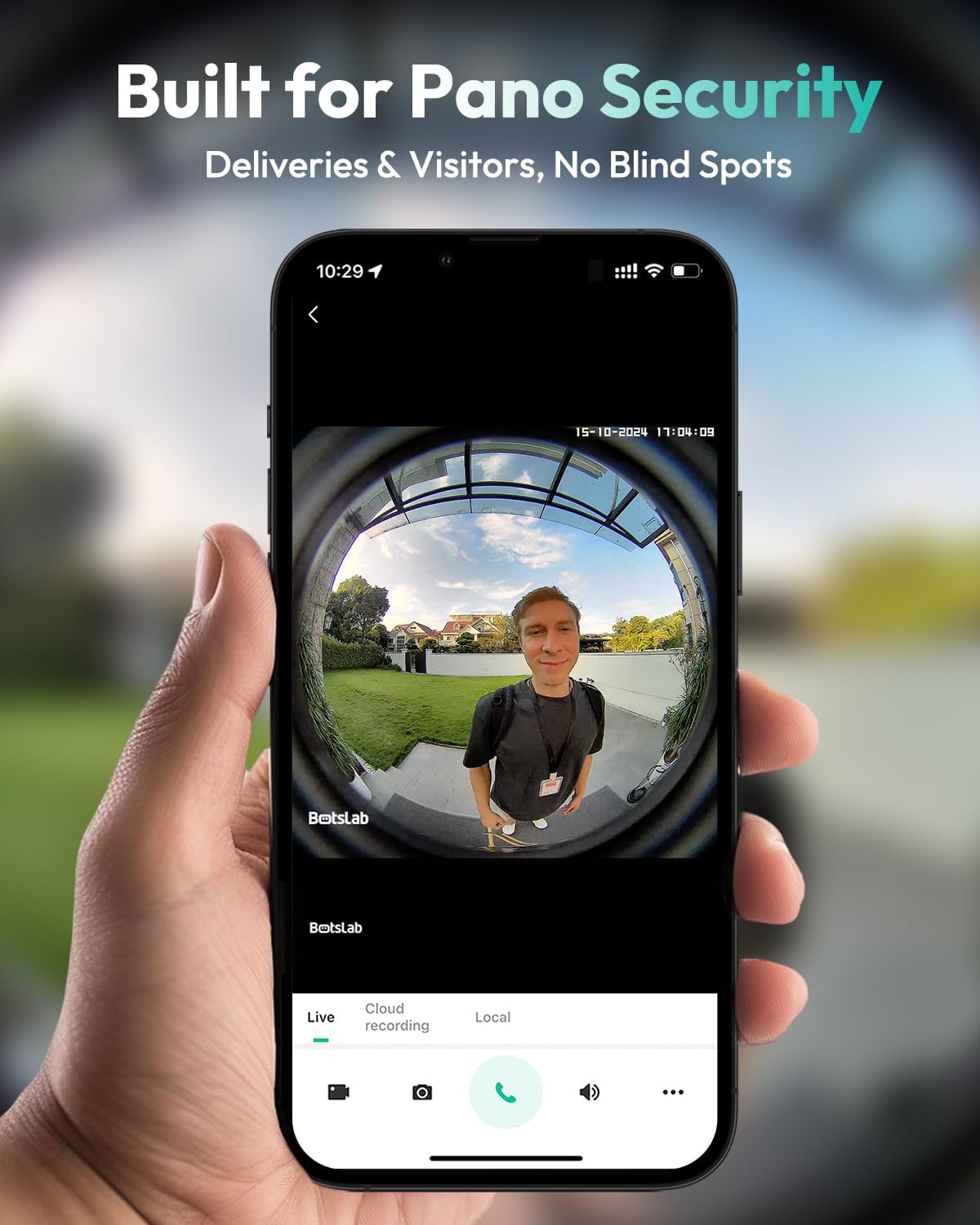
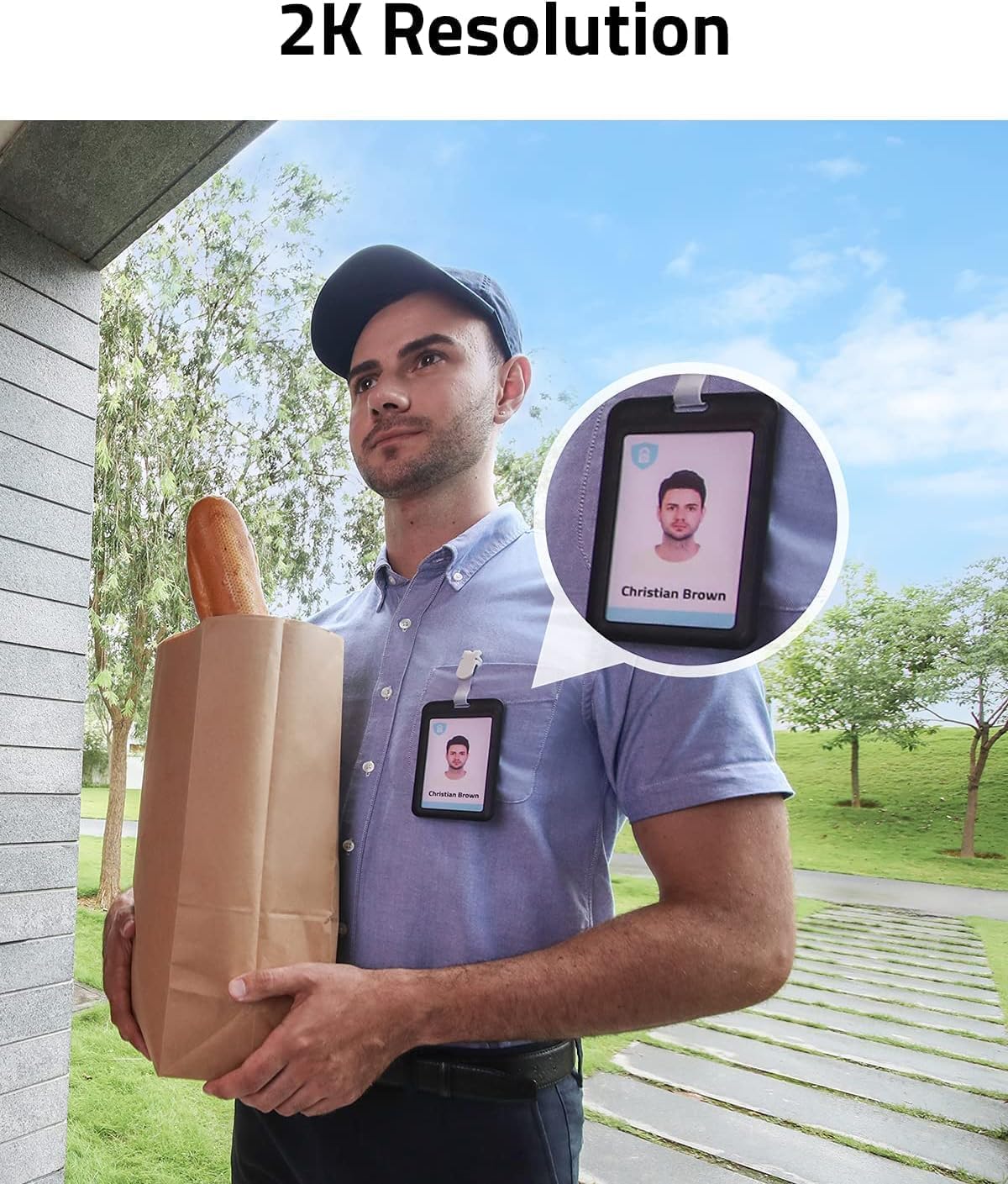
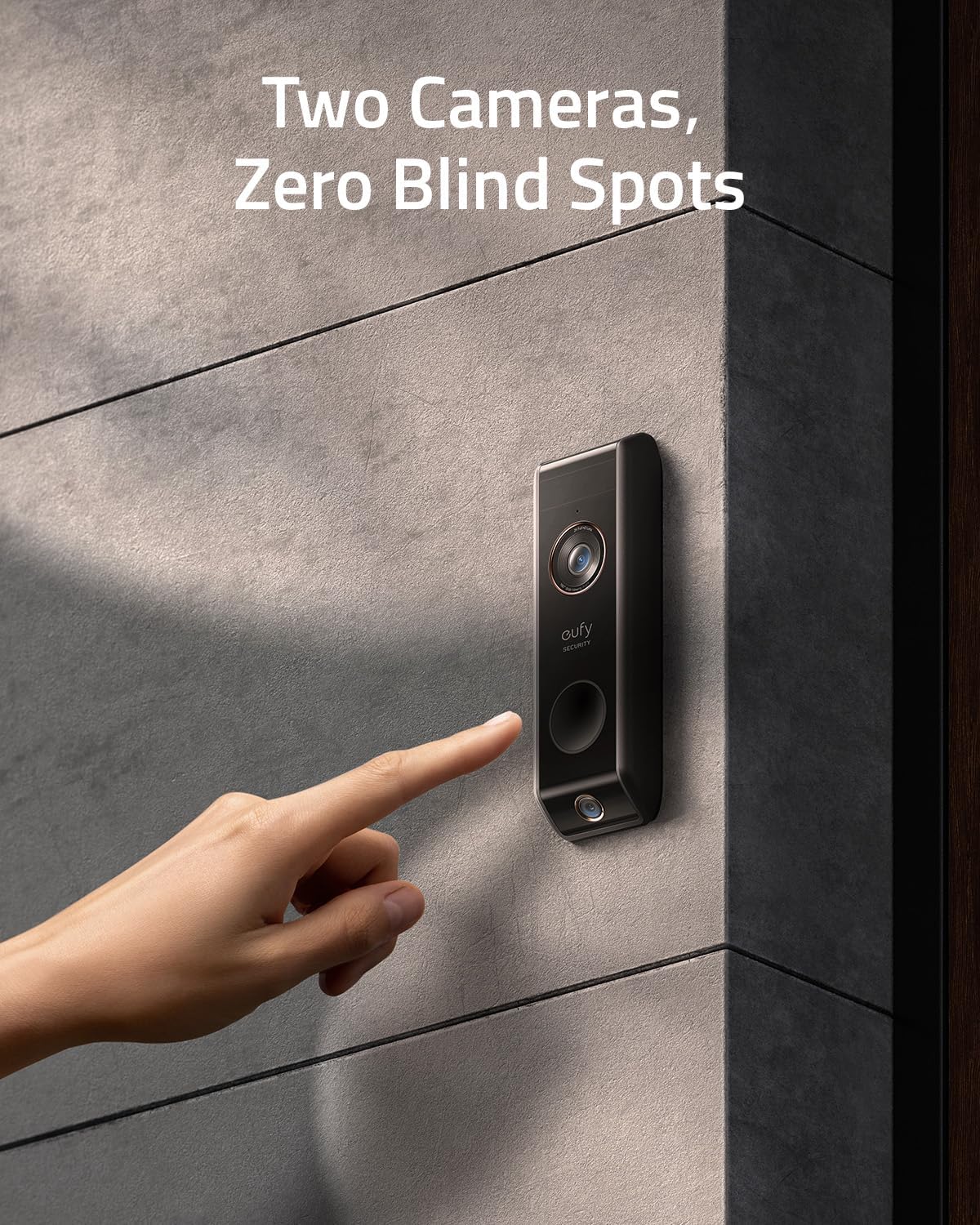
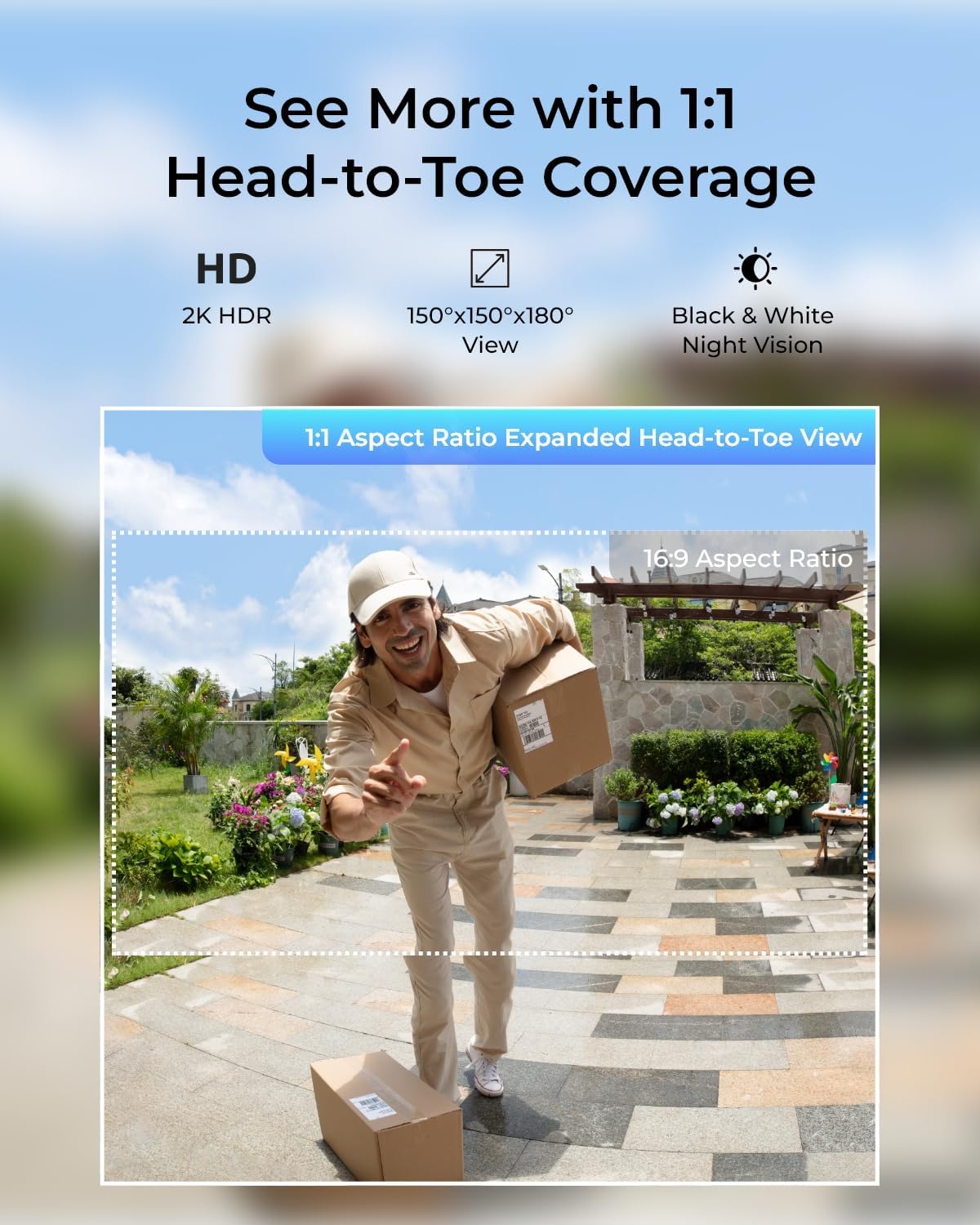
Resolution determines how clearly you can see faces, packages, and licence plates in each video. A modern video doorbell should offer at least Full HD resolution, while some premium doorbell cameras provide higher resolutions that capture more detail across a wide field of view. The wider the field view, the more of your porch and driveway the camera can cover, which reduces blind spots where intruders or package thieves might hide.
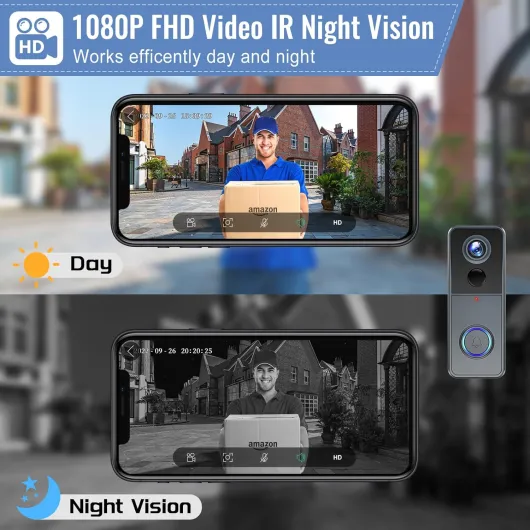
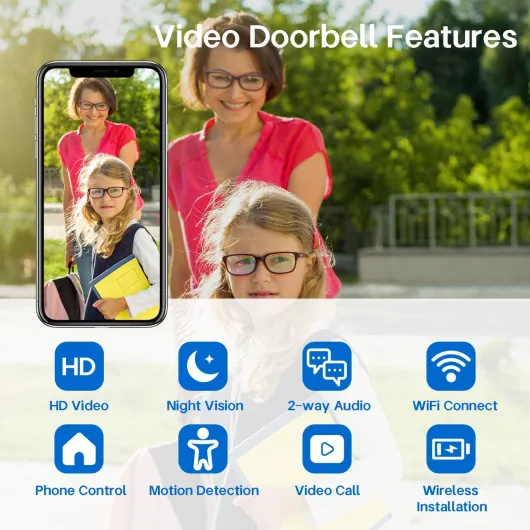
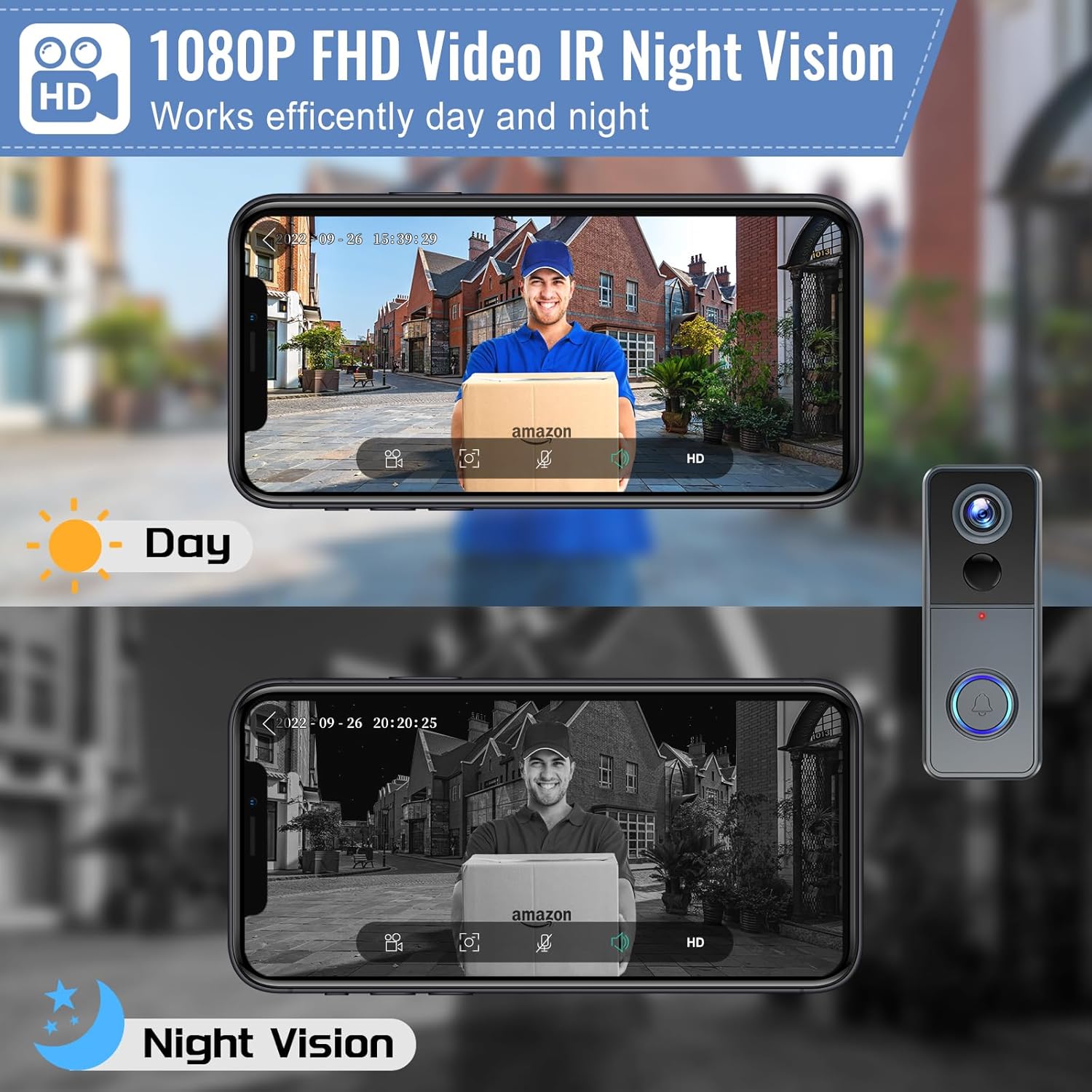
Night vision is another critical factor, especially for homes on dimly lit streets. Infrared night vision allows a smart doorbell camera to record usable video even in near darkness, while some models add colour night vision using low‑light sensors and gentle illumination. When you evaluate night vision claims, look for real sample clips from reviewers or manufacturer demos rather than relying solely on product descriptions.
Storage flexibility is where the best smart doorbells with local storage truly stand out. A good battery doorbell or wired model should support a microSD card for local storage, offer optional cloud storage, and clearly explain how much video storage each option provides. Some Tapo and Reolink Video models, for example, allow you to choose between recording only motion events or continuous video, which dramatically affects how quickly your card fills up and how often older clips are overwritten.
Integration with voice assistants and smart displays also shapes daily usability. A doorbell camera that works smoothly with Amazon Alexa, Google Assistant, and the broader Alexa–Google ecosystem lets you answer the door from a kitchen display or a living room television. This convenience should never compromise security, so always check how the device encrypts video streams and what risks are posed by internet of things devices in smart doorbells before you connect everything to your home network.
Battery versus wired smart doorbells for local storage
Power supply is often an overlooked detail when people compare the best smart doorbells with local storage. Battery doorbells and wired doorbells behave differently in daily use, especially when recording high‑resolution video to local storage. Your choice affects reliability, maintenance, and how easily the doorbell integrates with existing chimes and transformers.
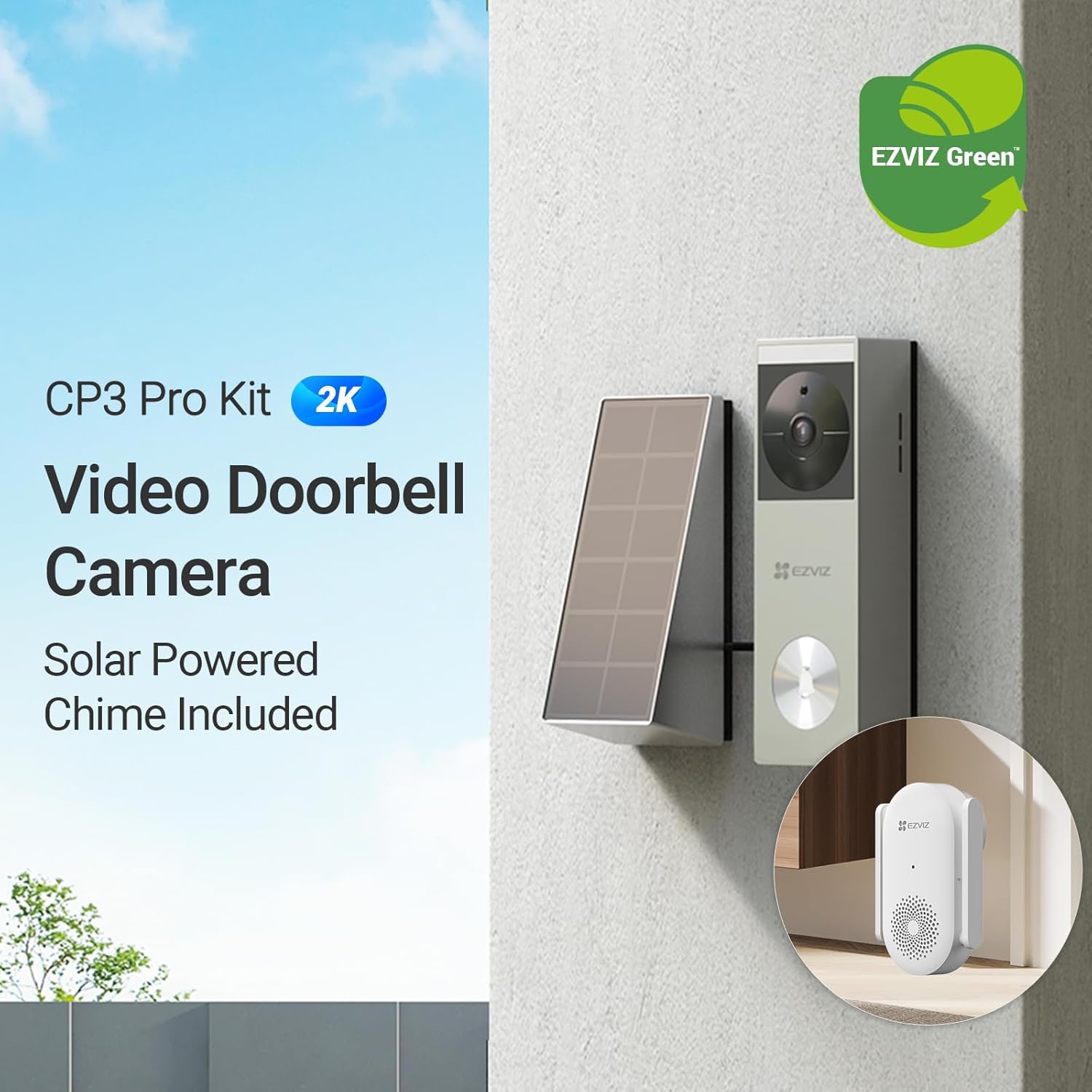
Battery powered smart doorbells offer flexible installation because they do not require existing wiring. A Ring Battery model or a similar battery doorbell from Tapo or Reolink Video can mount almost anywhere, then record video to local storage on a microSD card or to cloud storage when Wi‑Fi is available. In independent tests by reviewers such as TechRadar and Tom’s Guide, typical battery life ranges from one to three months in moderate‑traffic areas, but frequent motion events, long video clips, and constant live viewing through Amazon Alexa or Google Assistant displays can drain the battery faster than expected.
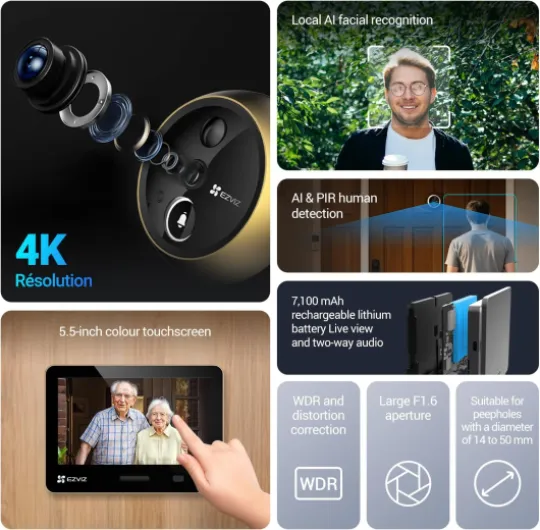
Wired smart doorbells draw power from existing doorbell wiring, which supports more consistent performance. A wired Nest Doorbell or a wired Tapo video doorbell can maintain continuous video streaming, advanced motion detection, and reliable night vision without worrying about battery replacement. For households that prioritise uninterrupted security, a wired doorbell with robust local storage often becomes the doorbell best suited to long‑term use, especially when paired with a high‑capacity recorder.
Hybrid models blur the line between battery and wired designs. Some doorbell cameras include a rechargeable battery but can also connect to low‑voltage wiring for trickle charging, which reduces maintenance while preserving flexible installation. When you evaluate these options, check whether all features, including local video storage and advanced analytics, remain available in both battery and wired modes or whether certain functions require constant wired power.
Installation complexity should match your comfort level and property layout. If you rent or cannot modify wiring, a battery doorbell with strong local storage and optional cloud backup may be the most practical choice. Homeowners with existing chimes and easy access to wiring often gain more from a wired smart doorbell that delivers stable video storage, wide field of view coverage, and consistent integration with Alexa–Google compatible devices.
Privacy, security, and long term ownership of your footage
Owning a smart doorbell means managing sensitive video of your home, neighbours, and daily routines. The best smart doorbells with local storage give you stronger control over that data, because the primary video storage remains on devices you physically own. This control reduces exposure to data breaches, policy changes, and unexpected subscription price increases that can affect cloud‑only services.
When you rely solely on cloud storage, every doorbell video travels across the internet to remote servers. Reputable brands such as Ring, Nest Doorbell, Tapo, and Reolink Video invest heavily in encryption and security, yet no cloud system is completely immune to risk. Local storage on a microSD card or home recorder limits how much footage ever leaves your network, which many privacy‑conscious users prefer, especially in regions with strict data‑protection rules.
Security also depends on how you configure the doorbell and connected apps. Use strong, unique passwords for your Amazon, Google, and manufacturer accounts, and enable multi‑factor authentication wherever possible. Studies cited by major cybersecurity organisations such as ENISA and NIST indicate that multi‑factor authentication can block the vast majority of automated account‑takeover attempts. Regularly review which devices can access your doorbell cameras through Amazon Alexa, Google Assistant, or Alexa–Google integrations, and revoke access for any device you no longer use.
Long‑term ownership considerations go beyond storage and subscriptions. Check how long each brand promises firmware updates, how quickly they respond to security vulnerabilities, and whether they clearly explain data retention policies for both local storage and cloud storage. A transparent approach to updates and privacy is a strong signal that a manufacturer treats your home security with the seriousness it deserves and will keep your doorbell supported for years.
Finally, think about how easily you can export and back up important clips. The best smart doorbells with local storage allow you to copy video from a microSD card or internal storage to a secure archive without complex tools. This capability ensures that critical evidence remains available even if you later change ecosystems, cancel a subscription, or replace your existing doorbell camera with a new model.
How to choose the right smart doorbell for your home
Selecting the right smart doorbell starts with a clear list of priorities. Decide whether local storage, cloud storage, or a hybrid approach matters most, then consider power supply, field of view, and night vision performance. The best smart doorbells with local storage will align with your privacy expectations, budget, and technical comfort level.
Begin by mapping your entrance and identifying where a doorbell camera can capture the widest field view. Check whether existing wiring supports a wired doorbell, or whether a battery doorbell would simplify installation without sacrificing security. Measure Wi‑Fi strength at the mounting point, because even the best video doorbells struggle when the signal is weak or unstable and may fail to upload clips to the cloud.
Next, compare specific models from major brands such as Ring, Nest Doorbell, Tapo, and Reolink Video. Look for clear information about video resolution, night vision capabilities, and how each device handles video storage on a microSD card or in the cloud. Pay close attention to subscription details, because some features, including advanced motion detection, familiar‑face recognition, and extended video history, may require ongoing payments.
Do not overlook ecosystem compatibility when you already use Amazon Alexa or Google Assistant devices. A smart doorbell that streams smoothly to your existing speakers and displays will feel more natural in daily use, especially when answering visitors hands‑free. At the same time, ensure that any integration with Amazon, Google, or Alexa–Google platforms does not force you into cloud‑only storage if you prefer local control and minimal data sharing.
Finally, read independent reviews that focus on long‑term reliability rather than just first impressions. Look for reports about how well local storage performs over months, how often batteries need charging, and whether firmware updates improve or degrade performance. By weighing these factors carefully, you can choose a doorbell best suited to your home, with smart features, strong security, and video storage that you truly own.
Key figures about smart doorbells and local storage
- Market analysts report that smart doorbell shipments exceeded 20 million units globally in a recent year, with a growing share of models offering local storage options alongside cloud services (data from multiple industry research firms such as IDC and Strategy Analytics).
- Independent security testing has shown that enabling multi‑factor authentication on smart home accounts can reduce successful account takeover attempts by more than 90 percent, significantly improving the security of doorbell cameras and stored video (figures referenced by major cybersecurity organisations and large email providers).
- Consumer surveys in Europe indicate that over 60 percent of smart doorbell owners express concern about who can access their cloud‑stored footage, which helps explain the rising demand for the best smart doorbells with local storage and hybrid storage designs (findings reported by regional privacy watchdogs and data‑protection authorities).
- Testing laboratories and video standards groups have measured that moving from HD to higher‑resolution video can increase storage requirements by 50 to 100 percent, which makes the choice of microSD card capacity, compression settings, and recording mode critical for efficient local storage.
- Field evaluations of battery powered video doorbells show that heavy motion activity and frequent live viewing can cut battery life from several months to just a few weeks, especially when continuous high‑resolution recording to local storage is enabled (data summarised by independent product testing organisations and long‑term review projects).