Cloud versus local storage and how subscriptions really work
Every buyer comparing the best smart doorbells with cloud video storage eventually faces the same question about storage and cost. Cloud storage usually requires a monthly subscription, while local storage uses a microSD card, hub, or network recorder that sits inside your home. The right mix of cloud and local storage depends on how long you want to keep video, how private you want your data to be, and how much you are willing to pay over time.
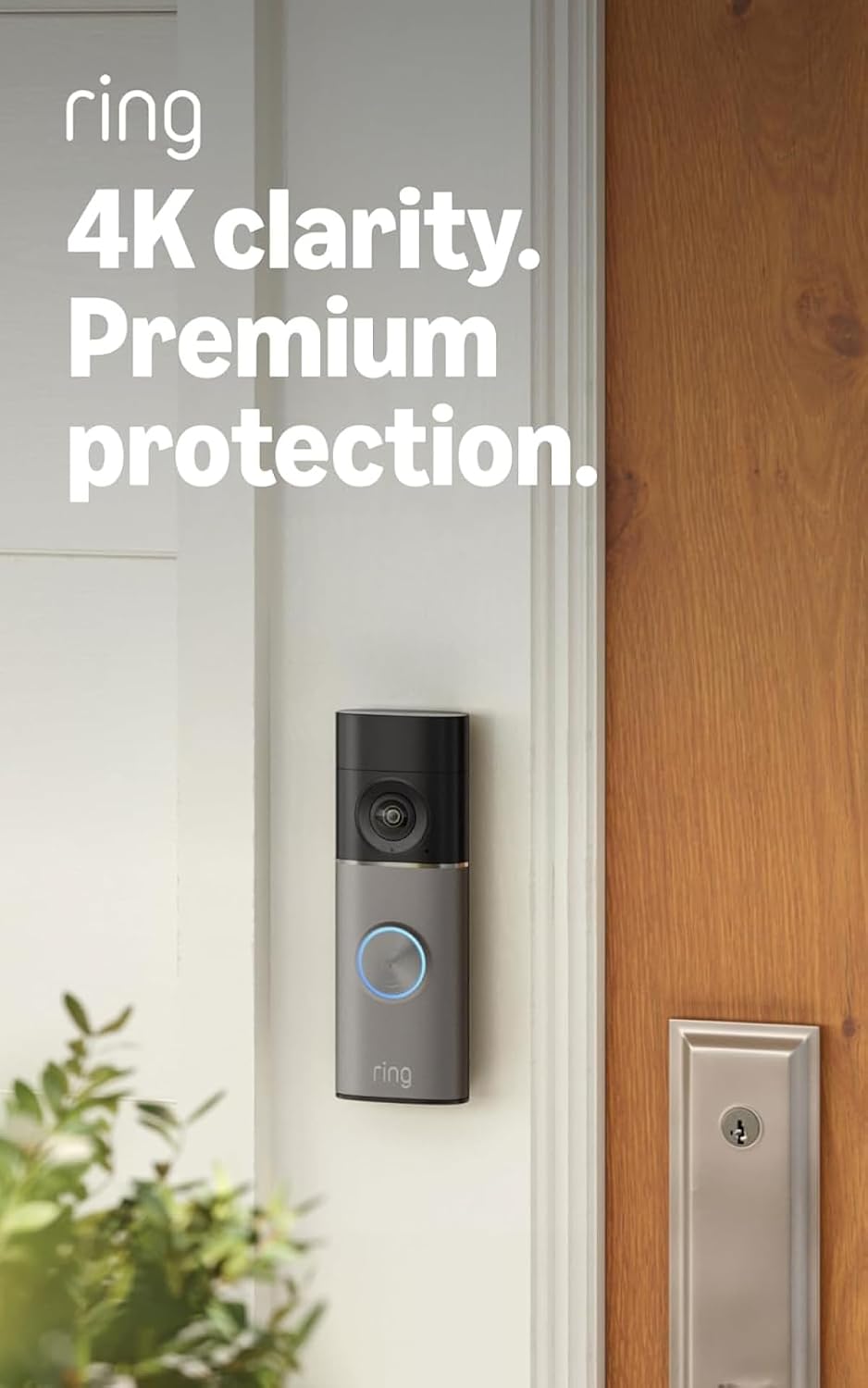
Brands such as Ring, Google Nest, and Tapo structure their subscription plans around video storage length and the number of cameras or doorbells you own. A Ring Video Doorbell or Ring Doorbell Pro, for example, typically offers basic live view and instant alerts without a subscription but locks extended video history and rich notifications behind a paid plan. Google Nest Doorbell follows a similar pattern, where Nest Aware extends cloud storage duration and unlocks more detailed motion detection and familiar face alerts.
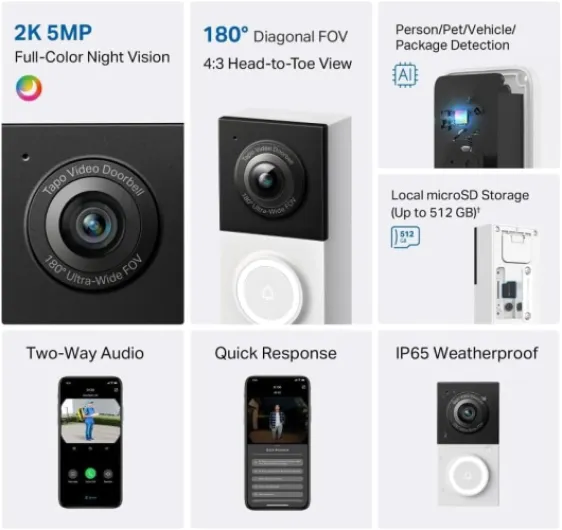
Local storage on some smart doorbells, especially Tapo camera and doorbell cameras, lets you record video to a card or hub without ongoing subscription fees. This local storage can complement cloud storage by keeping a longer archive at home while the cloud holds the most recent and critical clips. When you compare Ring versus Nest in depth, resources such as an honest comparison for first time buyers help clarify how each ecosystem handles cloud storage, local options, and long term subscription value.
Battery versus wired smart doorbells for cloud video recording
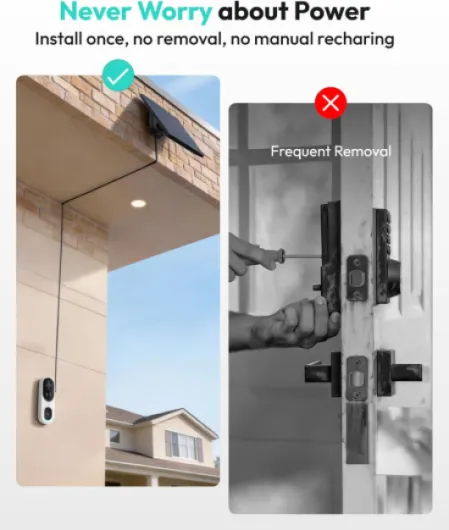
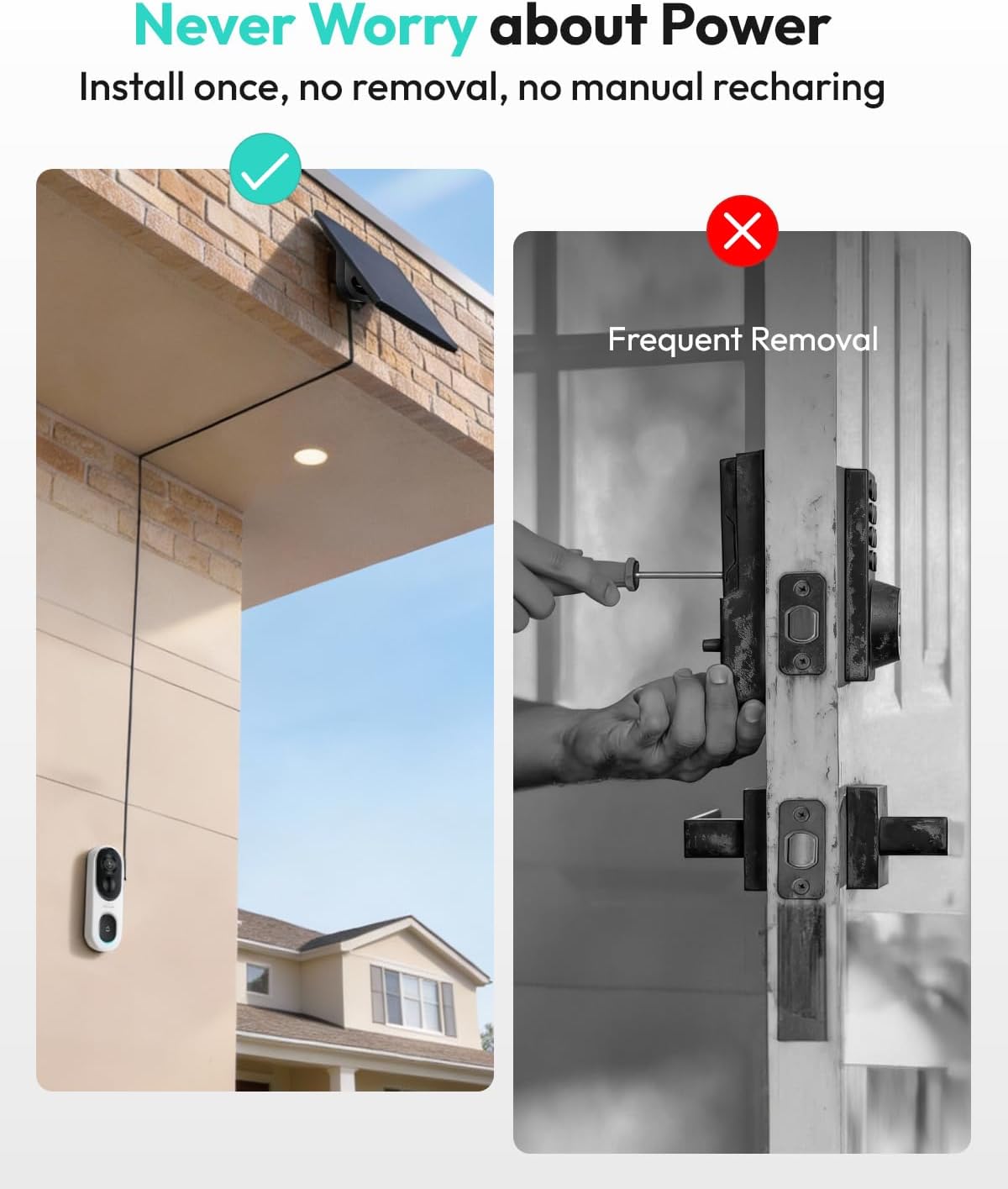
Choosing between a battery doorbell and a wired doorbell shapes how your smart doorbell behaves with cloud video storage. Battery powered doorbells are easier to install and work well in apartments or older homes without existing chime wiring. Wired video doorbells suit permanent homes where you want continuous power, fewer charging cycles, and often more aggressive video recording settings.
Battery powered smart doorbells usually rely heavily on motion detection to conserve power, waking the doorbell camera only when someone approaches or presses the doorbell. This motion detection then triggers video recording that uploads to cloud storage or local storage, depending on your settings and subscription. If you set very sensitive detection zones or a wide field view, the battery may drain faster because the doorbell cameras wake more often and send more video to the cloud.
Wired smart doorbells, such as many Ring Video Doorbell Pro or Nest Doorbell wired models, can maintain higher bit rate video, longer clips, and more frequent snapshots without worrying about battery life. These wired doorbells pair well with the best smart doorbells with cloud video storage because they can fully exploit features like continuous recording or rich previews. When you compare modern smart doorbells, guides such as an overview of top modern smart doorbells highlight how power source, video storage, and subscription tiers interact in real homes.
Image quality, field of view, and night vision in cloud based systems
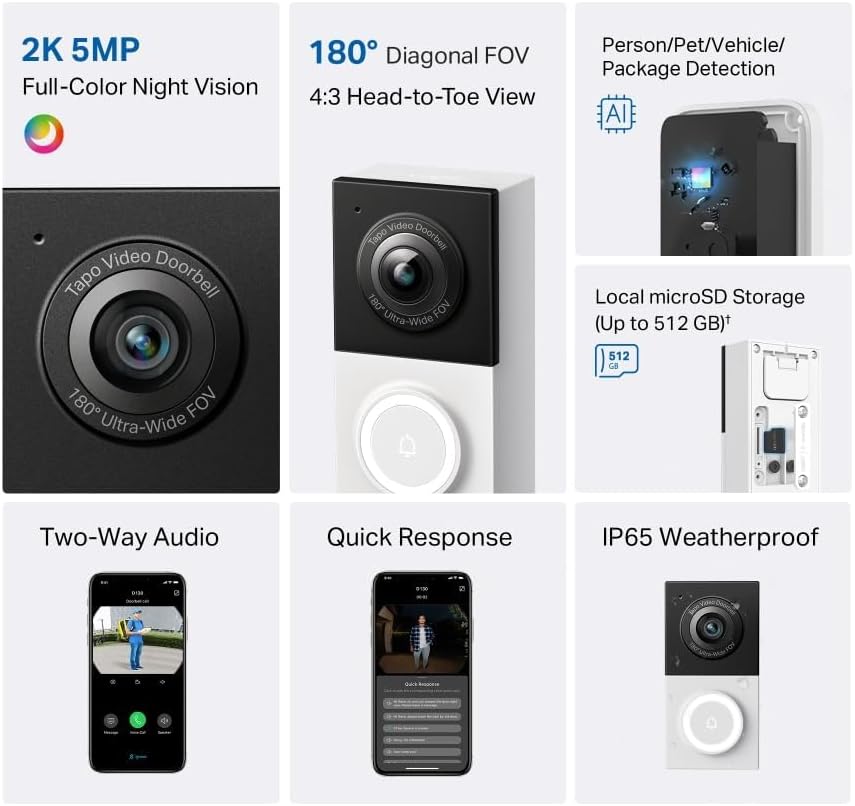
Image quality is not just a marketing number when you rely on cloud video storage for security. A smart doorbell with sharp video and a wide field view captures faces, parcels, and license plates more clearly, which matters when you later review clips stored in the cloud. The best video doorbells combine high resolution with efficient compression so that video storage in the cloud remains affordable and responsive.
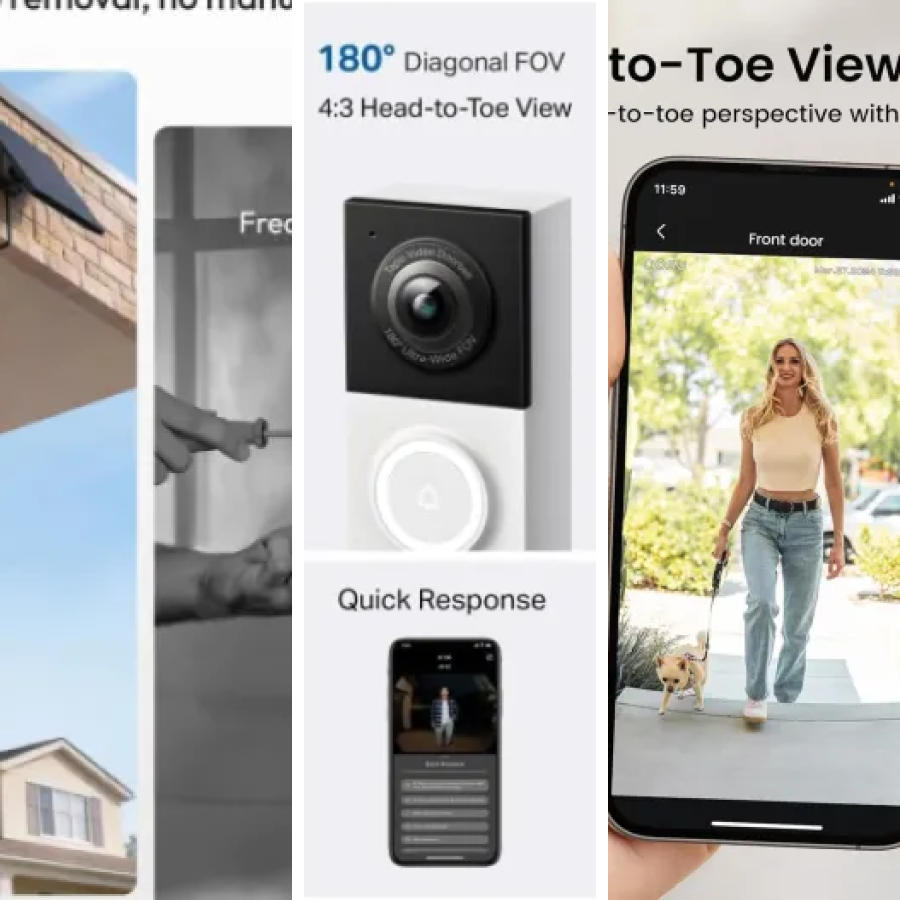
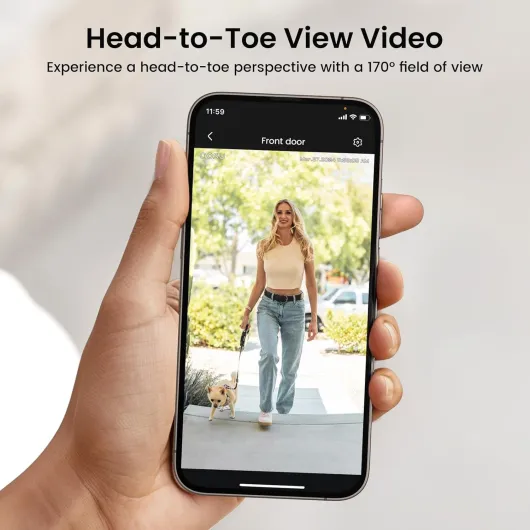
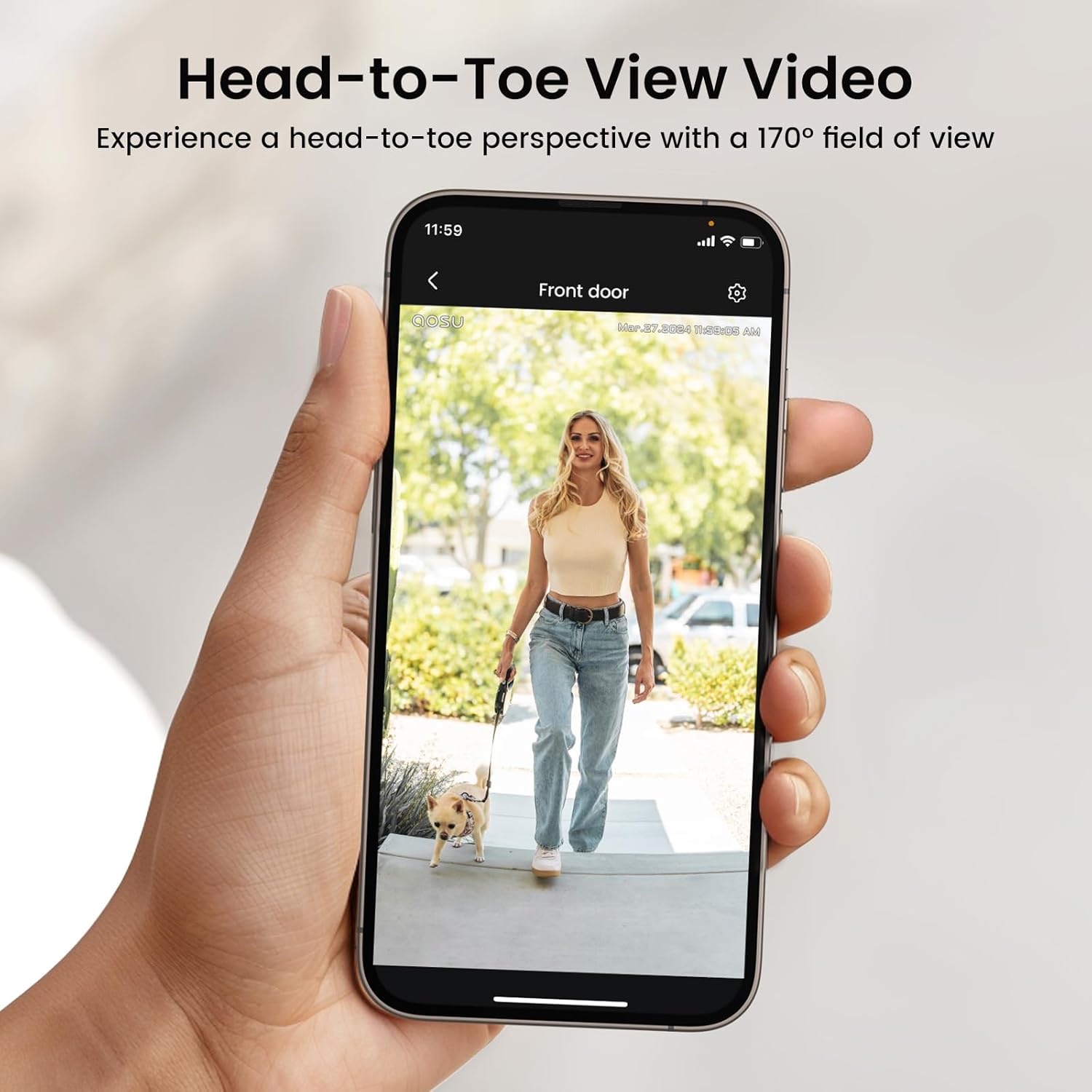
Doorbell cameras with a vertical field view help you see packages on the ground and tall visitors at the same time. This design is common in Nest Doorbell, Ring Video Doorbell, and some Tapo camera models, which are all optimized for cloud storage workflows. When motion detection triggers recording, the doorbell camera sends a clip that shows the entire doorway scene, not just a narrow slice, making each stored video more useful.
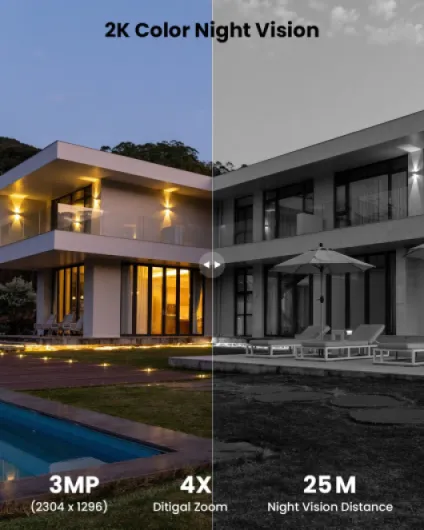
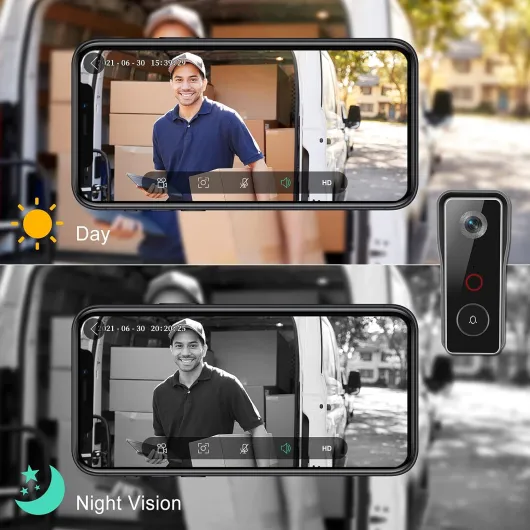
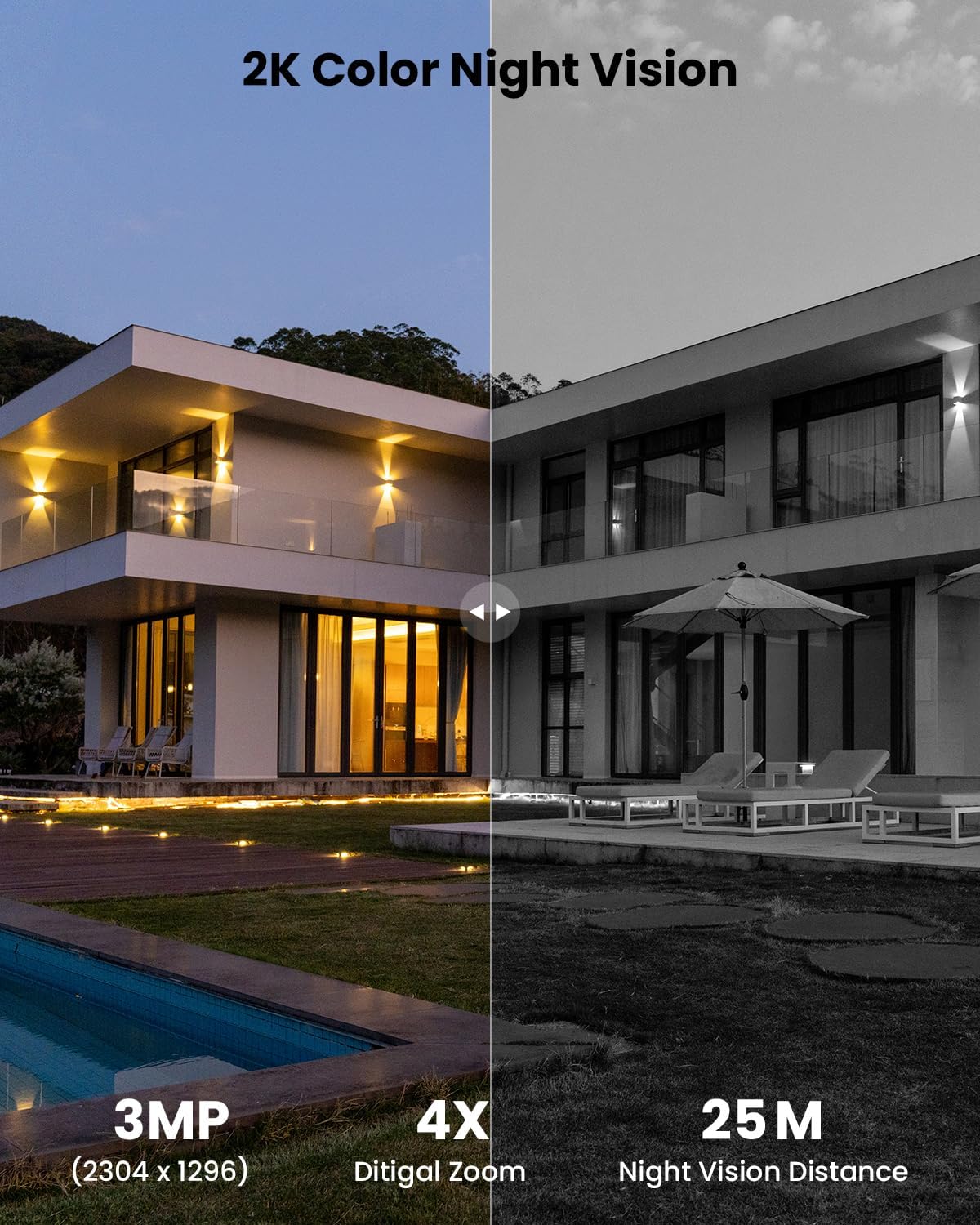
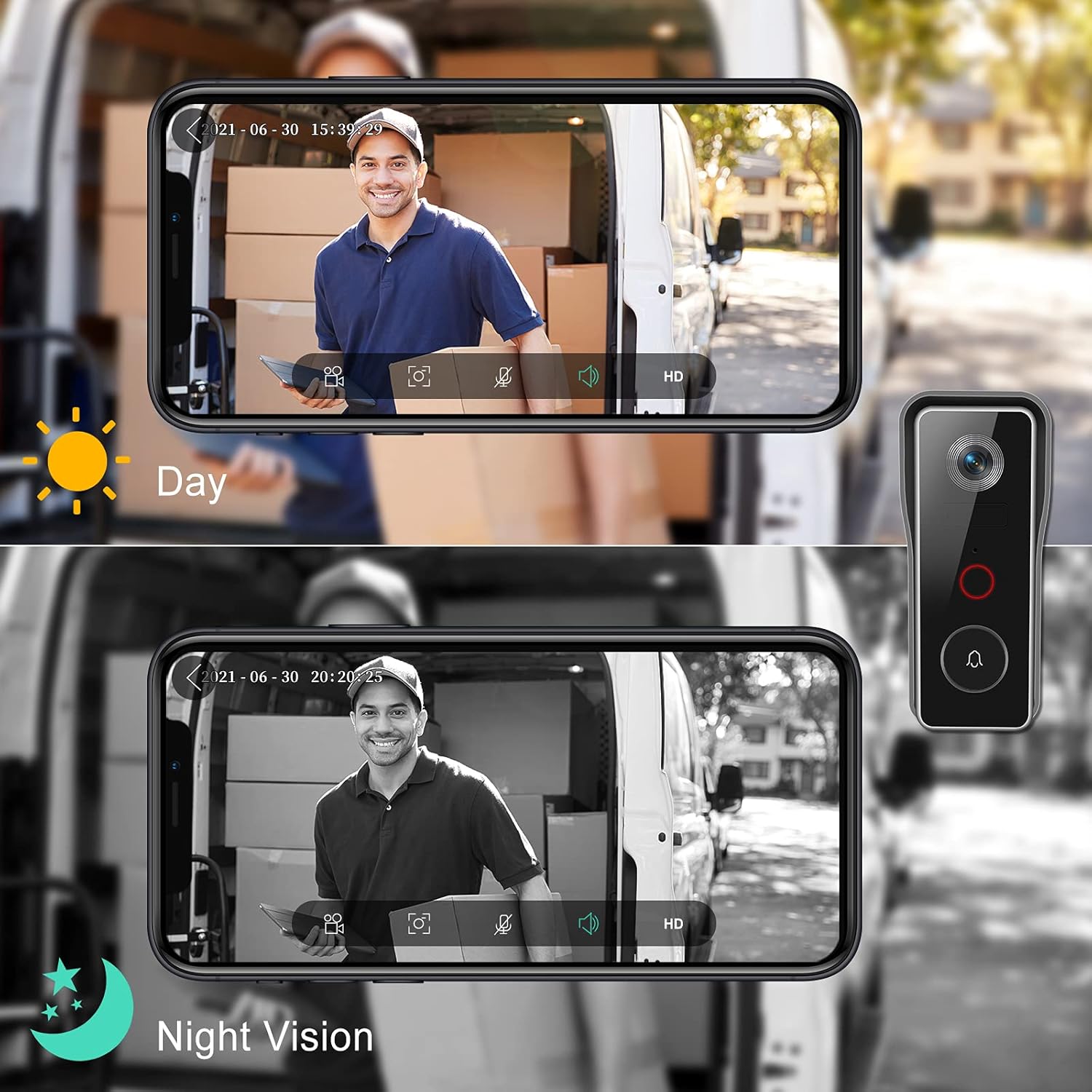
Night vision performance also shapes how valuable your cloud storage becomes, especially in low light streets or rural properties. Infrared night vision on smart doorbells lets you identify people and vehicles even when porch lights are off, and these night clips are then preserved in cloud storage or local storage for later review. When you evaluate the best smart doorbells with cloud video storage, check sample night vision footage and confirm that the video doorbell maintains detail without excessive noise or washed out faces.
Smart assistants, apps, and how you actually use stored video
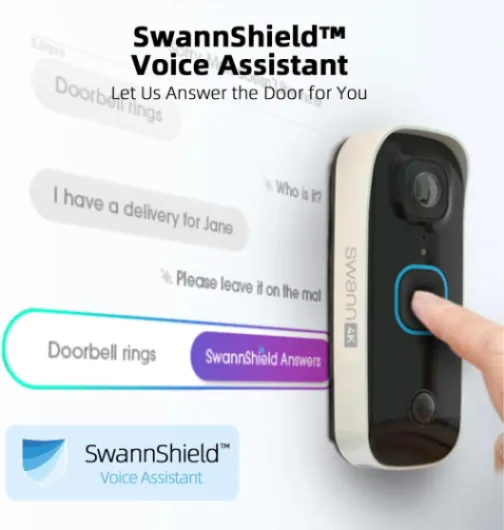
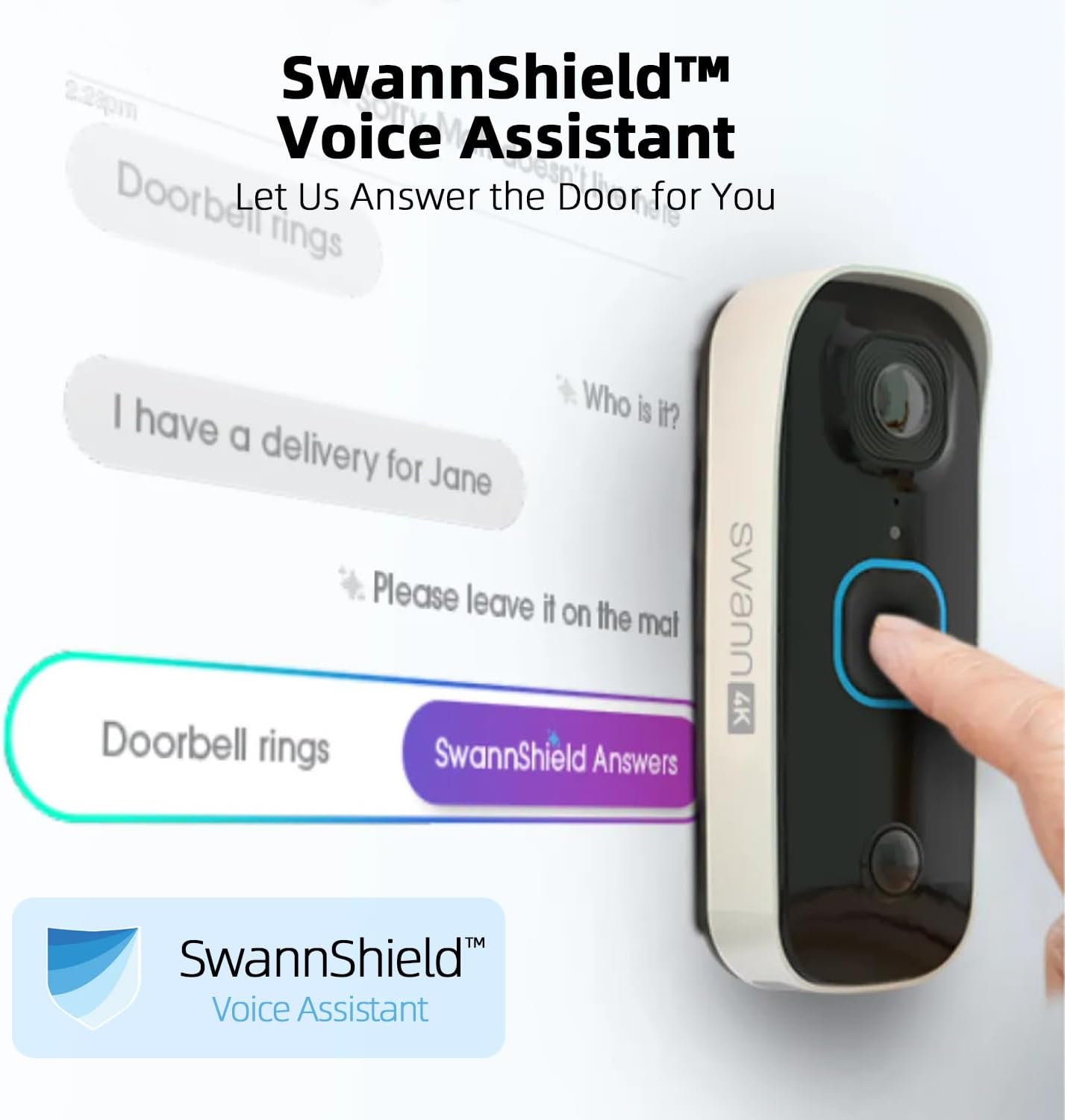
Smart doorbells only feel truly smart when they integrate smoothly with your daily devices and assistants. Many of the best smart doorbells with cloud video storage work with Amazon Alexa, Google Assistant, or both, often marketed as alexa google compatibility. This means you can ask a smart display to show the doorbell camera live, review recent video storage clips, or silence motion alerts with a voice command.
Ring doorbells pair tightly with Amazon Alexa, letting you see video doorbells on Echo Show screens and receive chime announcements on Echo speakers. Google Nest Doorbell integrates with Google Assistant and Nest Hub displays, where you can scroll through cloud storage history and filter by motion detection events. Tapo doorbells and compatible security cameras often support both Amazon Alexa and Google Assistant, giving you flexibility if you mix ecosystems or change platforms later.
The mobile apps for these smart doorbells are where you manage cloud storage, local storage, and subscription details. Within the app, you can adjust motion detection zones, tune sensitivity, and decide which events are uploaded to cloud storage to optimize both security and battery life. For readers curious about connectivity details such as Wi Fi standards and signal quality, technical explainers on topics like what Wi Fi really means for smart doorbells help you understand how network strength affects video uploads and real time alerts.
Privacy, security, and choosing the right ecosystem for your home
When you rely on cloud video storage for a smart doorbell, you are trusting a company with footage of your front door and sometimes your street. That makes security practices, encryption, and account protection as important as video resolution or night vision. The best smart doorbells with cloud video storage come from brands that publish clear privacy policies, support two factor authentication, and offer granular control over what is shared and with whom.
Ring, Google Nest, and Tapo each handle data retention, sharing, and law enforcement requests differently, so you should read their policies before committing to a subscription. Some ecosystems allow you to combine cloud storage with local storage on a hub or recorder, giving you more control over long term video storage while still benefiting from cloud based backups. If you are sensitive about where your data is stored geographically, check whether the provider offers regional data centers or specific compliance certifications.
Smart home integration also has privacy implications, because linking doorbells with other security cameras and devices can expand the amount of data collected. When you connect a doorbell camera to a broader network of security cameras, smart locks, and lighting, you gain powerful automation but also create more points that must be secured. Before you decide which doorbell, cameras, and subscriptions to adopt, map out how you want to use motion detection, field view coverage, and cloud storage so that your system enhances security without oversharing your daily life.
How to evaluate real world performance before you buy
Spec sheets only tell part of the story when you are choosing among the best smart doorbells with cloud video storage. Real world performance depends on your Wi Fi strength, your doorway layout, and how busy your street is. A doorbell that looks perfect on paper can struggle if the field view is blocked by a wall or if motion detection constantly triggers on passing cars.
Before committing to a subscription, test how quickly your chosen smart doorbell sends video to the cloud and how fast you can play back clips on mobile data. Pay attention to how battery powered models behave in cold weather, because low temperatures can shorten battery life and affect how often the doorbell camera can upload video storage to the cloud. Wired models avoid battery issues but may require a transformer upgrade or professional installation, especially if you are replacing an old mechanical doorbell.
Look for trial periods on cloud storage plans so you can evaluate how much video your household actually generates. In a quiet cul de sac, a modest subscription tier may be enough, while a busy urban building with frequent deliveries might need more generous cloud storage and flexible local storage options. By testing motion detection zones, night vision clarity, and integration with Amazon Alexa or Google Assistant during the trial, you can confirm that the doorbell, cameras, and ecosystem truly match your expectations for everyday security.
Key statistics on smart doorbells and cloud video storage
- According to Strategy Analytics’ smart home device tracker for 2020, global shipments of smart doorbells exceeded 10 million units in that year, reflecting rapid adoption as homeowners seek video based security at the front door.
- Consumer surveys from Parks Associates in 2021 indicate that more than 60 percent of smart doorbell owners pay for some form of cloud storage subscription, showing that ongoing video storage is now a mainstream expectation rather than a niche add on.
- Research from the UK Information Commissioner’s Office (ICO) on domestic CCTV, updated in 2022, notes that doorbell cameras and other home surveillance devices must comply with privacy laws when they capture footage beyond the property boundary, highlighting the legal importance of how cloud video storage is configured.
- Testing by independent reviewers such as Wirecutter and Which often finds that smart doorbells with at least 2 megapixel (1080p) resolution and a field view of 140 degrees or more provide significantly better identification of visitors and parcels in stored video.
- Energy usage studies on battery powered video doorbells show that aggressive motion detection settings can reduce battery life by more than 30 percent, which in turn affects how consistently the device can upload clips to cloud storage without frequent recharging.