
Summary
Editor's rating
Value for money: good on paper, but watch the cloud and app side
Design and build: plastic but practical
Battery life: decent, but depends heavily on your settings
Build quality and durability: feels cheap, survives just fine
Video, motion detection and app: good when it works, but some headaches
What you actually get with the Eaula Videns J1
Pros
- Cheap alternative to big-brand doorbells with 1080p video and night vision
- Includes 32 GB local storage and indoor chime, so you can avoid monthly fees if you want
- Easy to install and set up, with decent two-way audio for talking to visitors
Cons
- App can be laggy or disconnect, and motion detection needs a lot of tweaking
- Questions around cloud storage, remote setting changes, and long-term trust in the brand
- Battery needs recharging every few weeks depending on motion activity and settings

Specifications
View full product page →| Brand | Eaula Videns |
A budget doorbell that looks cheap on paper… but is it worth the hassle?
I’ve been using the Eaula Videns J1 wireless video doorbell for a little while now, mainly because I wanted something cheaper than a Ring but still with proper motion alerts and two-way talk. The promise is pretty simple: 1080p video, local 32 GB storage, no monthly fees, and an indoor chime in the box. On paper, that ticks a lot of boxes if you just want to see who’s at the door without paying a subscription.
In practice, it’s a bit more mixed. Some parts are genuinely good for the price, like the image quality and the fact you get the memory card included. Other parts feel a bit rough, especially the app experience and the whole cloud vs local storage story, where things get confusing and, frankly, a bit annoying. It’s clearly not on the same level as a Ring or Nest, but you’re also paying quite a bit less.
My setup is pretty standard: mid-range Wi‑Fi router in the hallway, doorbell mounted by the front door, chime plugged in the living room. I mainly use it to catch deliveries and see what’s happening near the entrance while I’m at work. I’m not expecting military-grade security, just something that records properly, sends alerts, and lets me talk to people at the door.
So I’ll break down what actually worked for me and what didn’t: the design, daily performance, battery life, storage, and whether it’s actually good value. If you’re hesitating between this and paying more for a big brand, this should give you a pretty honest idea of what you’re walking into.
Value for money: good on paper, but watch the cloud and app side
On pure price versus features, the Eaula Videns J1 looks like a good value option. You get a 1080p camera, indoor chime, three batteries, local 32 GB storage, night vision, and two-way audio without paying the premium of Ring or Nest. For someone who just wants basic monitoring, that’s attractive. Compared to a Ring setup where you often pay extra for both the device and ongoing cloud storage, this doorbell can be a lot cheaper over a year or two.
Where the value gets fuzzy is the whole cloud vs local storage and app reliability story. The listing and box push the “no monthly fees” angle thanks to the memory card. In practice, some users end up being nudged toward a paid cloud plan if they want easy access to recorded clips or longer history. There are also worrying reviews about the company changing motion settings remotely or cutting back on previously promised free storage days. That kind of behaviour, if accurate, eats into the “great value” narrative quite a bit.
If you’re the type who is happy to rely mostly on live view and short local recordings, and you don’t mind occasionally fighting with the app, this can still be good bang for the buck. You get decent video, a working chime, and basic alerts without a big financial commitment. But if you care a lot about stability, privacy, and long-term support, the cheaper price might not be worth the tradeoffs. Paying more for a better-known brand can actually be the better “value” if you factor in peace of mind and fewer headaches.
For me, I’d say the J1 is solid value for a budget-conscious user who knows what they’re getting into and doesn’t expect perfection. For someone who wants a polished, reliable system with clear policies and strong support, it’s probably better to spend more and avoid the potential drama.
Design and build: plastic but practical
Design-wise, the J1 is pretty standard for a budget video doorbell: a rectangular black plastic unit with the camera at the top and the button towards the bottom. It’s not ugly, but it definitely looks like a cheap device rather than something premium. The housing is light, around 360 grams, and the whole thing feels more like a gadget than a piece of serious hardware. That said, once it’s screwed to the wall, you don’t really handle it much, so the feel in the hand isn’t a big deal.
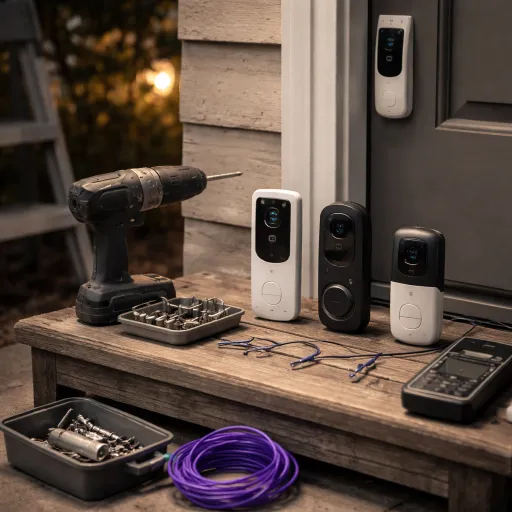
Installation is simple enough. It’s a screw-in wall mount, so you just drill a couple of holes, use the provided screws and anchors, and clip the doorbell into the bracket. One thing I noticed: because it’s light and plastic, it doesn’t inspire tons of confidence against theft or vandalism. If someone really wants to rip it off, they probably can. There’s no fancy anti-theft plate like on some higher-end brands. I’d call it basic but workable for a normal residential door, not ideal for a very exposed location.
The IP65 rating means it should handle rain and dust, and the general shape doesn’t really leave many gaps for water to get in. I had it in typical UK-style weather: rain, cold nights, a bit of wind. No visible damage, no fogged lens, and no water intrusion so far. The plastic doesn’t feel premium, but it’s practical: doesn’t rust, doesn’t peel, and you can wipe it down with a cloth if it gets dirty.
Overall, the design is functional but nothing special. If you’re expecting something that blends nicely with a fancy front door, this will look a bit cheap. If you just want a black box that records video and lights up when someone presses it, it’s fine. For the price point, I can live with the look, but I wouldn’t rave about it either.
Battery life: decent, but depends heavily on your settings
The J1 runs on three rechargeable batteries (included), with a listed power consumption around 1 watt. In real life, battery life is very tied to how you set up motion detection and how busy your front door area is. With high sensitivity and lots of motion events, the battery drains quite a bit faster. With more moderate settings, you can stretch it out. Users report anywhere from a couple of weeks to 4–6 weeks between charges, which lines up with what I’ve seen: it’s not endless, but it’s not terrible either.
In the first few days, when I left detection pretty high, the doorbell was constantly recording clips and sending notifications. That hammered the battery. Once I dialled down sensitivity and made sure only human detection was on, the battery drain slowed down a lot. If you live on a quiet street, you’ll probably get closer to the upper end (around a month or more). If you’re on a busy road with constant traffic, expect to charge more often.
Recharging itself is straightforward but slightly annoying. You have to remove the unit or the battery pack and charge it via USB (5V). There’s no hardwiring option to keep it topped up, so you’re stuck with the usual routine of taking it down, charging, and putting it back. That’s the tradeoff for a cheaper, fully wireless system. For some people, this is fine; for others, it will be a dealbreaker over time.
Overall, I’d say battery life is okay but not outstanding. It’s usable if you’re willing to tweak settings and accept a bit of maintenance every month or so. If you want set-and-forget power, you’ll be happier with a wired doorbell or a model with a bigger battery and better optimisation. For the price range, though, it’s acceptable and fits the “budget but workable” theme of this product.
Build quality and durability: feels cheap, survives just fine
Durability-wise, the J1 is one of those products that doesn’t feel very robust in the hand, but actually holds up okay once installed. The body is all plastic, pretty light, and not the kind of thing that gives you confidence if you drop it on the floor. But remember, this is a wall-mounted device that you rarely touch once it’s up. I’ve had it in wind, rain and general bad weather, and the IP65 rating seems genuine: no water ingress, no condensation inside the lens, and no random failures so far.
The buttons and seals are basic but functional. The doorbell button still clicks properly even after a bunch of presses, and the camera lens hasn’t scratched or fogged. I just wipe it now and then when dust or rain spots build up. It’s not the toughest piece of kit, but for normal outdoor home use it does the job. I wouldn’t mount it where kids can easily smack it with a ball or where it’s easy to be grabbed from the street, because it doesn’t have any serious anti-theft design.
Electronics-wise, the main issues people report are more about software and connectivity than physical failure. Stuff like disconnections, lag, or the app acting up. That’s more about firmware and servers than durability. The hardware itself seems to last reasonably well for a cheap device, and the brand does offer a 1‑year warranty, which is at least something if it dies early. I wouldn’t count on long-term support like you’d get from a big name brand, but for a couple of years of use, it looks acceptable.
In short, the J1 feels cheap but isn’t fragile in normal use. It’s not bombproof, but it’s not falling apart either. If you treat it as a budget gadget and not a lifetime investment, the durability is fine. Just don’t expect premium materials or heavy-duty construction at this price.
Video, motion detection and app: good when it works, but some headaches
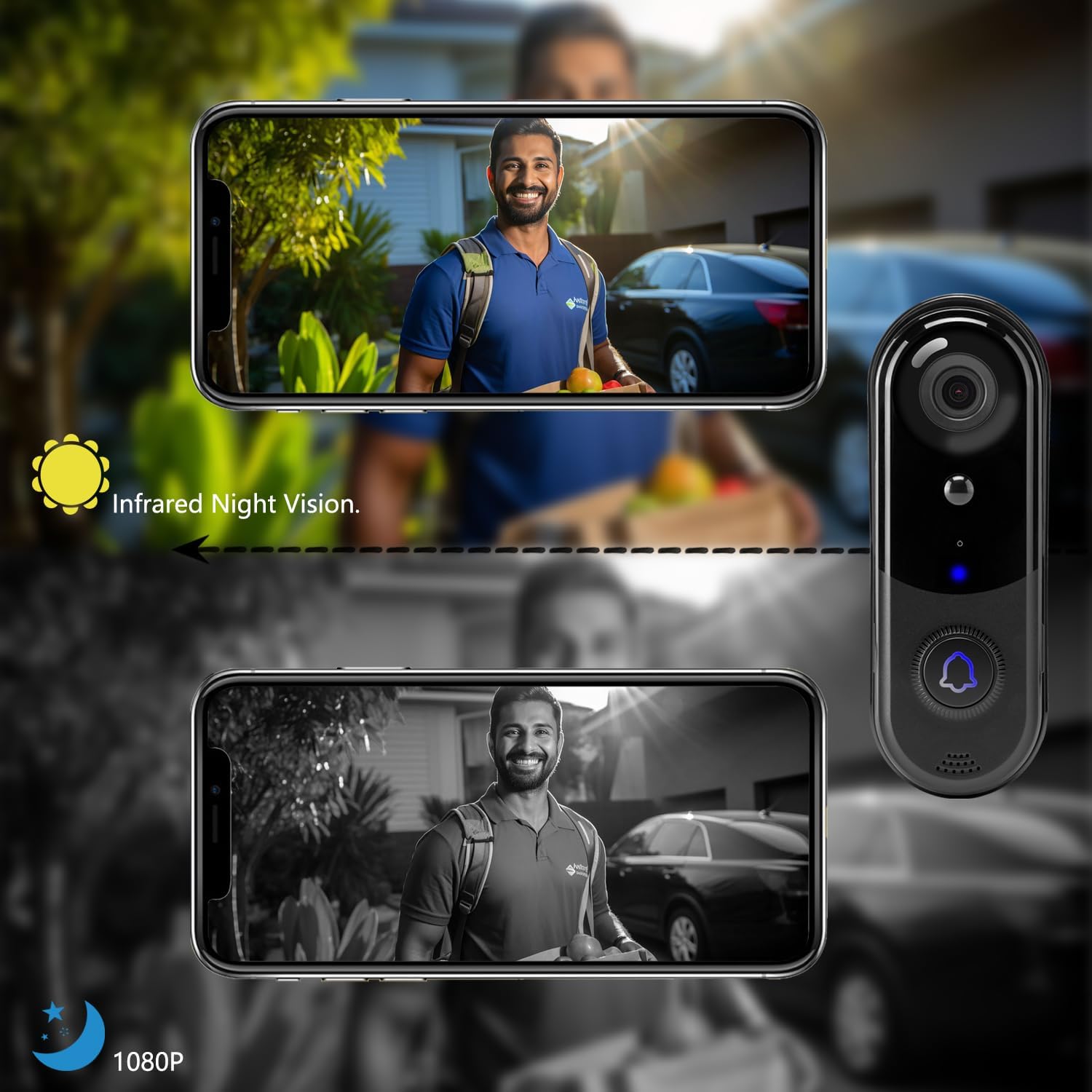
On the core job – seeing who’s at the door – the J1 is actually pretty solid for the price. The 1080p video is clear enough to recognise faces and read delivery labels at a normal distance. Daytime image quality is sharp, colours are a bit flat but perfectly usable. At night, the IR night vision kicks in and you get a black-and-white but clear picture. You can easily see people walking by, and the field of view is wide enough to cover the whole doorstep and a bit of the street.
Motion detection is where things get more mixed. The PIR sensor is very sensitive out of the box. At first, I was getting notifications for every car, cat, and shadow. You can tweak sensitivity and enable the so-called AI human detection, which helps cut down false alerts. After some tuning, it mostly picked up people rather than everything that moves, but it still isn’t perfect. It’s fine for casual monitoring, but if you live on a busy street, expect to spend time playing with the settings.
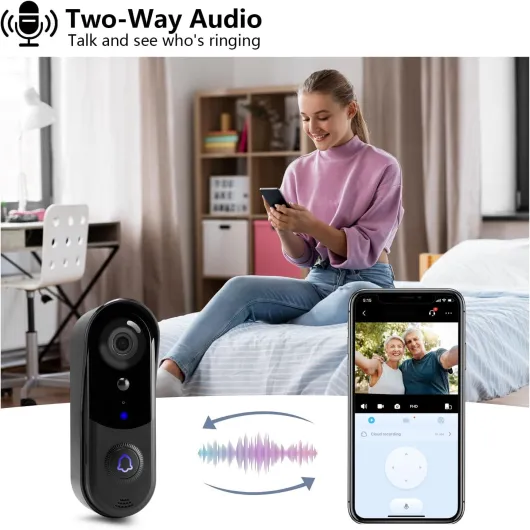
The app experience is honestly the weakest part. Live view loads, but sometimes with a noticeable lag. A few users report frequent disconnects even with the router a couple of metres away, and I’ve seen some of that too: occasional delay, or the video taking a while to start. When it works, it’s ok – you can talk to the person at the door and hear them clearly enough. When it doesn’t, you might miss a delivery because the stream took too long to load or the app decided to log you out.
The biggest red flag from some reviews is about remote changes to settings and cloud storage. A few people claim the company changed their motion settings, disabled free storage, or pushed them towards a paid cloud plan. I can’t prove what’s happening behind the scenes, but it’s clear that the cloud side is not as transparent or stable as with big brands. If you’re fine with a bit of fiddling and occasional hiccups, the performance is acceptable. If you want rock-solid reliability and zero drama with settings, this might annoy you over time.
What you actually get with the Eaula Videns J1
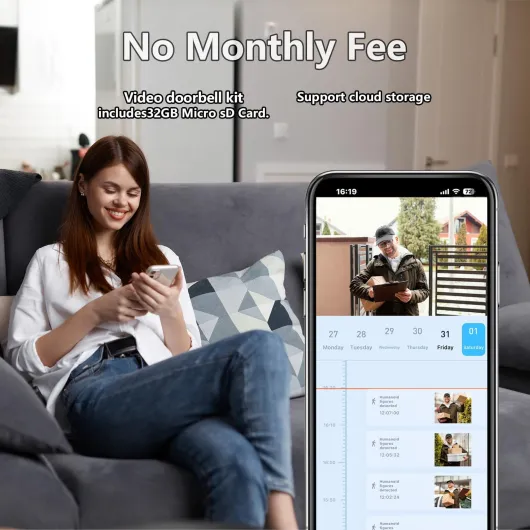
Out of the box, you get the doorbell camera itself, three rechargeable batteries, the indoor chime, mounting screws, and a basic manual. There’s also a 32 GB built-in memory card, which is one of the main selling points: supposedly no need for a cloud subscription if you’re happy with local recordings. The unit is battery powered, rated IP65, and records in 1080p MP4 with night vision. The field of view is about 130–150 degrees, which is wide enough to cover a normal front door area.
The doorbell connects over Wi‑Fi and is controlled through an app (Aiwit, in most cases). Setup is fairly straightforward: download the app, create an account, hold the reset button, scan a QR code, and pair the chime. It’s not rocket science, and once it’s paired, you can see a live view, enable motion detection, tweak sensitivity, and set up notifications. The chime plugs into a socket indoors and pairs wirelessly, so you don’t need to mess with existing doorbell wiring.
On paper, the main features are: HD video, two-way audio, PIR motion detection with AI human filtering, night vision, IP65 weatherproofing, and 32 GB local storage with no monthly fees. That’s the theory. In reality, some people use only the local storage, others end up pushed toward the paid cloud plan, and a few reviewers complain about the company changing motion settings remotely or disabling free storage. So the whole package depends a lot on how you plan to use it.
Overall, the product is positioned as a cheap alternative to Ring: same general idea, fewer polish and brand guarantees, but also lower cost and the option to avoid subscriptions. If you’re okay with a slightly rougher experience and a smaller ecosystem, it can get the job done. If you want something that “just works” without fiddling, this might already sound a bit too DIY for you.
Pros
- Cheap alternative to big-brand doorbells with 1080p video and night vision
- Includes 32 GB local storage and indoor chime, so you can avoid monthly fees if you want
- Easy to install and set up, with decent two-way audio for talking to visitors
Cons
- App can be laggy or disconnect, and motion detection needs a lot of tweaking
- Questions around cloud storage, remote setting changes, and long-term trust in the brand
- Battery needs recharging every few weeks depending on motion activity and settings
Conclusion
Editor's rating
The Eaula Videns J1 video doorbell is basically a budget-friendly way to get into smart doorbells without committing to a big subscription. The good points are clear: decent 1080p video, workable night vision, two-way talk that’s clear enough, an included indoor chime, and 32 GB of local storage so you don’t have to pay for the cloud if you don’t want to. Installation is easy, the app is simple to set up, and for basic use – like checking deliveries and seeing who rang – it mostly does what it says.
On the downside, it feels and behaves like a cheap product. The build is plastic and basic, the app can be laggy or disconnect at times, and the motion detection needs tuning to avoid constant alerts. The bigger concern is trust: some reviews mention the company changing motion settings remotely and pushing cloud subscriptions, which doesn’t inspire a lot of confidence. If that kind of thing bothers you, or you want something rock-solid and well supported, you’re better off spending more on a Ring or similar.
So, who is this for? It’s for someone who wants a low-cost, wireless doorbell with video, is okay with fiddling with settings, and mainly cares about simple monitoring rather than a polished ecosystem. Who should skip it? Anyone who hates unreliable apps, worries about how their video is handled, or wants a set-and-forget solution with strong, long-term support. For the price, it gets the job done, but it’s far from perfect.