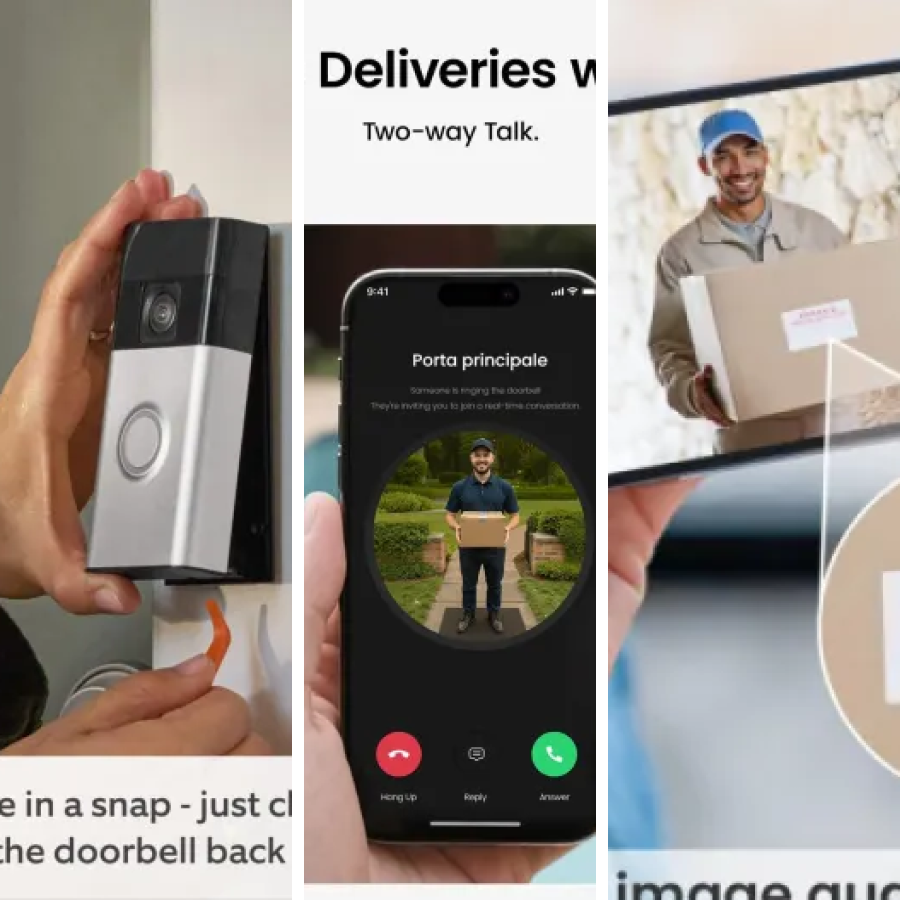
Key features that define the best no drill smart doorbells
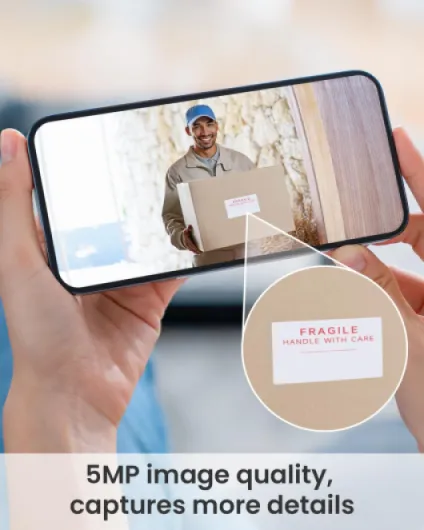
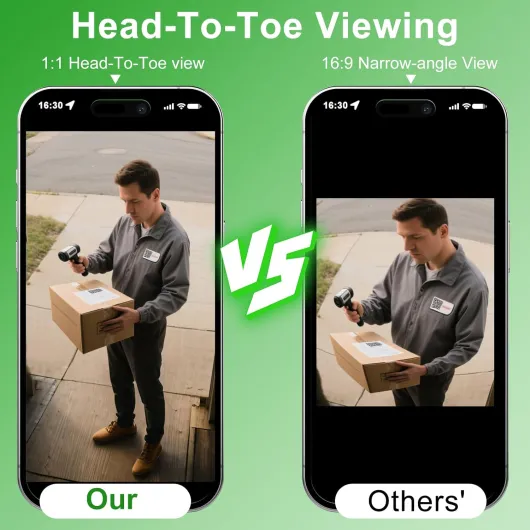
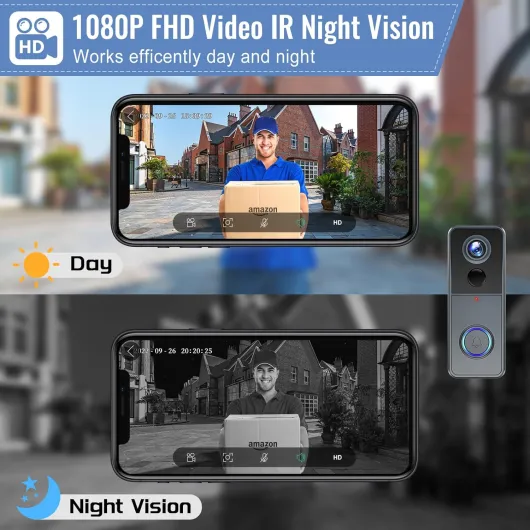
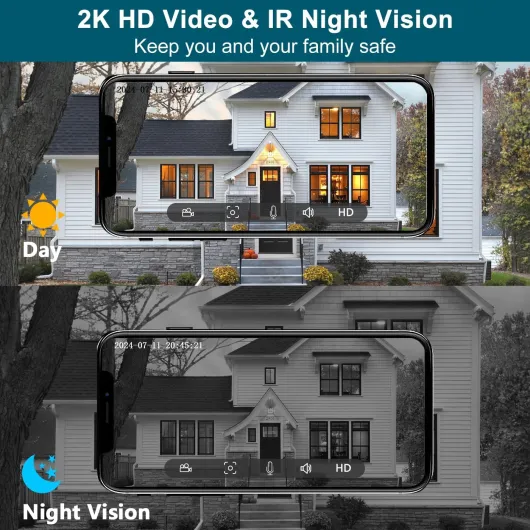
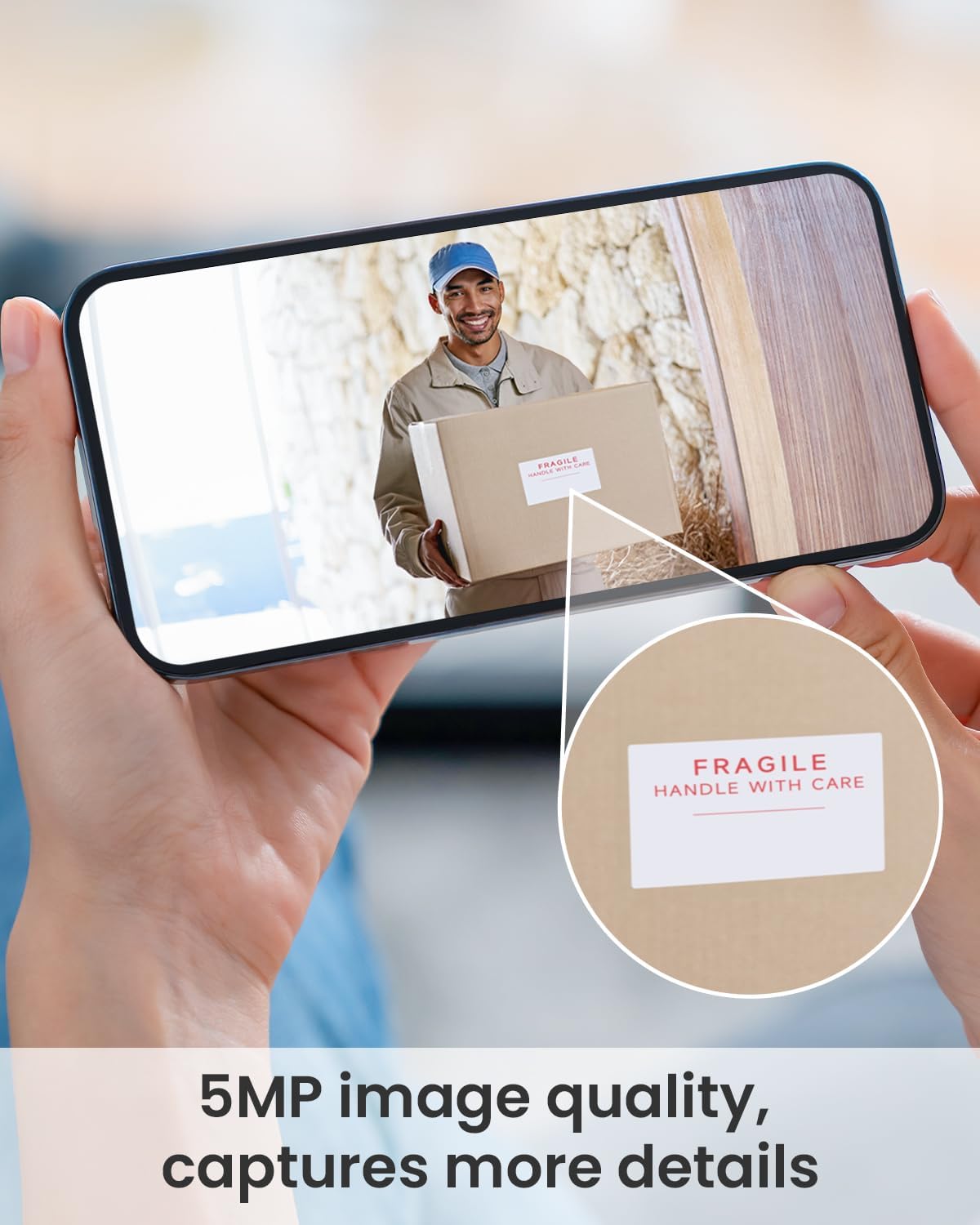
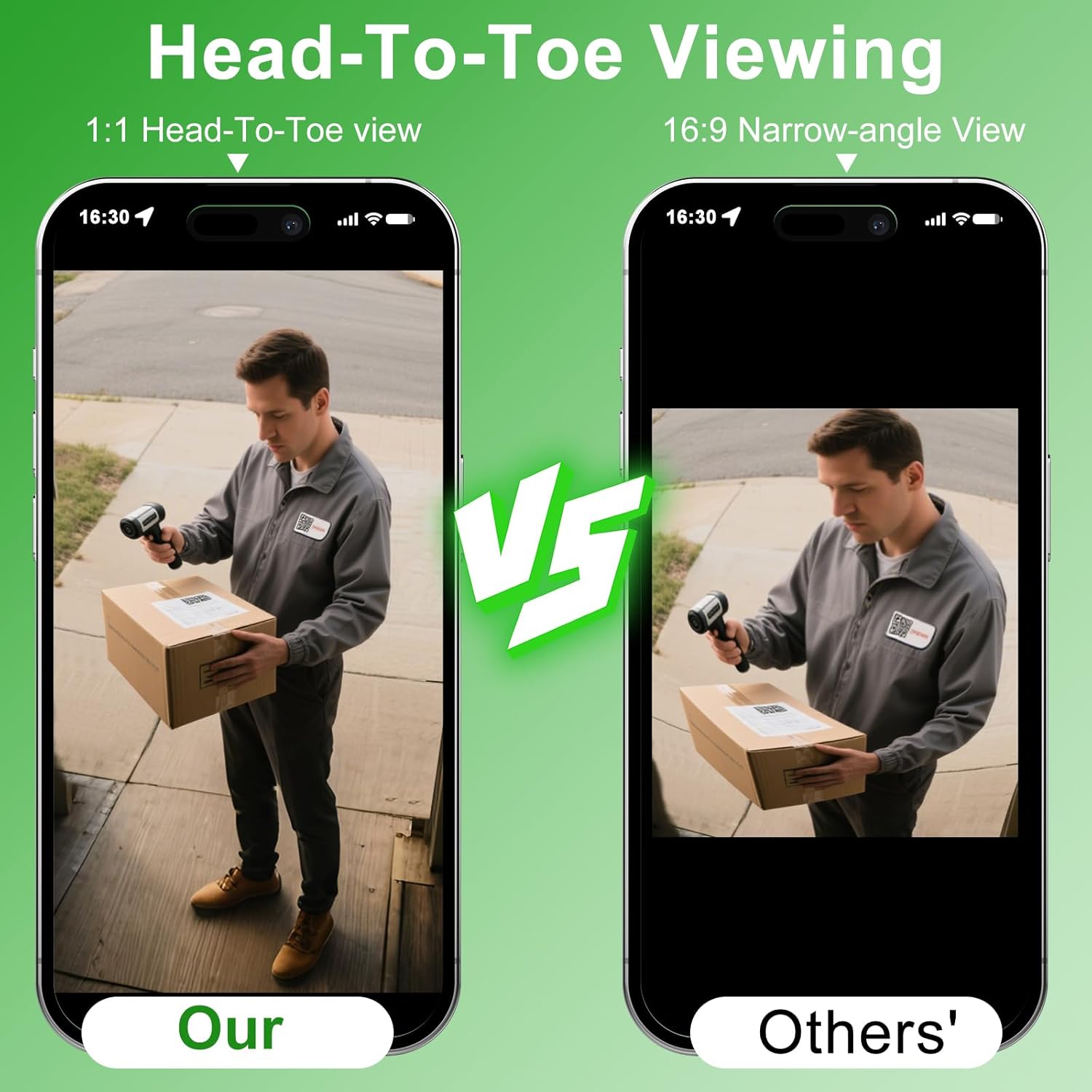
When you compare the best no drill smart doorbells, focus first on video quality and field of view. A good video doorbell camera should offer at least full HD resolution, with a vertical view tall enough to show parcels on the ground and faces at close range. Some premium doorbell cameras add HDR processing to handle bright backlighting, which keeps details readable when the sun hits your porch directly.
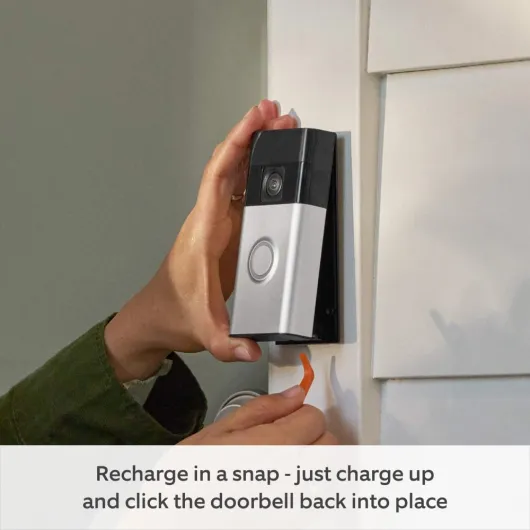
Battery life is the second pillar, because a battery powered smart doorbell that dies every few weeks quickly becomes frustrating. Typical runtimes reported by manufacturers such as Ring and Google Nest range from roughly two to six months between charges in moderate use, assuming around 10–20 motion events per day. Removable batteries are easier to manage than sealed packs, since you can keep a spare battery charged and swap it in seconds.
Storage options deserve the same attention as optics and power. Many of the best no drill smart doorbells rely on cloud storage subscriptions for video clips, while others support local storage through microSD cards or base stations. If you prefer local storage for privacy or long term cost control, look for a smart video doorbell that records to a hub inside your home and still offers encrypted cloud backups as an optional extra.
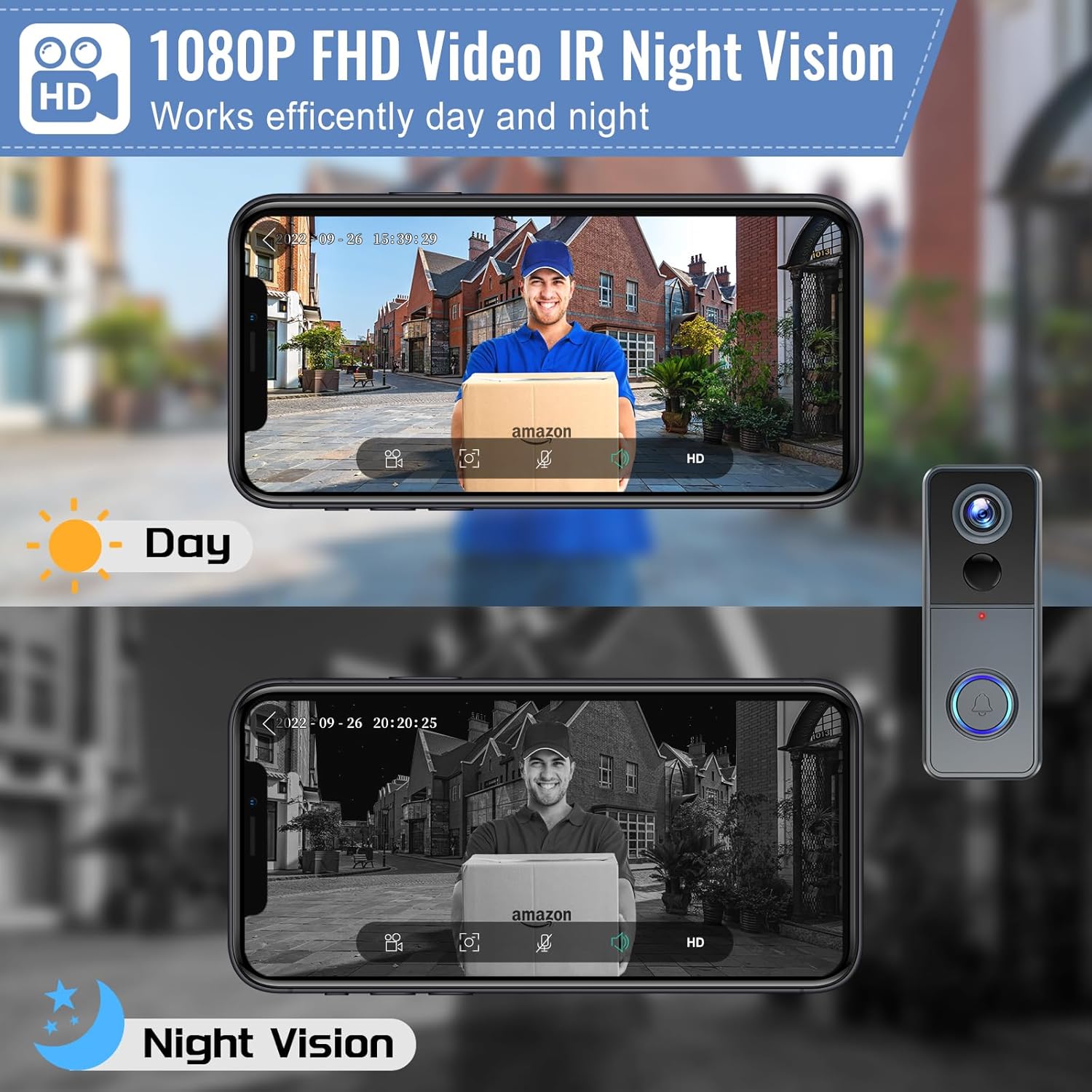
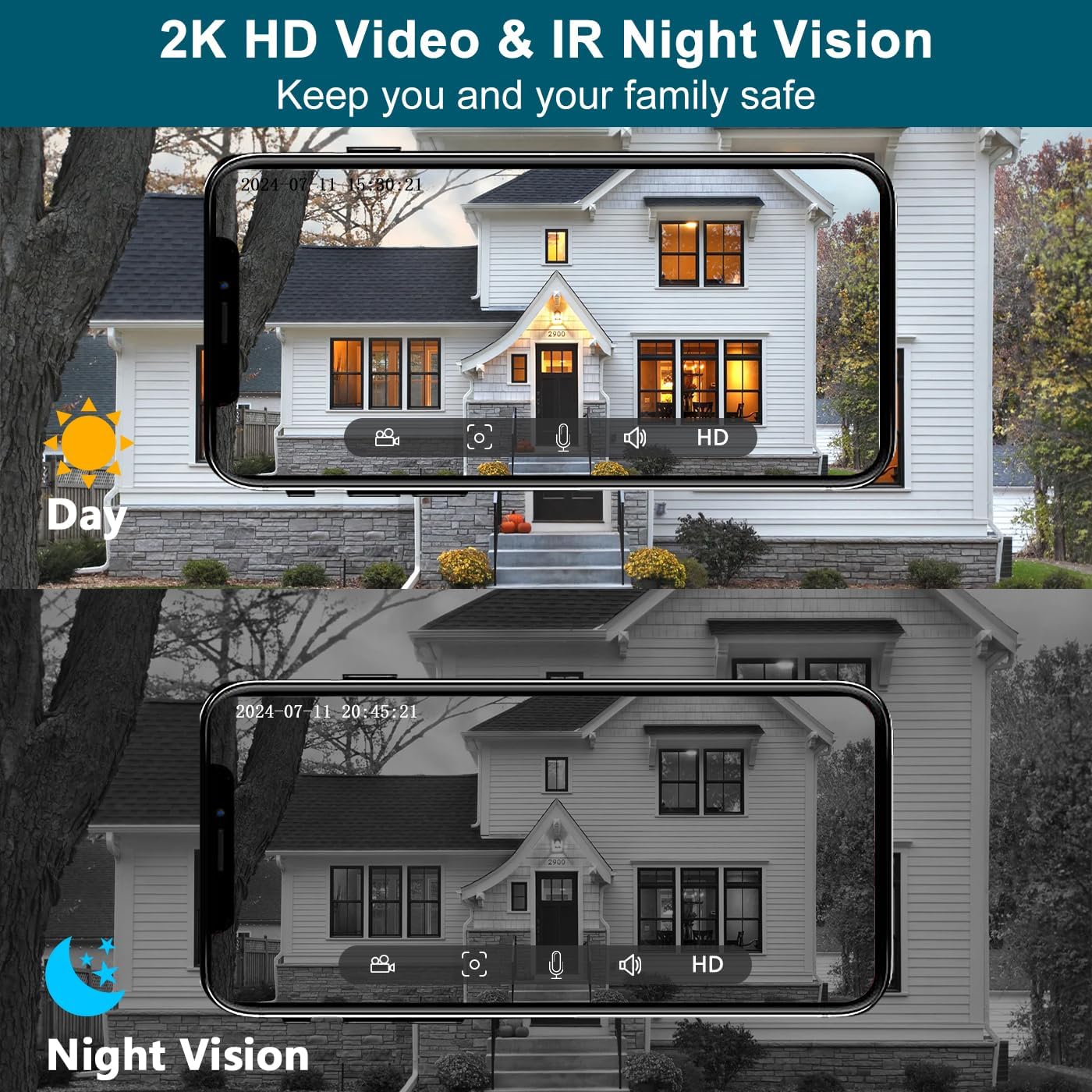
Night vision performance separates basic doorbell cameras from serious security tools. Infrared night vision should illuminate faces clearly at typical doorstep distances, and some models combine this with a small LED to provide colour video in low light. Before buying any product, check sample night video clips from real users, because manufacturer demos rarely show the worst case scenarios of rain, fog, or streetlights.
Finally, evaluate how the smart doorbell works with your existing ecosystem. If you already use Amazon Alexa speakers or a Fire TV, a video doorbell that works with Amazon Alexa will feel more seamless than one that only supports Google Assistant. Conversely, households invested in Nest security cameras or a Nest Hub display will find that a Nest Doorbell integrates more tightly with Google services and the wider Google Home app.
For readers who want a detailed hands on example of a no drill, easy installation model with 2K video, PIR motion detection, SD card and cloud storage, and Alexa support, a dedicated test of a 2K video doorbell camera wireless with no monthly fee is available under this wireless 2K video doorbell review. In that test, the reviewer notes that the adhesive mount stayed secure over several months on a painted wooden frame and that motion alerts arrived consistently within a few seconds during everyday use.
Comparing major brands and ecosystems for no drill models
Brand choice shapes how the best no drill smart doorbells fit into your wider home. Ring, Google Nest, and brands such as Link Tapo each approach video doorbells, storage, and smart home integration differently. Understanding those differences helps you avoid buying a doorbell camera that clashes with your existing cameras, speakers, or subscriptions.
Ring offers one of the broadest ranges of battery doorbell and wired doorbell models, including Ring Video Doorbell, Ring Video Doorbell Pro, and Ring Battery Doorbell Plus. These Ring doorbell cameras integrate tightly with Amazon Alexa, Fire TV, and Echo Show displays, making it easy to say “Alexa, show me the front door” and see live video instantly. However, Ring leans heavily on cloud storage, so long term use usually involves a paid plan for saving motion detection clips and doorbell presses.
Google’s Nest Doorbell line, available in both wired and battery powered versions, focuses on intelligent alerts and deep integration with Google Assistant. A Nest Doorbell can distinguish between people, parcels, and vehicles in supported regions, which reduces notification fatigue compared with simpler motion detection systems. If you already own Nest security cameras or a Nest Hub, a Nest Doorbell battery model becomes a natural extension of that ecosystem.
Brands such as Link Tapo, Eufy, and Arlo compete strongly on value and local storage. A Link Tapo smart doorbell or similar product often includes a hub that stores video locally, reducing reliance on cloud storage and recurring fees. These doorbell cameras may still offer optional cloud plans, but the presence of robust local storage appeals to privacy conscious buyers and those watching long term costs.
For a detailed head to head comparison between two of the most visible ecosystems, you can consult an honest breakdown of Ring Doorbell versus Nest Doorbell aimed at first time buyers, available through this Ring versus Nest smart doorbell comparison. That analysis highlights where each video doorbell excels, from motion detection behaviour to app design and subscription structure. It also clarifies which doorbell best suits renters who need flexible, no drill mounting and which suits owners who can commit to wired installation.
Installation, privacy, and security risks with no drill smart doorbells
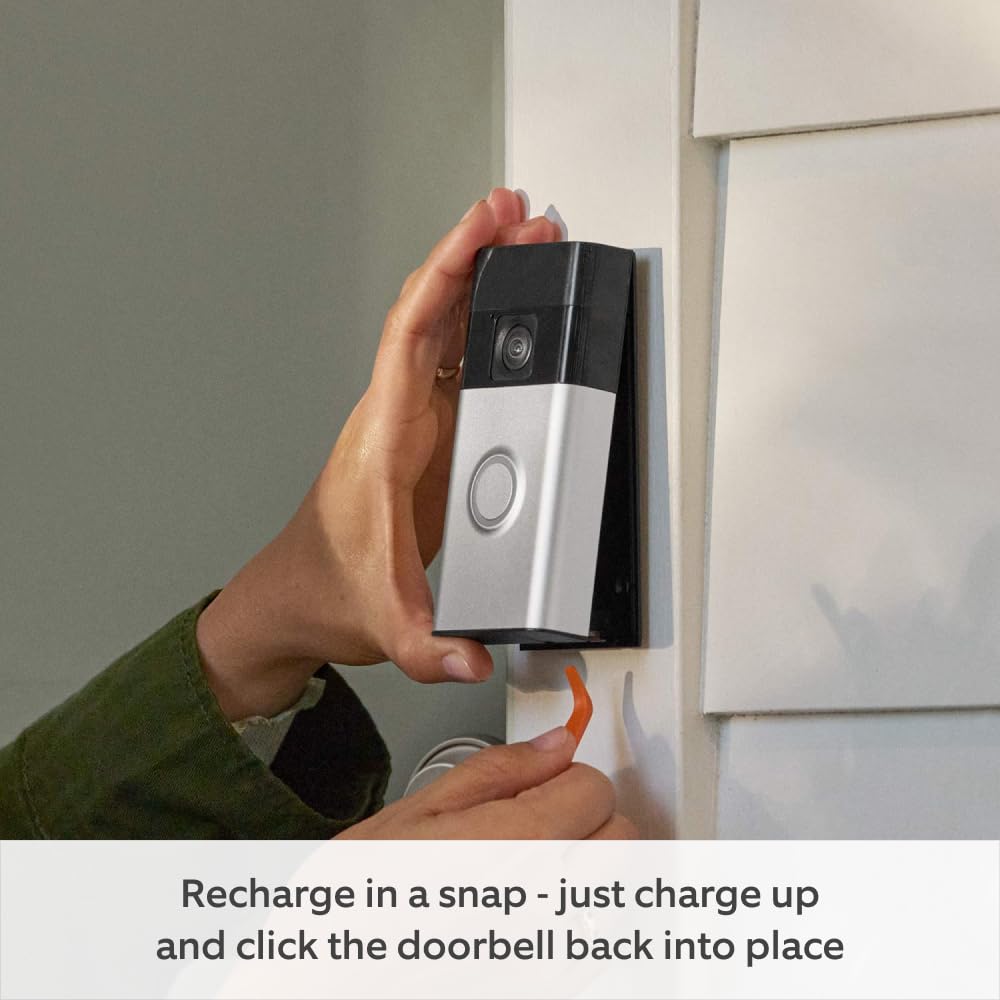
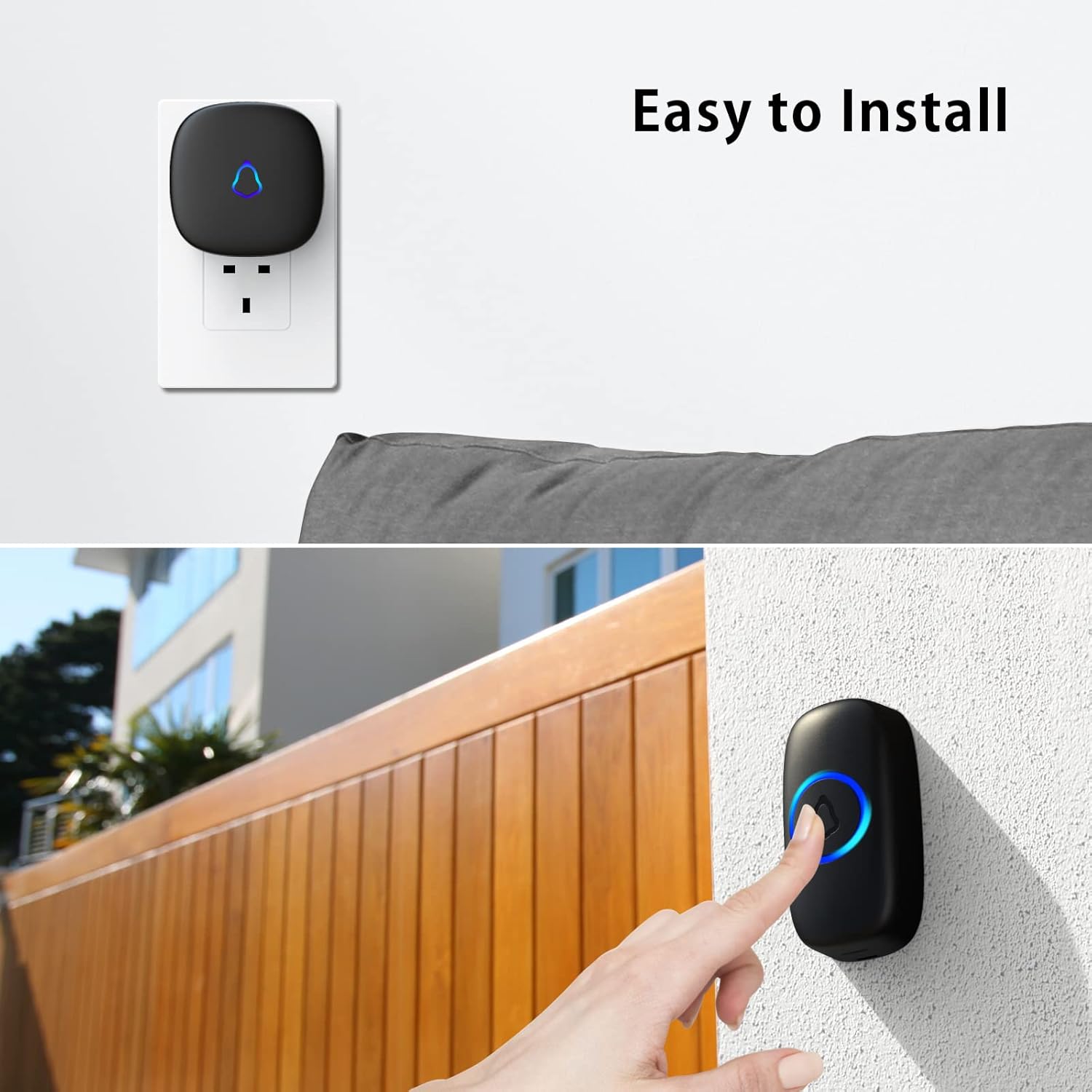
No drill installation sounds simple, yet it still demands careful planning. Adhesive mounts for a smart doorbell must be applied to clean, dry surfaces, and you should test the view and camera angle before committing. Some battery powered video doorbells include wedge kits that tilt the camera to avoid showing neighbours’ doors or windows, which matters for privacy laws in shared buildings.
Beyond physical installation, network security and data handling deserve equal attention. Every smart doorbell, whether Ring, Nest Doorbell, or Link Tapo, connects to your Wi Fi and often to cloud storage, so weak passwords or outdated routers can expose your video feeds. Choosing models that support strong encryption, two factor authentication, and regular firmware updates is as important as picking the doorbell best suited to your façade.
Privacy concerns extend to where and how your video and audio are stored. Some of the best no drill smart doorbells offer local storage on a hub or microSD card, which keeps footage inside your home and under your control. Others rely mainly on cloud storage, which can be convenient for remote access but requires trust in the provider’s policies and a clear understanding of retention periods.
Because smart doorbells are part of the wider Internet of Things, they share many of the same vulnerabilities as other connected devices. Weak default passwords, unpatched software, or careless sharing of access can all undermine the security benefits of a doorbell camera. A detailed analysis of the risks posed by Internet of Things devices in smart doorbells is available under this dedicated smart doorbell IoT risks guide, which explains how to harden your network and manage permissions responsibly.
Finally, think about legal and ethical responsibilities when using video doorbells and security cameras. In many regions, you must inform visitors that recording is taking place, and you should avoid capturing more of public spaces or neighbours’ property than necessary. Adjusting motion detection zones, tweaking night vision brightness, and refining notification rules can all help you balance safety, privacy, and courtesy.
How to evaluate performance, storage, and daily usability
Real world performance often differs from glossy marketing claims about the best no drill smart doorbells. To judge a smart doorbell properly, pay attention to how quickly it sends alerts after motion detection or a button press, and how fast the live video loads on your phone or smart display. Independent testing organizations such as Consumer Reports and Wirecutter typically observe notification delays in the low single digits of seconds on strong Wi Fi, while congested networks can push this noticeably higher.
Storage strategy shapes both usability and long term cost. Cloud storage offers convenient access to video clips from anywhere, but subscription fees add up over time, especially if you own several video doorbells or security cameras. Local storage on a hub or microSD card avoids monthly costs and keeps data in your home, yet it requires you to manage capacity, backups, and potential theft of the recording device.
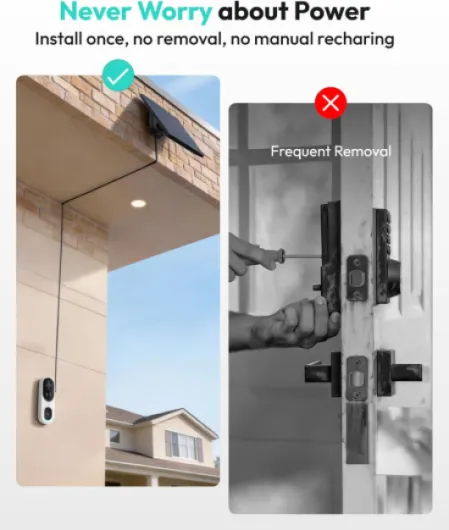
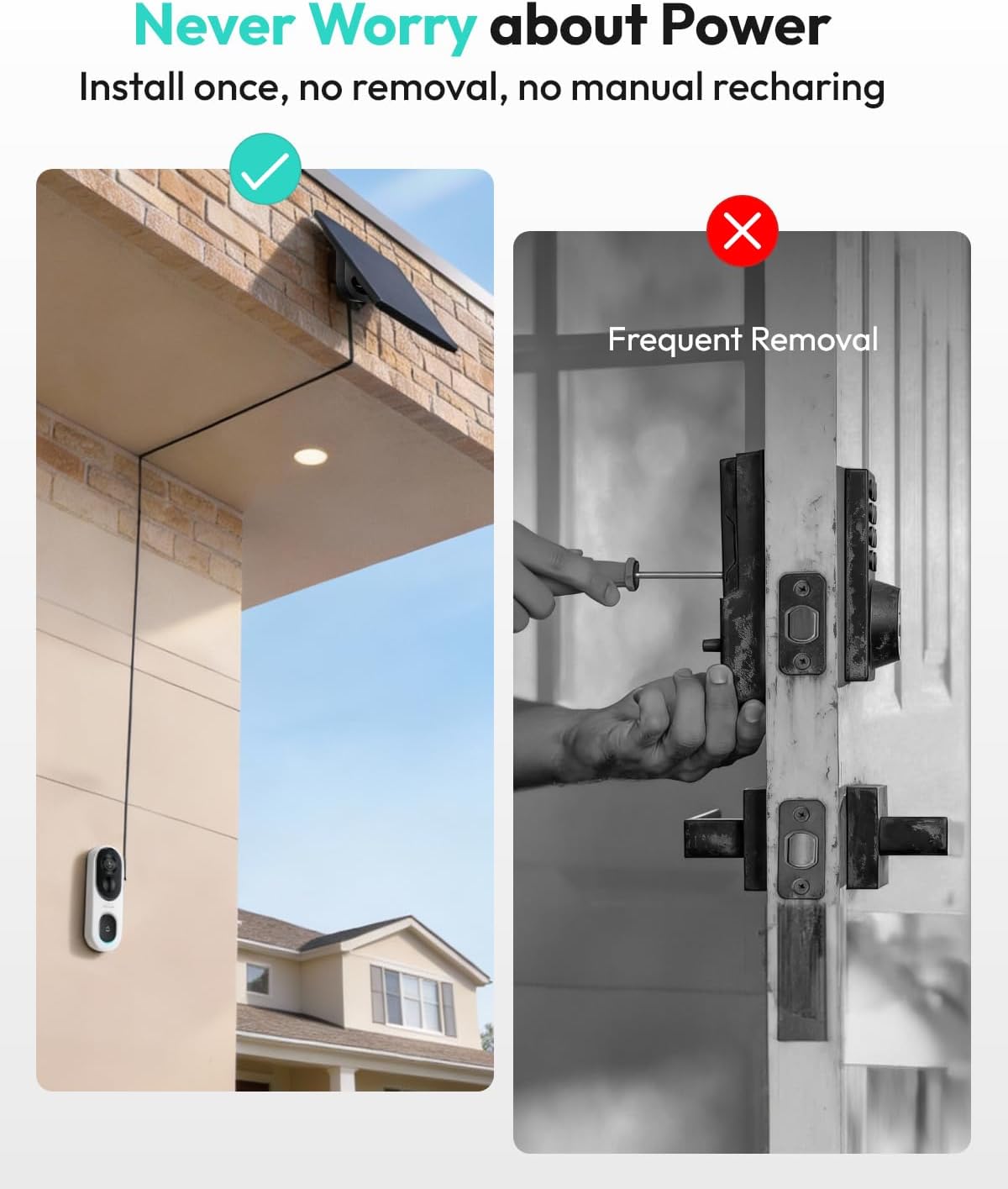
Battery management is another daily reality for no drill video doorbells. A battery doorbell mounted in a busy hallway or facing a street may need charging every few weeks, while a sheltered, quiet entrance could stretch the same battery for several months. Look for clear battery level indicators in the app, and consider models that allow you to swap batteries without removing the entire doorbell from its bracket.
Integration with voice assistants and other devices can transform how natural the system feels. A video doorbell that works with Alexa and Google Assistant lets you answer the door from a smart speaker, check the camera view on a TV, or arm security cameras with a single phrase. When a doorbell camera, indoor cameras, and lighting all cooperate, the overall security experience becomes smoother and more intuitive.
Finally, evaluate the app interface and notification controls, because they dictate how often you will actually use the product. Fine grained motion detection zones, adjustable sensitivity, and clear event timelines make it easier to filter out passing cars while still catching visitors and parcel deliveries. If possible, test the app on your own phone before committing, since a clumsy interface can undermine even the most capable hardware.
Buying guide checklist for the best no drill smart doorbells
A structured checklist helps you choose the best no drill smart doorbells without getting lost in marketing jargon. Start with compatibility by confirming that the smart doorbell works with your preferred ecosystem, whether that is Amazon Alexa, Google Assistant, or both through combined Alexa and Google support. Then verify that your Wi Fi coverage at the door is strong enough, because even the best video doorbell camera cannot compensate for a weak signal.
Next, define your priorities around video quality, night vision, and field of view. If you receive many evening deliveries or live in a poorly lit corridor, invest in a video doorbell with strong night vision and a bright, balanced image. Those who mainly care about seeing parcels on the ground should favour a tall vertical view, while people monitoring wide porches may prefer a broader horizontal angle.
Power and installation come next on the list. For renters, a battery powered doorbell with adhesive or clamp mounting is usually safer than a wired doorbell that requires drilling into walls or frames. Check whether the product includes all necessary brackets, wedges, and tools, and confirm that you can remove the doorbell cleanly when you move out.
Then weigh storage and privacy. Decide whether you prefer local storage on a hub or card, cloud storage with remote access, or a hybrid approach that combines both for redundancy. Read the privacy policy carefully, paying attention to how long video clips are kept, who can access them, and whether any data is used to train algorithms beyond your own account.
Finally, consider price, ongoing costs, and support. A cheaper doorbell best suited to tight budgets may become more expensive over time if it requires multiple subscriptions for cloud storage and advanced motion detection features. Look for transparent pricing, clear warranty terms, and responsive customer support, especially if you are buying through large retailers such as Amazon where multiple third party sellers may offer similar looking products.
Statistics and key figures about smart doorbells
- Market analysts at Statista report that the global smart doorbell and video doorbell market generated several billion US dollars in revenue in the early 2020s, reflecting rapid adoption among both homeowners and renters.
- Consumer surveys from organizations such as the Consumer Technology Association indicate that a significant share of smart home users now own at least one doorbell camera or related security camera, often as their first security device.
- Independent testing labs and reviewers commonly measure average notification delays for leading video doorbells at a few seconds under good Wi Fi conditions, though congested networks can increase this delay noticeably.
- Studies on subscription usage, including reports from Ring and Google parent company Alphabet, show that a large proportion of Ring and Nest Doorbell owners eventually subscribe to some form of cloud storage plan, highlighting the importance of factoring ongoing costs into purchase decisions.
- Privacy watchdogs and data protection authorities in several countries have reported rising numbers of complaints related to outdoor security cameras and video doorbells capturing neighbouring properties, underscoring the need for careful positioning and motion zone configuration.