How to choose the best modern smart doorbells for your home
Choosing the best modern smart doorbells starts with understanding your front door, your wiring, and your daily routine. Before you buy any video doorbell, check whether you already have a wired doorbell and transformer, because this will influence whether a wired or battery model makes more sense. If you live in an apartment or rented home without existing wiring, a battery doorbell with a plug in chime is usually the most practical option.
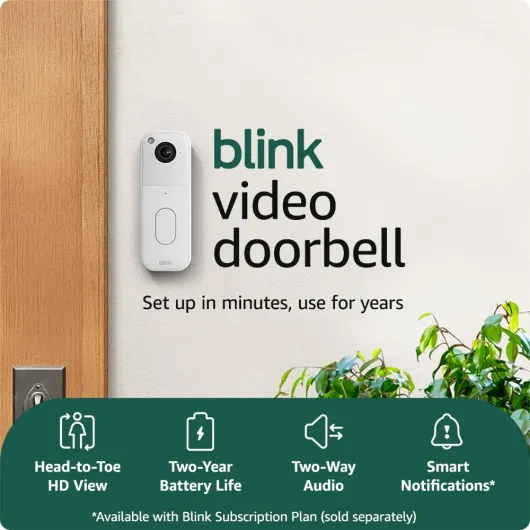
When comparing wired doorbells and battery doorbells, think about reliability, maintenance, and how comfortable you are with basic electrical work. A wired smart doorbell draws constant power, supports features like pre roll video, and never needs a battery swap, but installation may require turning off power and connecting small wires correctly. Battery powered video doorbells avoid electrical work and can be mounted almost anywhere, yet heavy use, cold weather, or frequent live video checks can shorten battery life between charges.
Smart home compatibility is another decisive factor, especially if you already use Amazon Alexa, Google Assistant, or both ecosystems. A Ring video doorbell works best with Amazon Alexa devices, while a Nest doorbell integrates more naturally with Google Assistant and Nest cameras, so match the doorbell to the voice assistant you actually use. Some models support both Amazon Alexa and Google Assistant smart displays, but features like chime announcements or automatic live video may still work better on one platform.
Think carefully about storage and subscriptions before you commit, because these choices affect both privacy and long term cost. Cloud storage with a subscription gives you longer video history, easier sharing, and sometimes smarter alerts, yet it means your video storage lives on remote servers you do not control. Local storage on a microSD card or network recorder keeps video storage in your home, but if the doorbell camera is stolen or damaged, those recordings may disappear with it.
Security features go beyond simple motion alerts, and the best modern smart doorbells now include tools that reduce false alarms and protect your data. Look for adjustable motion zones, person detection, and strong encryption between the doorbell camera, your router, and the cloud storage service. Some brands also offer two factor authentication and hardware based security chips, which are worth prioritising if you are concerned about people trying to access your cameras remotely.
For readers who want a curated shortlist of current models, a specialised comparison such as the top modern smart doorbells guide can save hours of research. These overviews usually compare field view, night vision performance, storage options, and subscription pricing across several brands, including Ring, Nest, and Tapo by TP-Link. Use them as a starting point, then narrow down to the one or two video doorbells that match your budget, wiring, and smart home platform.
Power, connectivity, and installation for smart doorbells
Power and connectivity are the backbone of every smart doorbell, because without stable electricity and Wi Fi the best camera becomes useless. When you buy a wired doorbell or doorbell wired kit, you must confirm that your transformer provides the voltage specified by the manufacturer, usually printed on the old chime or transformer. If you choose a battery doorbell instead, check the claimed battery life and whether spare batteries or quick release mounts are available.
Ring battery models, for example, are popular because you can keep a spare Ring battery charged and swap it in seconds, avoiding downtime at your front door. Some Nest doorbell versions offer both wired and battery configurations, giving people flexibility if they later decide to connect the doorbell to existing wiring. Tapo by TP-Link and other brands often sell hybrid models that can run on battery but also accept a wired connection for trickle charging, which reduces how often you must remove the device.
Connectivity is just as important as power, since a smart video doorbell relies on strong Wi Fi to stream video and send alerts. Thick walls, metal doors, or distant routers can weaken the signal, causing delayed notifications or frozen video doorbells feeds at the worst moment. In such cases, a Wi Fi extender or mesh system near the doorbell camera can dramatically improve reliability and overall security.
Installation mistakes are common, especially with wired doorbells, and they can damage the chime or the new device. If you are unsure about transformer ratings, polarity, or how to connect the doorbell wired terminals, follow a detailed tutorial such as this smart doorbell installation guide on wiring and Wi Fi pitfalls. Taking the time to understand these basics helps protect both your new video doorbell and your home’s electrical system.
Wireless performance also depends on how the doorbell communicates with your router and other smart devices, including Amazon Alexa or Google Assistant speakers. Some advanced guides explain how radio frequency and Bluetooth behaviour influence smart doorbell security and performance, such as the analysis of how Bluetooth frequency shapes smart doorbell security. While most people will never adjust these low level settings, knowing that interference from neighbouring routers or thick concrete can affect your video doorbell helps you choose the right mounting spot.
Once installed, test the doorbell camera from different devices, including phones, tablets, and any Amazon Alexa or Google Assistant compatible displays in your home. Walk in front of the camera at night to verify night vision clarity, motion detection zones, and audio quality in both directions. A few minutes of testing now will reveal whether you need to adjust the field view, change Wi Fi channels, or tweak motion sensitivity before relying on the system for everyday security.
Video quality, field of view, and night vision explained
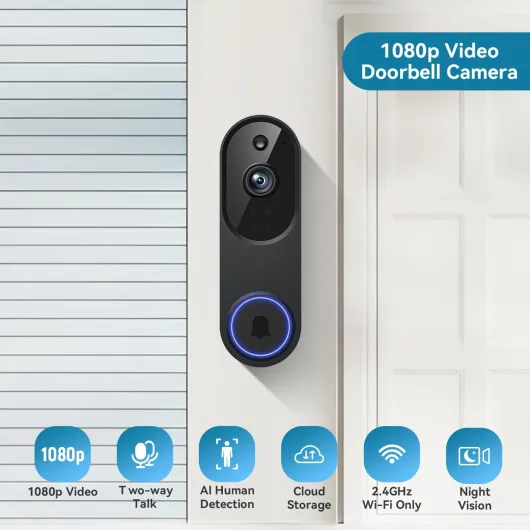
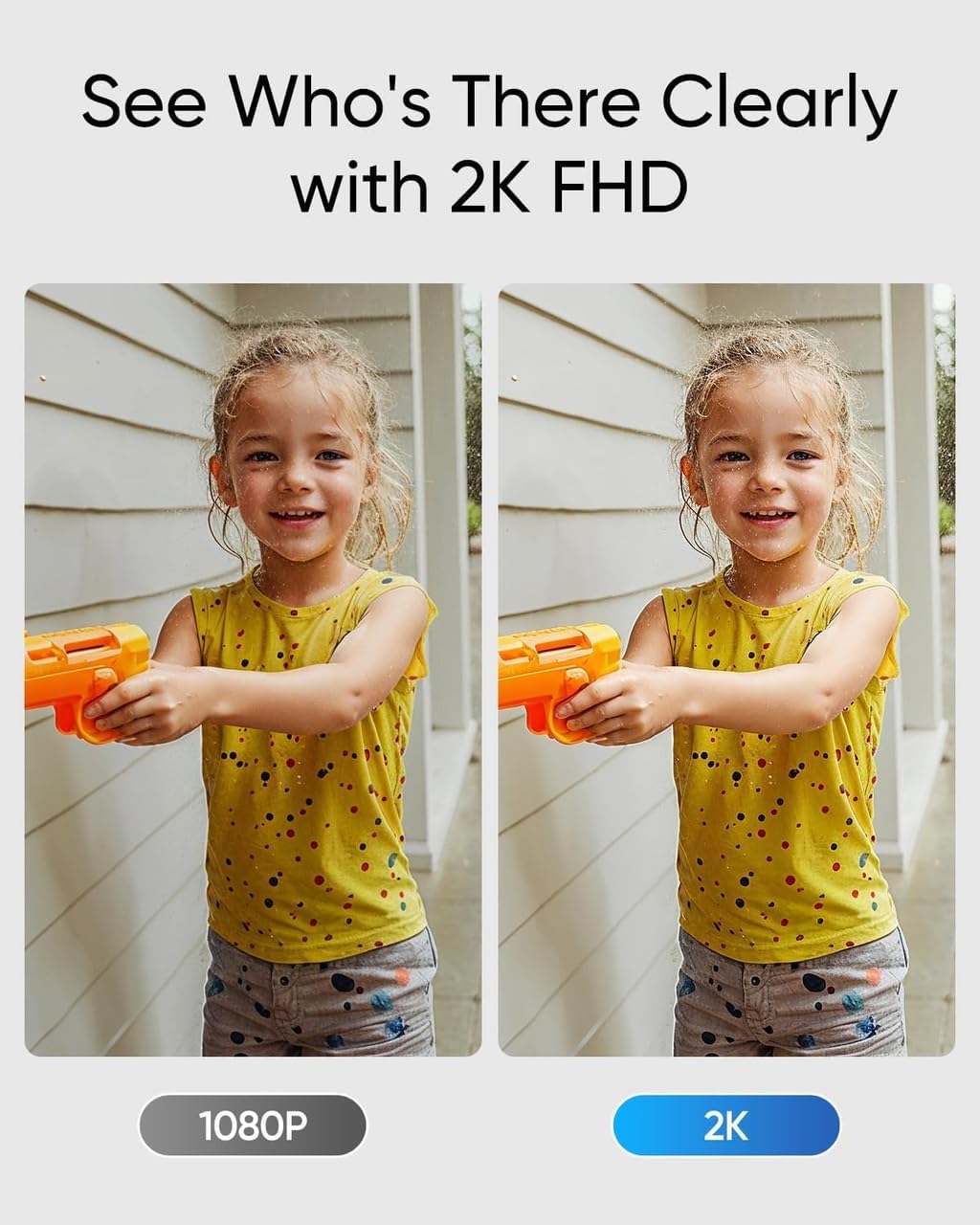
Video quality is often the first specification people notice when comparing the best modern smart doorbells, but the numbers on the box do not tell the whole story. A 1080p video doorbell can produce clearer and more useful footage than a higher resolution model if it has better lens quality, compression, and dynamic range. Pay attention to how well the camera handles bright backlighting, such as a visitor standing in front of a sunny street, because this is where cheaper cameras struggle.
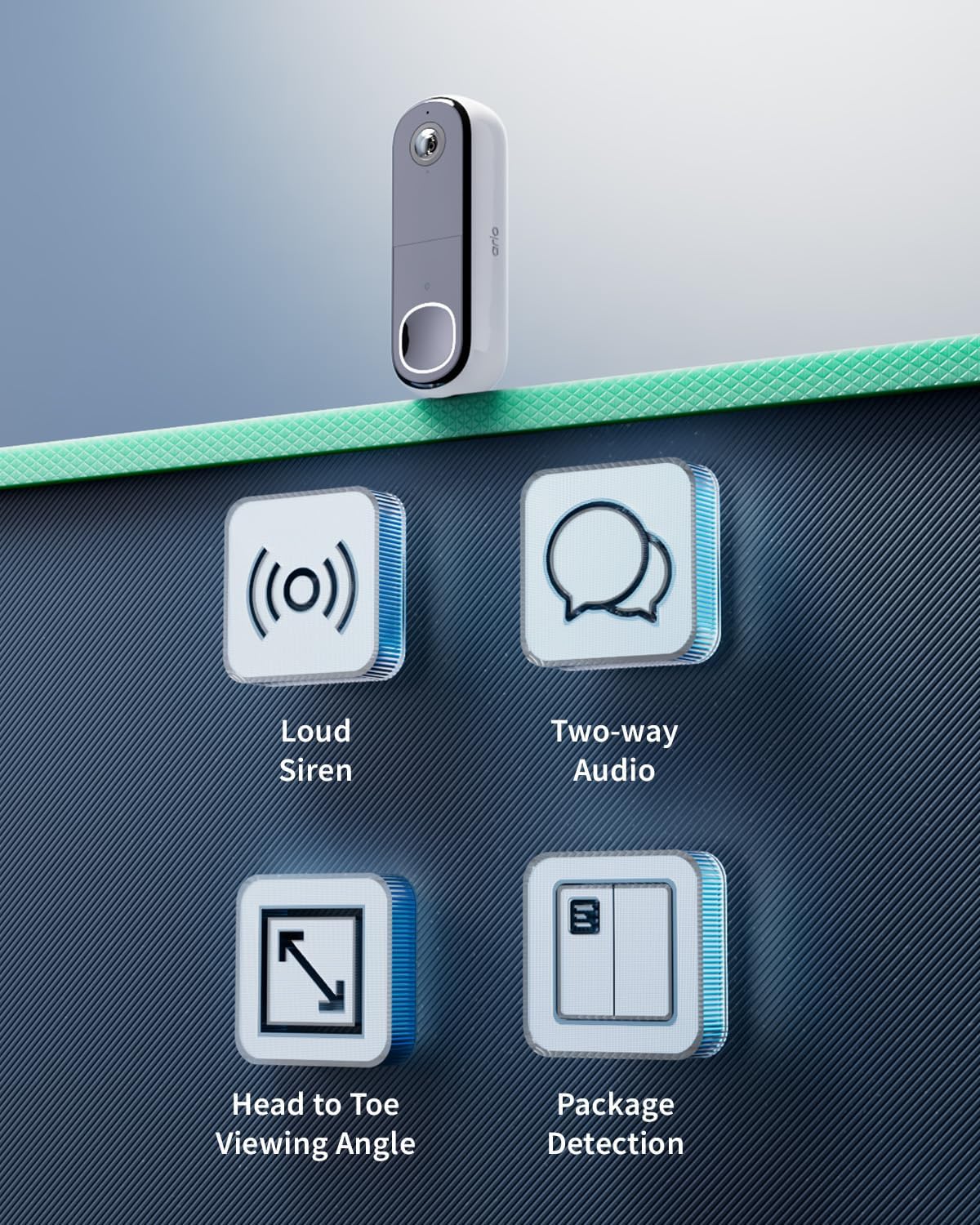
The field view determines how much of your porch and pathway the doorbell camera can see, and it is usually expressed in degrees. A very wide horizontal field view can capture more of the scene but may distort faces near the edges, while a taller vertical field view helps you see both faces and packages on the ground. For most homes, a balanced field view between about 120 and 160 degrees offers a good compromise between coverage and natural looking video.
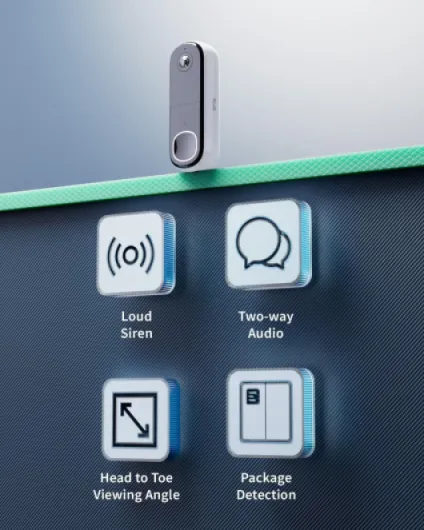
Night vision is crucial for security, since many suspicious visits and parcel thefts happen after dark. The best video doorbells use infrared LEDs and sensitive sensors to produce clear black and white images at night, sometimes with colour night vision when there is enough ambient light. When you test a new smart doorbell, check whether faces remain recognisable at several metres distance in low light, not just directly in front of the camera.
Some premium models, such as higher end Ring or Nest doorbell cameras, add features like HDR video and pre roll clips that show a few seconds before motion is detected. These tools make it easier to understand what happened around your door, especially when someone moves quickly through the frame. They also increase the size of video storage, which makes your choice between cloud storage and local storage even more important.
Local storage on a microSD card can fill quickly if your doorbell camera records at high resolution with a wide field view and frequent motion events. Cloud storage with a subscription, by contrast, can scale more easily but may compress video more aggressively to save bandwidth and server space. When evaluating the best modern smart doorbells, look for clear information about how long video storage is kept, at what resolution, and whether you can download important clips.
If you already own other cameras, such as outdoor security cameras or indoor smart cameras, consider how the video doorbell will fit into that system. A unified app that shows all cameras, including the doorbell, simplifies daily use and makes it easier to review events across different viewpoints. This integrated approach turns your front doorbell into one part of a broader home security strategy rather than an isolated gadget.
Cloud storage, local storage, and subscriptions
Every smart video doorbell must store its recordings somewhere, and your choice between cloud storage and local storage has lasting consequences. Cloud storage means your video clips are uploaded to remote servers, usually managed by the same company that makes the doorbell camera. Local storage keeps video files on a microSD card, network recorder, or home server that you control directly.
Cloud storage almost always requires a monthly or yearly subscription, which can add up over the lifetime of the device. In exchange, you typically receive longer video history, easier sharing, and advanced features such as smart alerts that distinguish people from animals or vehicles. Brands like Ring and Nest have built their business models around these subscriptions, so their best modern smart doorbells are designed to work especially well with cloud based video storage.
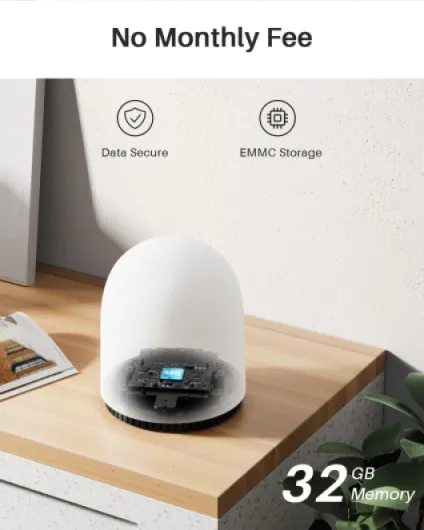
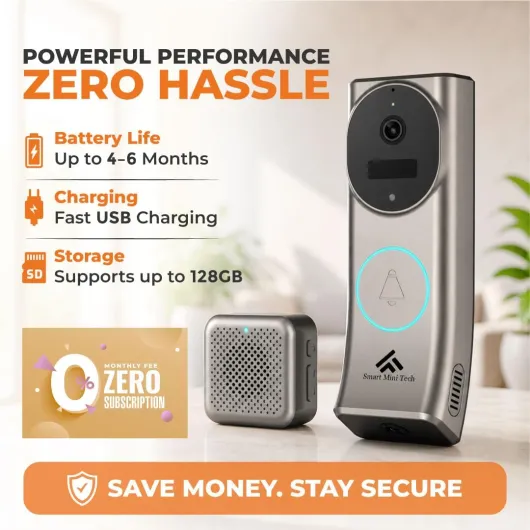
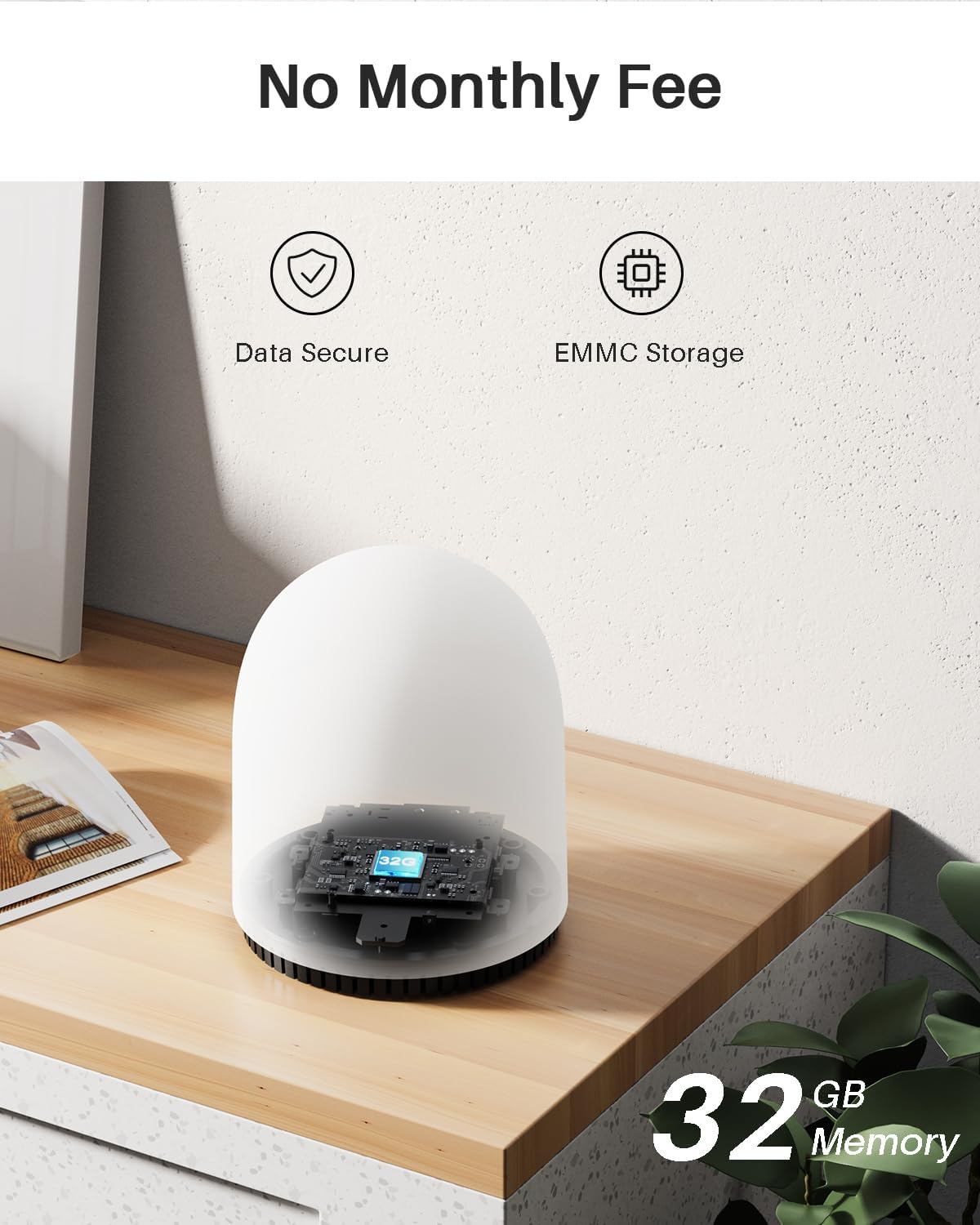
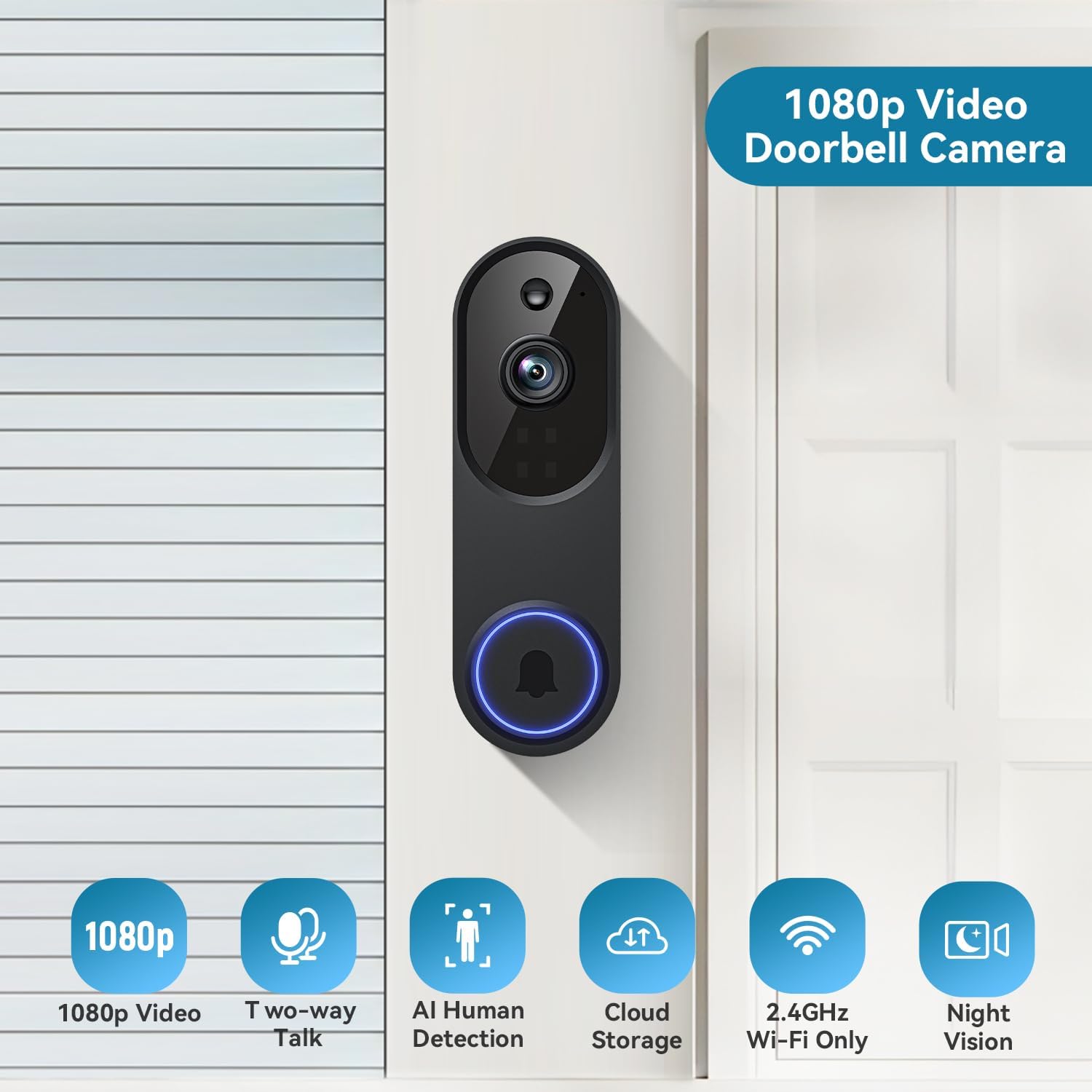
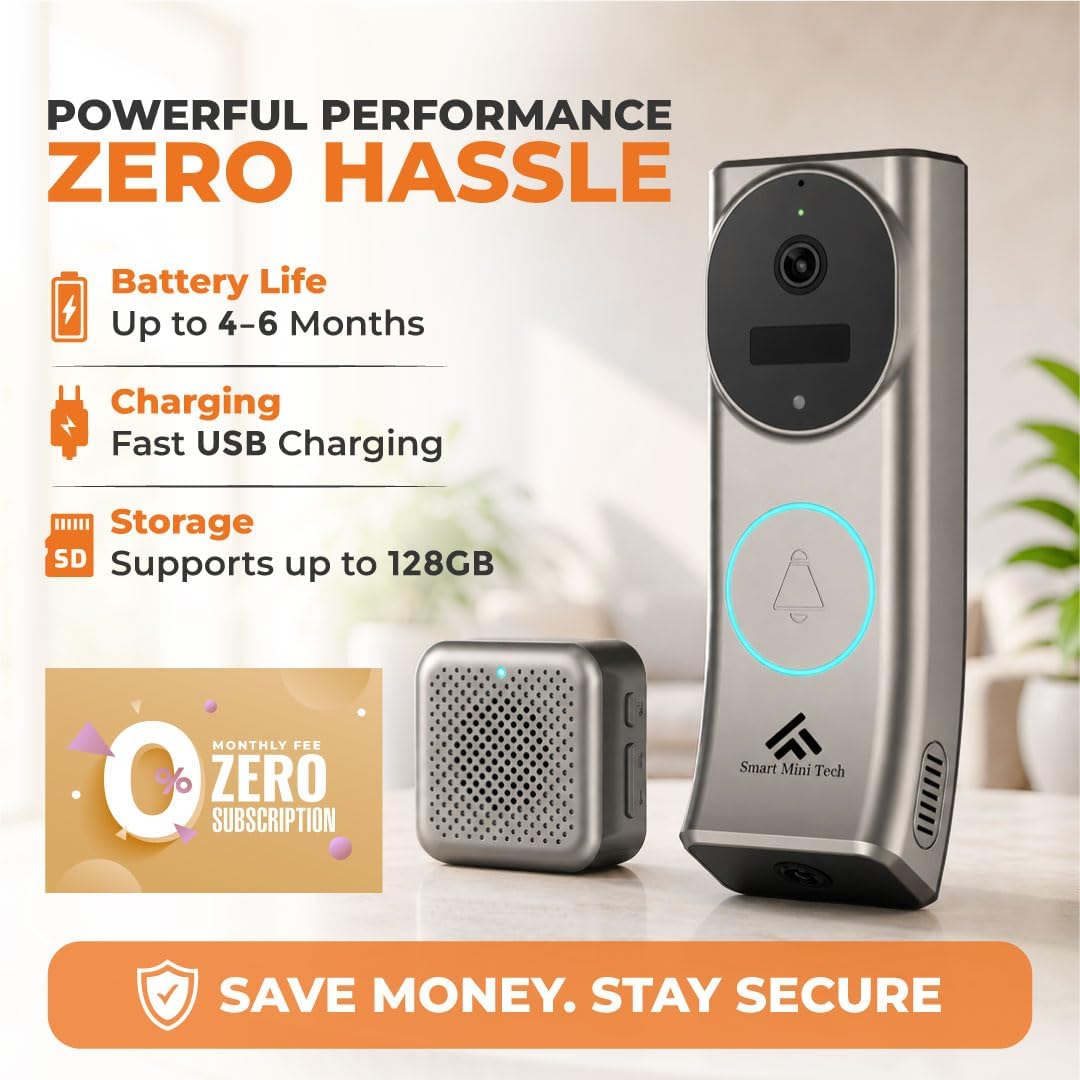
Local storage appeals to people who want to avoid ongoing subscription fees and keep sensitive video footage within their own walls. Many Tapo by TP-Link doorbells, for example, support local storage on a microSD card while still offering optional cloud storage for those who want off site backups. The trade off is that if the doorbell camera is stolen or damaged, any recordings stored only on the device may be lost along with it.
Hybrid approaches are becoming more common, where a smart doorbell records to both local storage and cloud storage at the same time. This setup gives you the resilience of remote backups and the quick access of local files, although it may still require at least a basic subscription for cloud features. When you buy one of the best modern smart doorbells, check whether the essential functions work without a subscription or whether the device becomes little more than a basic doorbell without it.
Privacy policies and data handling practices should also influence your decision, because video doorbells capture sensitive footage of your home and visitors. Read how each company secures video storage, whether in the cloud or on local devices, and whether they use encryption in transit and at rest. Some providers allow you to set retention limits or automatically delete older clips, which can reduce the amount of personal data stored over time.
Think about who in your household needs access to the doorbell camera and recordings, and choose a system that supports multiple user accounts with appropriate permissions. A good app will let you share access with family members, limit who can change security settings, and provide clear logs of who viewed which videos. These details may seem minor compared with headline features like night vision or field view, but they strongly affect how safe and in control you feel when using a smart doorbell.
Brand ecosystems and real world use cases
Brand ecosystems shape how the best modern smart doorbells feel in everyday use, because they decide which apps, speakers, and cameras work smoothly together. A Ring video doorbell fits naturally into a home that already uses Amazon Alexa speakers, Ring cameras, and Ring alarm systems. In that environment, you can ask Amazon Alexa to show the front door, receive chime announcements on multiple devices, and manage everything from a single app.
By contrast, a Nest doorbell is the better choice for people invested in Google Assistant, Nest cameras, and other Google services. With this ecosystem, you can ask Google Assistant on a Nest Hub to show the doorbell feed, review video storage in the Google Home app, and link events with other Nest devices. The experience feels coherent when all parts come from the same family, even though it may limit your flexibility to mix and match brands later.
Tapo by TP-Link doorbells appeal to buyers who want smart security without being locked into a heavy subscription model or a single voice assistant. Many Tapo by TP-Link models support both Amazon Alexa and Google Assistant compatible devices, while also offering local storage on a microSD card for those who prefer to avoid cloud storage. This makes them attractive for people who value control and affordability over deep integration with a single ecosystem.
Real world use cases highlight how these differences play out beyond technical specifications and marketing claims. A family that receives frequent parcel deliveries might prioritise a doorbell camera with a tall field view, reliable motion zones, and clear night vision to monitor packages left on the doorstep. Someone living alone in a city apartment may care more about fast notifications, strong security features, and the ability to answer the door remotely without revealing whether they are at home.
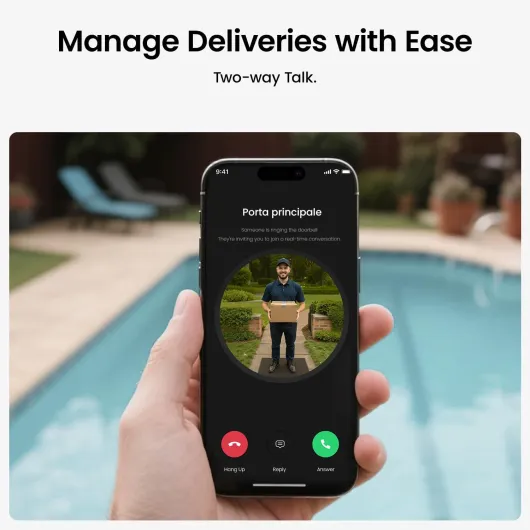
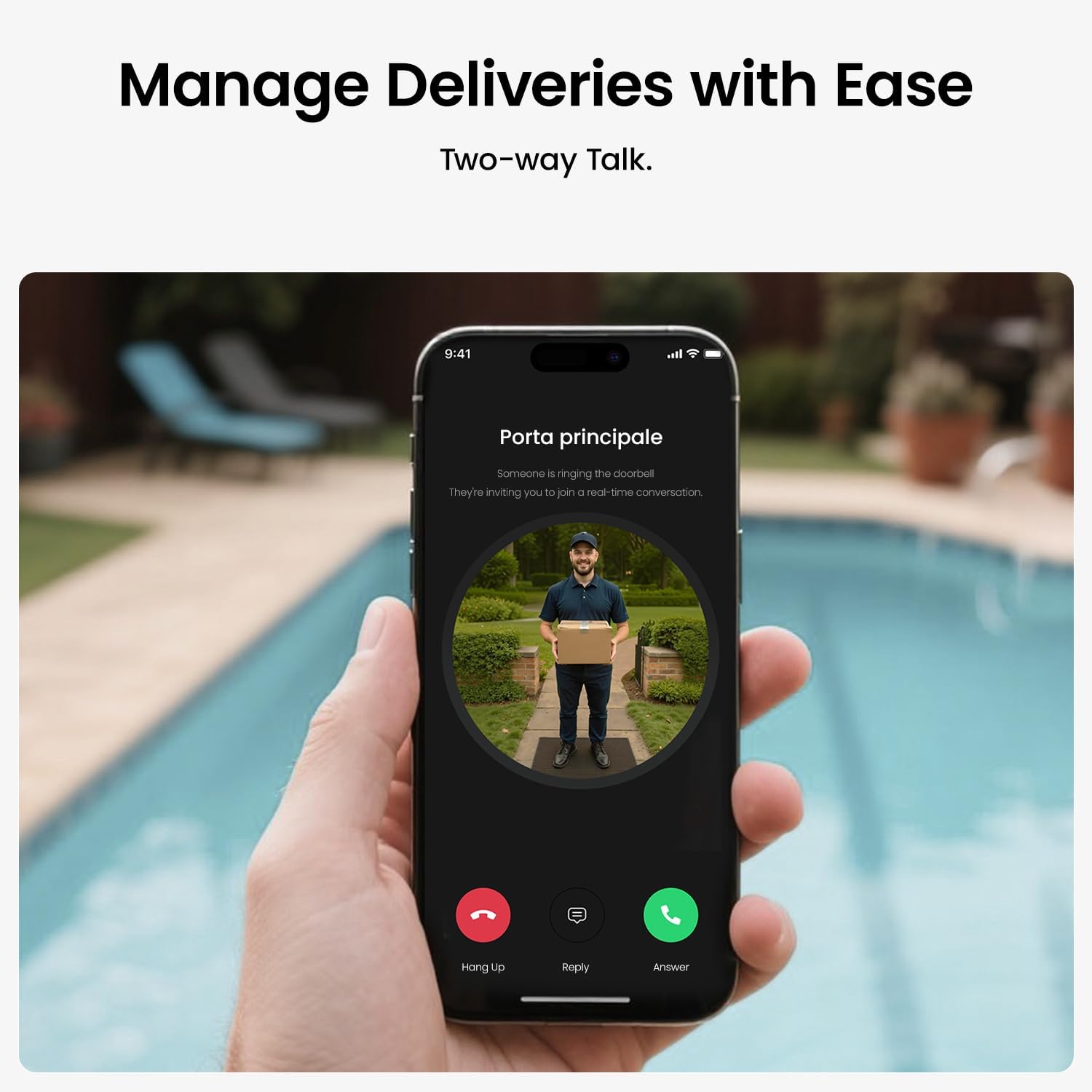
For households with elderly relatives or children, the intercom function of a smart doorbell can be as valuable as its security features. Being able to talk through the video doorbell from a phone or smart display, whether via Amazon Alexa or Google Assistant, helps people manage visitors without rushing to the door. In multi storey homes, this can reduce falls or accidents, while also giving carers peace of mind.
Over time, the best modern smart doorbells become part of a broader routine that includes checking cameras, adjusting motion alerts, and occasionally reviewing video storage after an incident. Choosing a brand whose app you find intuitive, whose subscription terms you accept, and whose hardware feels robust will matter more than a small difference in resolution or battery capacity. When all these elements align, a smart doorbell stops feeling like a gadget and starts functioning as a quiet, reliable layer of everyday security.
Key figures and adoption trends for smart doorbells
- Market research from firms such as Statista reports that tens of millions of smart video doorbells are now installed worldwide, reflecting rapid adoption as prices fall and features like night vision and cloud storage become standard.
- Independent testing by organisations like Consumer Reports has shown that many leading smart doorbells can capture recognisable faces at distances of 3 to 5 metres in daylight, but performance in low light varies significantly between brands and models.
- Surveys of smart home users in Europe indicate that integration with Amazon Alexa or Google Assistant is a top three purchase factor for connected doorbells, alongside video quality and total cost of ownership including subscriptions.
- Security studies referenced by privacy regulators have highlighted that misconfigured video doorbells can inadvertently record public pavements or neighbouring properties, which is why careful adjustment of field view and motion zones is strongly recommended.
- Industry analyses suggest that subscription revenue from cloud based video storage now represents a substantial share of income for major brands such as Ring and Nest, which explains the emphasis on added features tied to paid plans.